Making measurements - a tutorial Chapter 4
Mastersizer 2000 Page 4-23
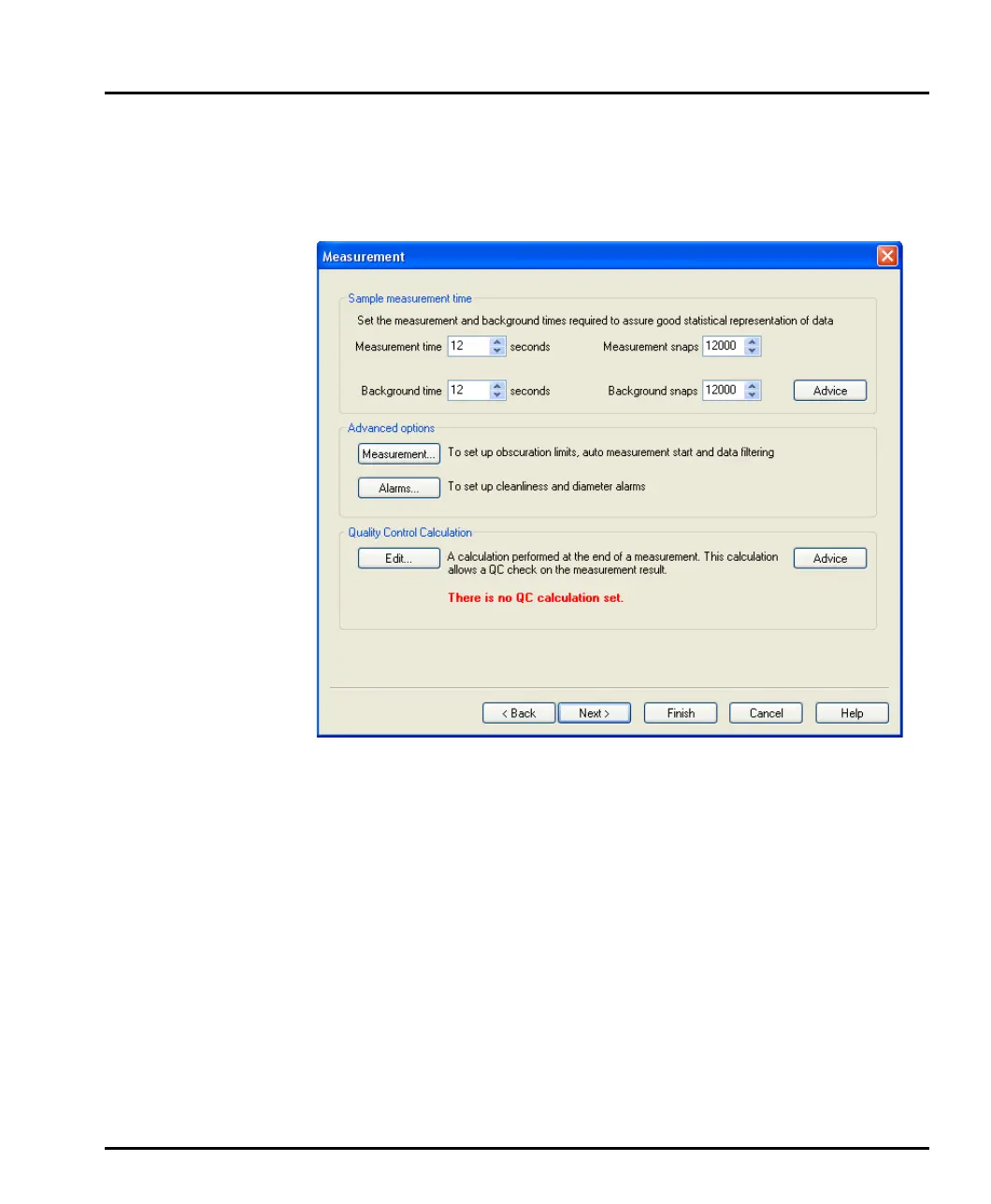
Measurement dialogue
Use the Measurement dialogue to set the measurement and background times.
Changing the measurement time automatically changes the Measurement snaps
box (there are 1000 measurement snaps per second).
The optimum measurement time depends on the size of the sample, its particle size
distribution and the dispersion unit used.
If a material is monomodal, its essential particle size characteristics can be captured
in fewer snaps than a material with a broad particle size distribution which will
need to be measured for longer to ensure that the coarser particles have had time to
flow through the measurement beam.
This dialogue also gives access to some advanced features and alarms. See Chapter
9 for more details.
MAN0384-1.0 Mastersizer 2000.book Page 23 Tuesday, March 20, 2007 8:56 AM



 To Next Page