Handling measurement files Chapter 7
Mastersizer 2000 Page 7-7
4. Use the Format Options section to specify the separator character used
between fields. Different spreadsheet packages require different field separa-
tion characters to correctly parse the data output. Commas are the most usual
but these should not be used if they are numerical separators in the country
where the instrument is to be used. (e.g. France).
The data can be exported to a file or directly to the clipboard by selecting the
appropriate radio button. To use a file, Browse for it.
An alternative way to export data is to select one or more records and simply
drag the records to another application and then drop them onto a page. This
method uses the template specified in the Default Template list box in the
Data Export Templates dialogue. This dialogue can be accessed by selecting
Configure-Data export templates.
Creating an export template
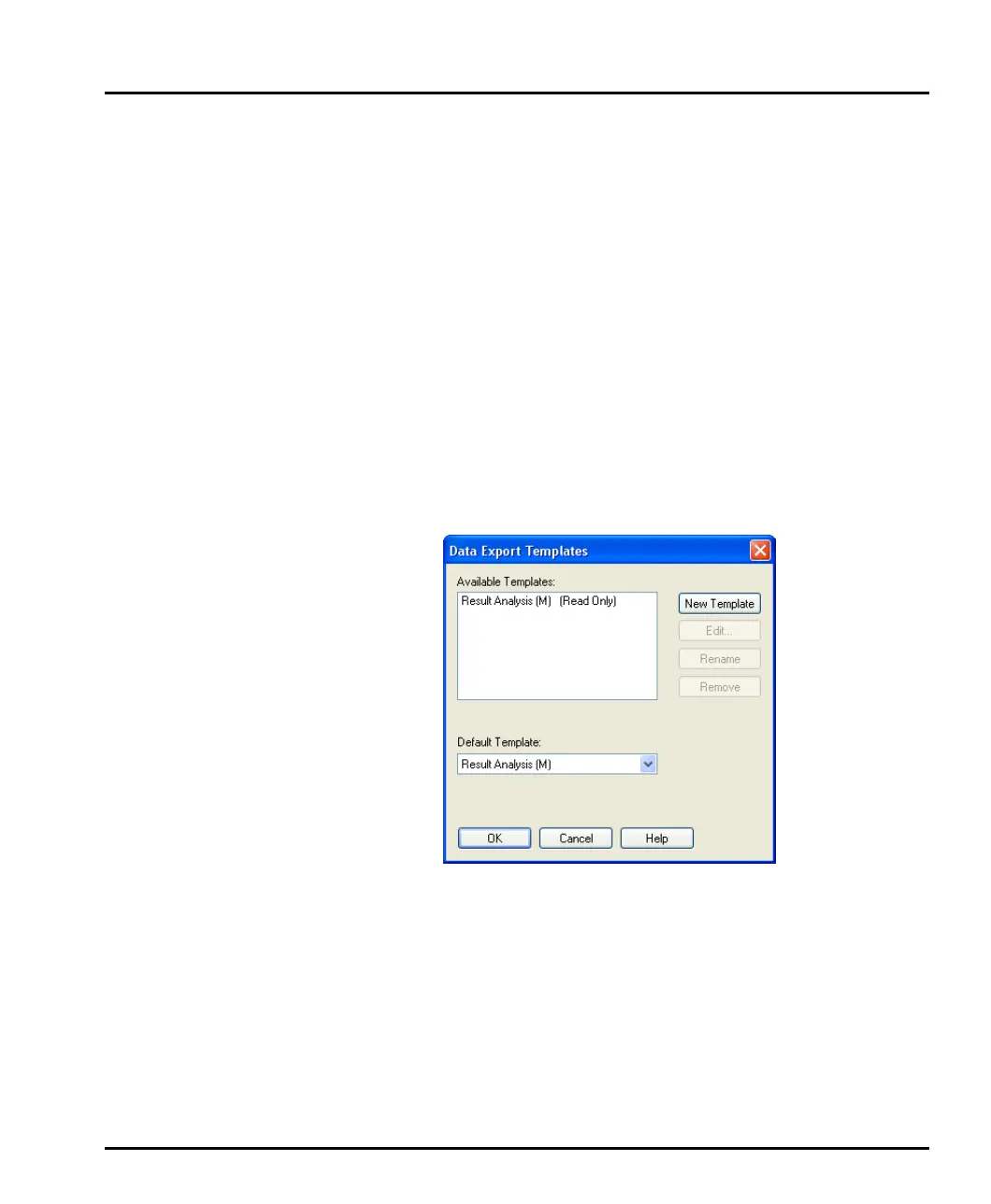
New export templates can be created (or existing ones modified) by selecting Con-
figure-Data export templates to open this dialogue:
Selecting New Template adds a new template name in the Available Templates
list and then gives the user the option of changing the template’s name. (The tem-
plate name can be changed later by pressing the Rename button.)
MAN0384-1.0 Mastersizer 2000.book Page 7 Tuesday, March 20, 2007 8:56 AM



 To Next Page