Installation and Operation Manual
19
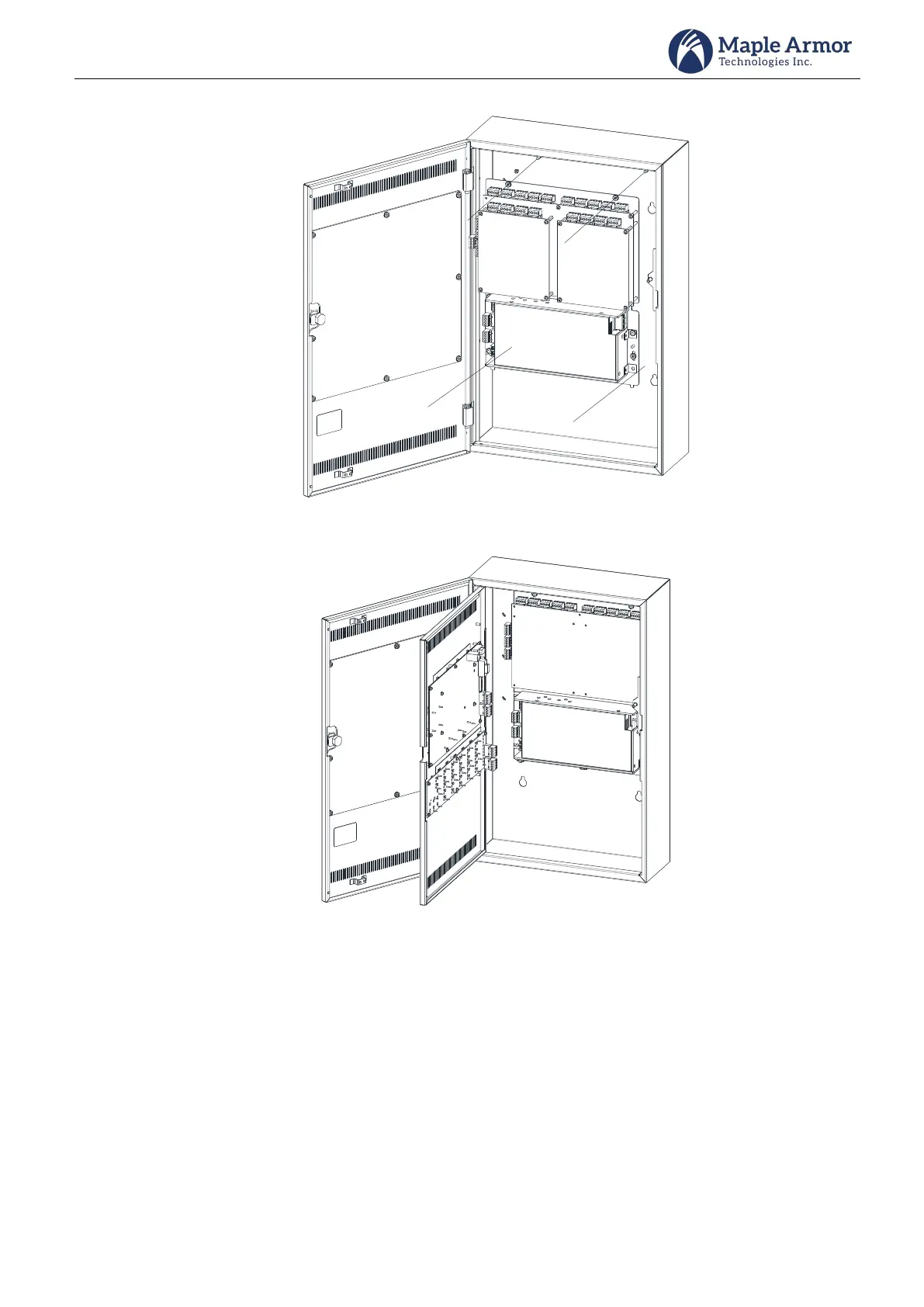
Mount the back plate into the back box.
Figure 17 Back Plate mounting
Mount the internal door onto the back box.
Figure 18 Inner Door Mounting
Step 4. Battery Installation
Use the battery calculation chart to determine the battery capacity and size. Place the batteries in the
space provided in the bottom of the enclosure.
FW195 enclosure can fit up to 18 AH sealed lead-acid batteries. For larger batteries up to 40 AH a
separate UL/ULC listed battery enclosure is needed.



 To Next Page