Installation and Operation Manual
42
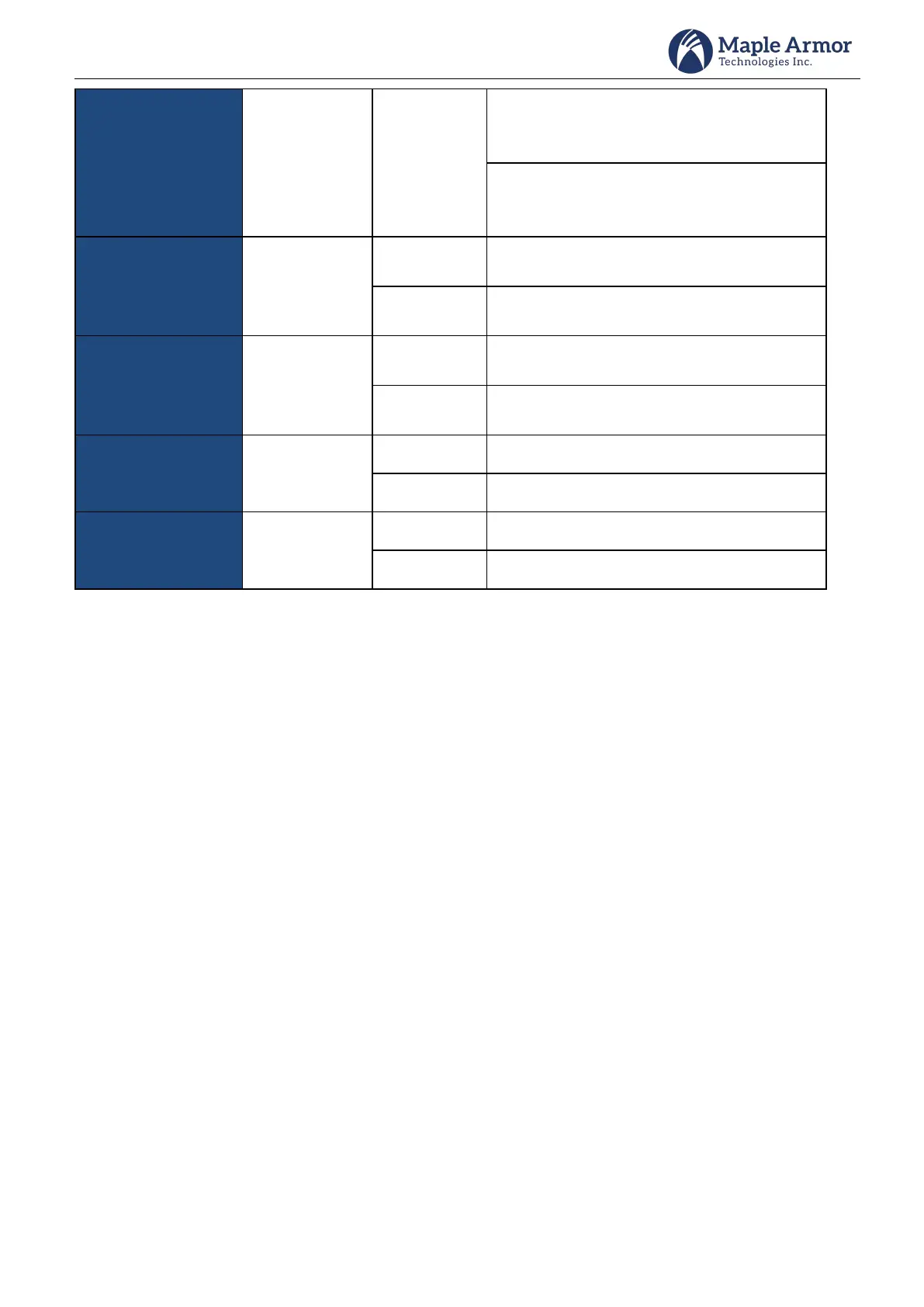
On control Panel:
Indicates that the system is not powered on
yet or the system is powered by battery.
On Annunciator:
Indicates that the system is not powered on
yet.
Indicates that there are activated NAC devices
and at least one of them has been silenced.
Indicates that there is no NAC activated or a
NAC is activated and not silenced.
Indicates that there are Ground Fault events in
the system.
Indicates that there is no Ground Fault event
in the system.
Indicates that there are disabled events.
Indicates that there are no disabled events.
Indicates that the CPU is in fault.
Indicates that there is no CPU fault.
Buzzer Operation
The buzzer operates as follows:
Normally OFF – indicates that the system is in normal condition or all events in the system have been
acknowledged.
ON (continuous) – indicates that at least ONE unacknowledged alarm is present in the system.
ON (1 pulse per 0.25 second) – indicates that at least ONE unacknowledged Alert event is present in the system
ON (1 pulse per 0.5 second) – indicates that at least ONE unacknowledged supervisory event is present in the
system.
ON (1 pulse per 1 second) – indicates that at least ONE unacknowledged trouble event is present in the system.
ON (1 pulse per 2 second) – indicates that at least ONE unacknowledged other signal event is present in the
system.



 To Next Page