Installation and Operation Manual
43
Button Operation
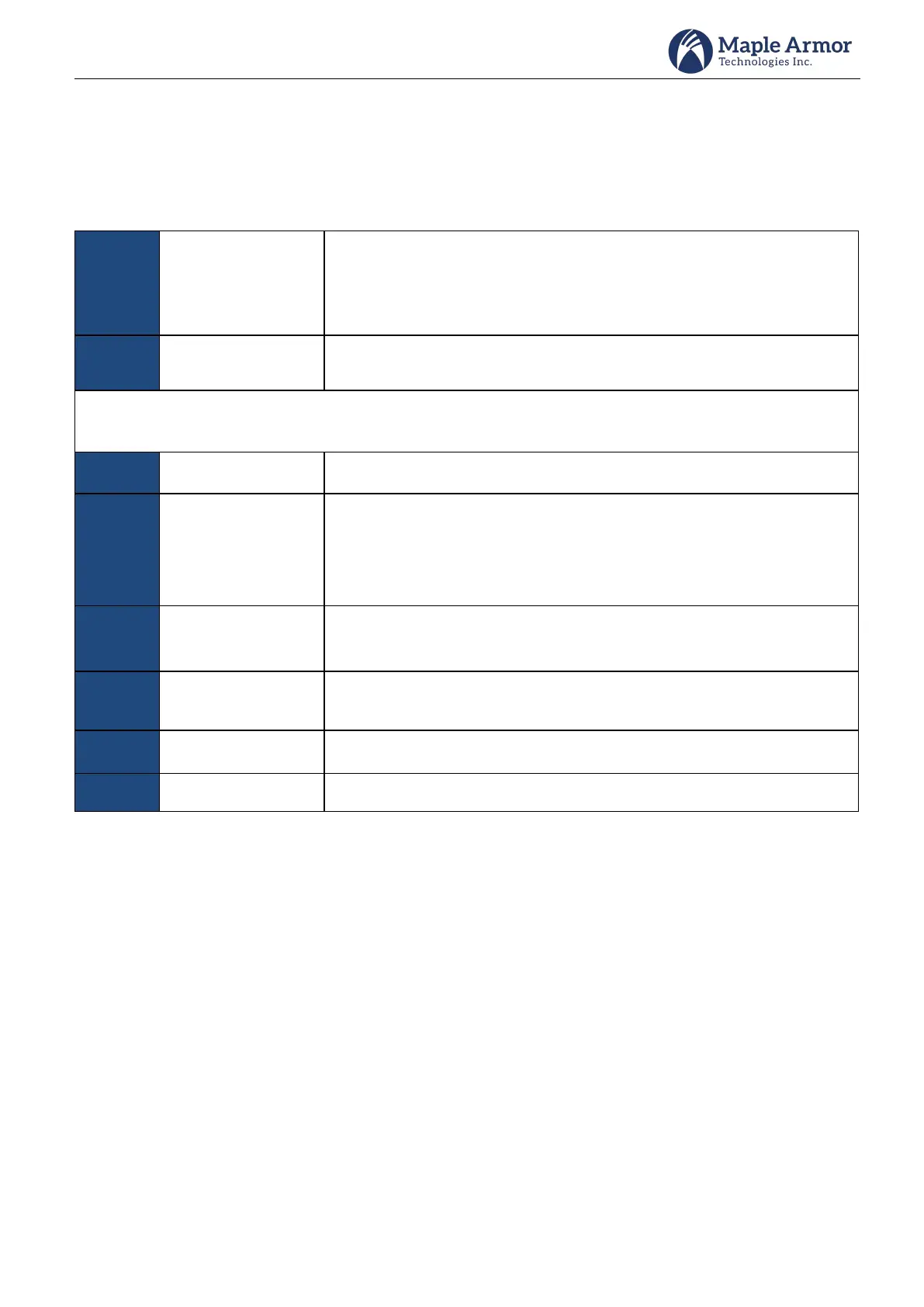
The control panel has 4 navigational and 1 enter buttons, 6 functionality buttons. The button functions are listed
in Table 8.
Table 8 Buttons Function
To select the items in the menu, or to select letters or digits for input.
Cursor movement will be speedy if the button keeps being pressed.
To select or confirm information
Notes: The functionality buttons below have different roles depending on the view. The roles in main view are
listed below.
Acknowledges once a single unacknowledged event in the system.
Signal Silence - Silences specific NAC devices in the system. This will cause
specific activated NAC devices to become silenced.
Signal Resound - Resound specific NAC devices in the system. This will
cause specific activated, but silenced NAC devices, to resound.
Buzzer Silence – Silence the buzzer
Buzzer Resound – Resound the buzzer
Clears all obsolete events and resets all devices, except those disabled in
the system.
Button for user operations.
LCD Display
The LCD can display 8 events at a time. Users can browse more events by pressing the up/down button until the
first event or last event message is reached.
Events are displayed according to the following rules:
1: Events priority: Alarm > Supervisory > Trouble > Other Signal>Output
2: Within events of the same priority, all events are displayed in order of occurrence, the latest being displayed
first.
However, the sequence of alarm event is configurable.



 To Next Page