Installation and Operation Manual
34
To silence the visible and audible devices after the evacuation (where permitted by the codes and control panel
programming), press the SIGNAL SILENCE button, then the SILENCE HORN&STROBE button. The alarm visible
and audible signaling devices will be silenced and the alarm silence LED will change from off to on.
Pressing the ACKNOWLEDGE button will silence the local buzzer and change the LED alarm indicator from
flashing to steady.
Do not attempt to reset the system until the alarm condition has been cleared. The LCD will indicate
the zone in which the alarm was detected. The LEDs on activated detectors or modules (if applicable)
will illuminate.
When the alarm condition has been corrected, return the system to normal standby operation by pressing the
RESET button.
Trouble Conditions
In case of a trouble condition, the system trouble LED and any programmed trouble LEDs activate (ON –
flashing), the LCD identifies the problem, and the buzzer sounds in trouble pattern.
Acknowledge
Signal
Silence
Buzzer
Silence
reset
Manual
Alarm
Menu
1 Device_Missing A02-001 02-18-2017 08:30:25
Total: 8
2 Device_Missing A02-002 02-18-2017 08:30:25
3 Device_Missing A02-003 02-18-2017 08:30:25
4 Device_Missing A02-004 02-18-2017 08:30:25
5 Device_Missing A02-005 02-18-2017 08:30:25
6 Device_Missing A02-006 02-18-2017 08:30:25
7 Device_Missing A02-007 02-18-2017 08:30:25
8 Device_Missing A02-008 02-18-2017 08:30:25
Alarm
Supervisory Trouble Other signal
Output
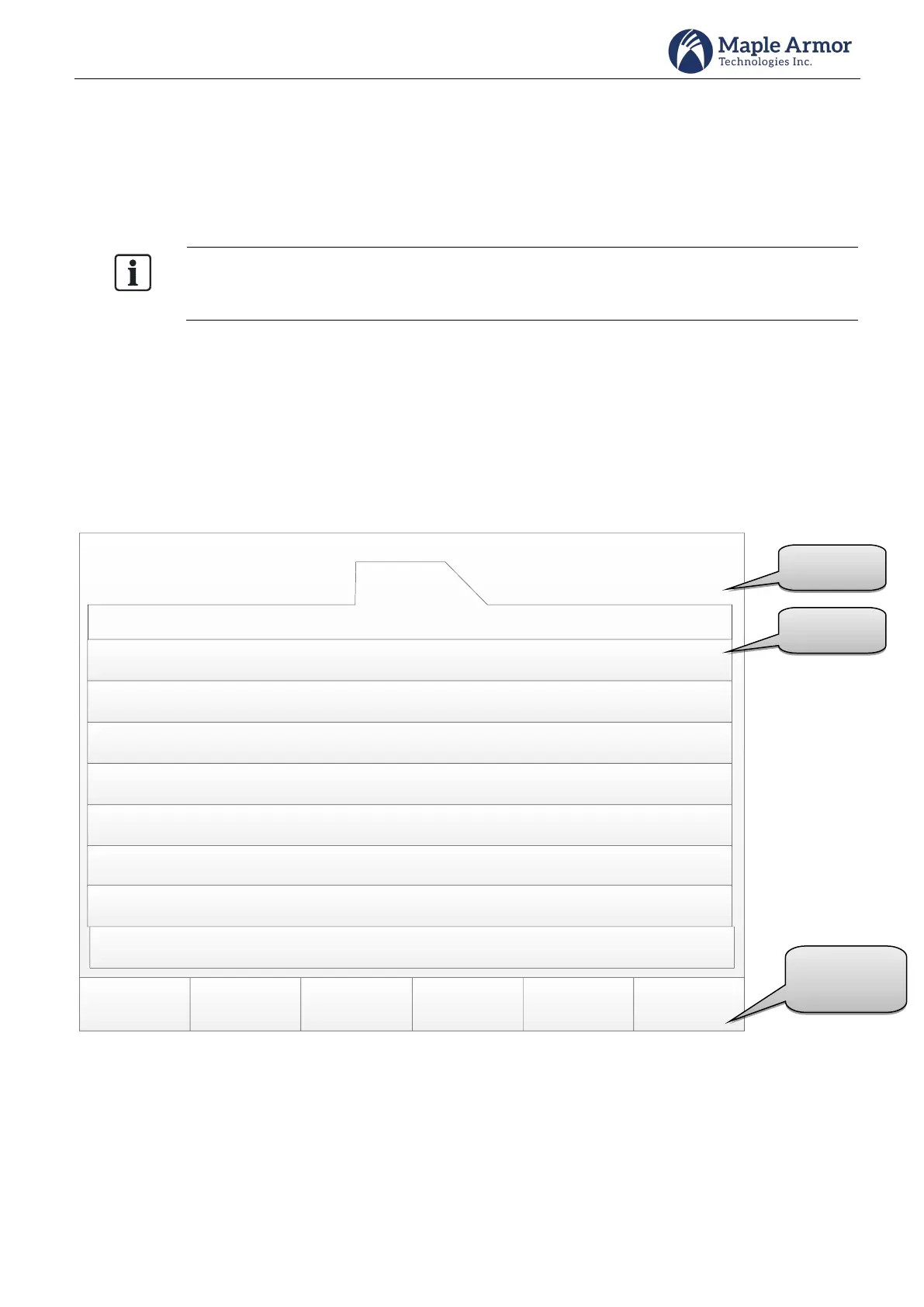
Figure 38 LCD (Trouble)



 To Next Page