Installation and Operation Manual
41
LED, Buzzer, Buttons
The FW105 has a buzzer, 9 LEDs, 5 navigational buttons and enter button, 6 functionality buttons.
LEDs Operation
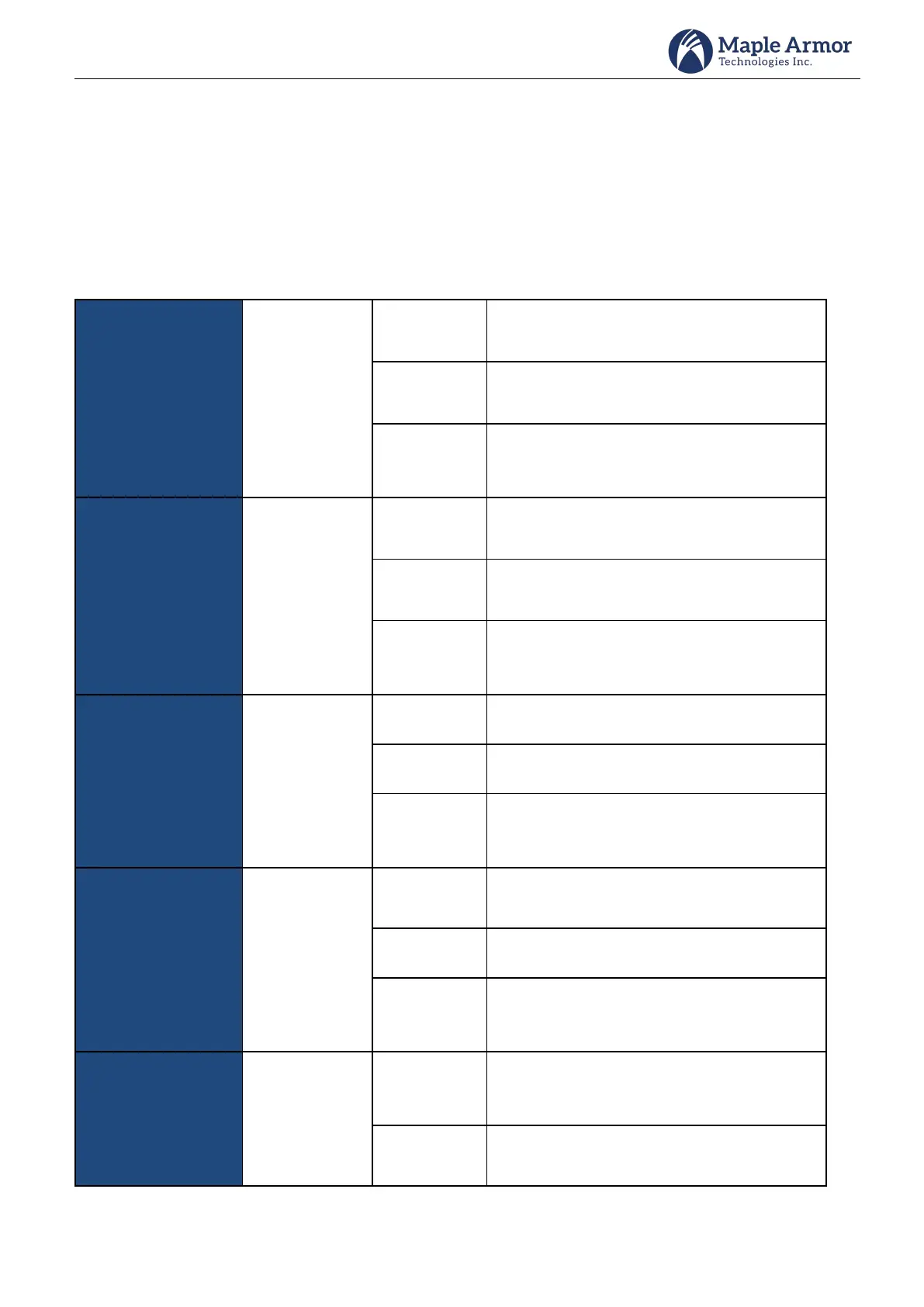
Refer to Table 7 for the LEDs operation.
Table 7 LEDs Operation
Indicates that there are alarm events and all
alarm events have been acknowledged.
Indicates that there is no alarm event in the
system.
Indicates that there are alarm events in the
system, but some of them have not been
acknowledged.
Indicates that there are supervisory events
and all of them have been acknowledged.
Indicates that there is no supervisory event in
the system.
Indicates that there are supervisory events in
the system, but some of them have not been
acknowledged.
Indicates that there are trouble events and all
of them have been acknowledged.
Indicates that there is no trouble event in the
system.
Indicates that there are trouble events in the
system, but some of them have not been
acknowledged.
Indicates that there are other signal events
and all of them have been acknowledged.
Indicates that there is no other signal event in
the system.
Indicates that there are other signal events in
the system, but some of them have not been
acknowledged.
On control Panel:
Indicates that the system's main power works
normally.
On Annunciator:
Indicates that the power works normally.



 To Next Page