Installation and Operation Manual
20
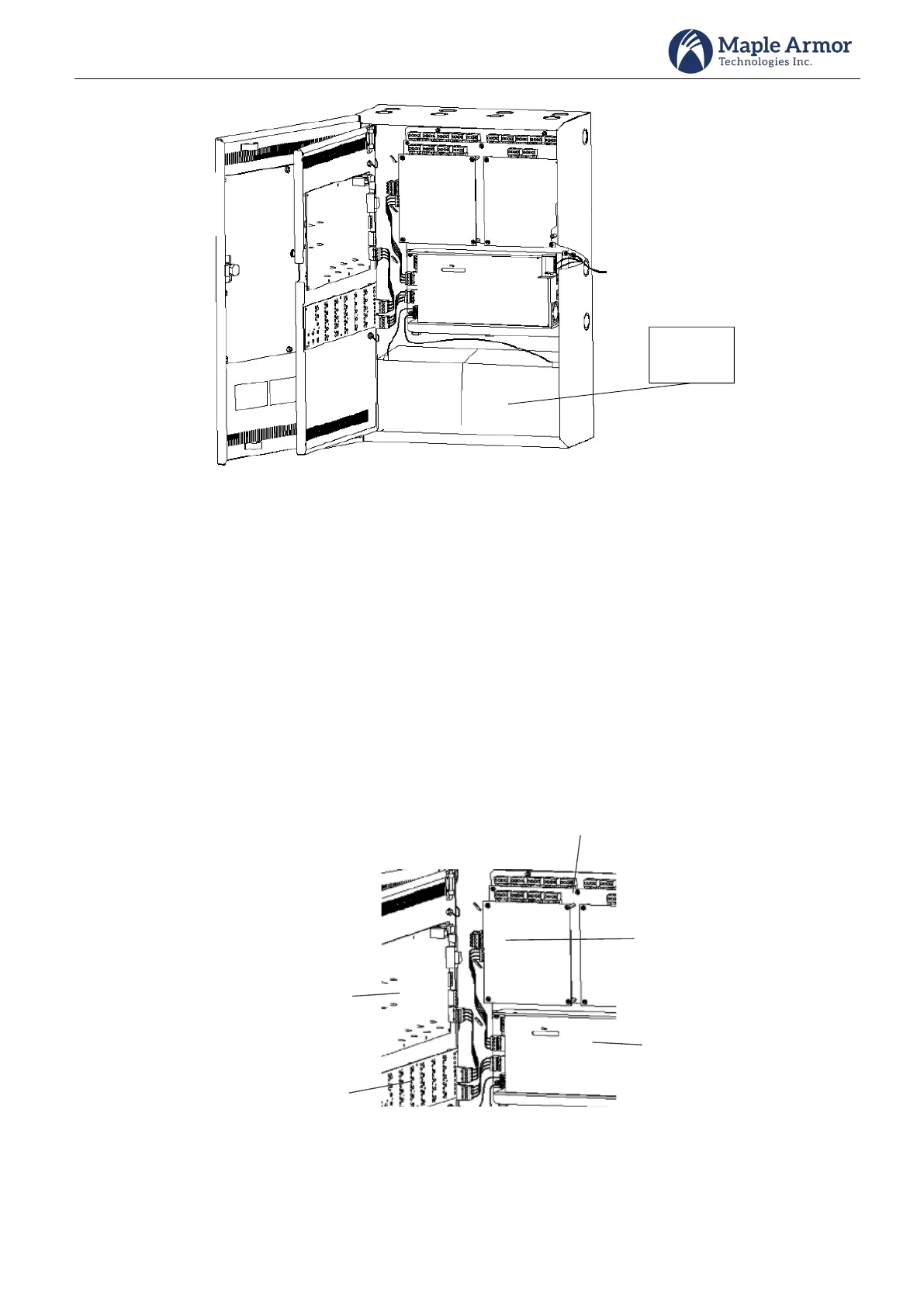
Figure 19 Battery Installation
Step 5 Board Wiring
Wire each board per Figure 20 using 4pin wires provided.
o Connect wires between PSU and LDU using the lower terminals of PSU and the lower
terminals of LDU.
o Connect wires between PSU and MFU using the upper terminals of PSU and the upper
terminals of MFU.
o Connect wires between LDU and AMI using the upper terminals of LDU and lower terminals
of AMI.
o Connect wires between MFU and NOU/ISU using the lower terminals of MFU and the upper
terminals of NOU/ISU.
Figure 20 Board Connection



 To Next Page