Installation and Operation Manual
39
NAC ON
NAC OFF
NAC ON
NAC OFF
NAC ON
NAC OFF
1
st
Alarm
Initiated
PAS
Delay
time
15s
Alarm
Acknowledge
2
nd
Alarm
Initiated
Panel
Reset
Investigation time
Figure A
PAS Normal
Sequence
Figure B
When Ack
before PAS
delay time
Figure C
When 2
nd
Alarm is
Initiated
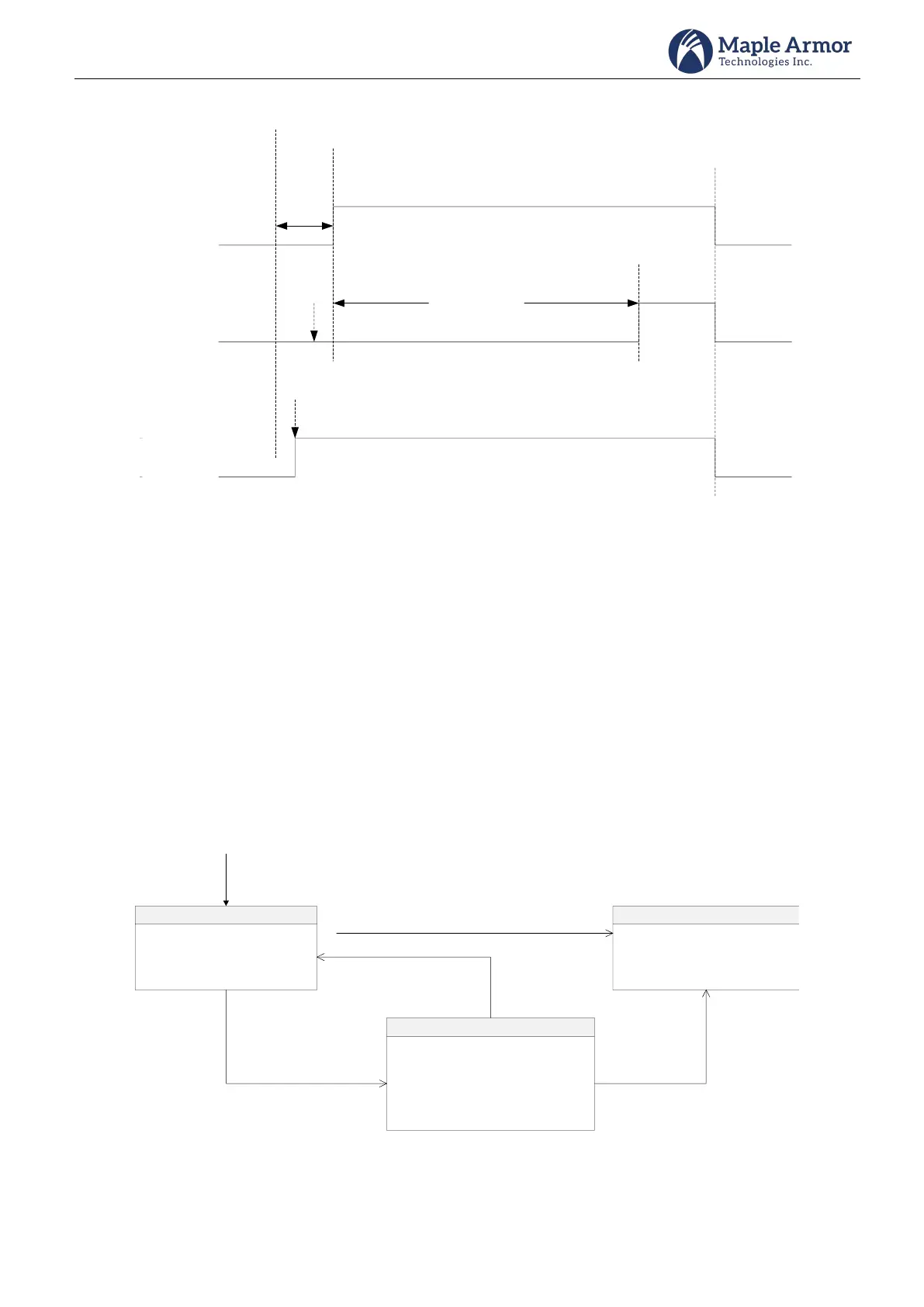
Figure 40 Positive Alarm Sequence
Two-Stage
When an alarm causing device associated with a zone with two-stage feature is initiated, it will enter first stage
alarm and the alert condition is reported on the panel. A countdown timer will start at the moment and buzzer
will sound in alert tone. Notification appliance will sound in alert tone.
If the timer counts down to 0 or pressing “To Second Stage” button, system will enter second stage alarm status.
Alarm event will display on LCD, along with buzzer with alarm tone and notification appliance in alarm tone
(Temporal 3).
If “Auto Alarm Signal Cancel” button or “Signal Silence” button is pressed during first stage alarm, the system will
enter the automatic alarm signal cancel status. Automatic alarm signal cancel event will display on LCD. The
countdown timer is cancelled, buzzer keeping in alert tone, and notification appliance sounding in alert tone (if
it’s not silenced).
1. Display alert event on LCD
2. Time counts down
3. Buzzer sounds in alert tone
4. Notification Appliance
sounds in alert tone
First Stage Alarm
1. Display “AUTOMATIC ALARM
SIGNAL CANCEL” on LCD
2. Count down timer is cancelled
3. Buzzer sounds in alert tone
4. Notification Appliance sounds in
alert tone (If it’s not silenced)
Automatic Alarm Signal Cancel
Press “Auto. Alarm Signal
Cancel” Button
Press “Signal Silence” Button
1. Display alarm event on LCD
2. Buzzer sounds in alarm tone
3. Notification Appliance
sounds in alarm tone (Temporal)
Second Stage Alarm
Time Counts Down To 0
Press “To Second Stage” Button
Another Alarm Occurs or Press
“Signal Desilence”Button
Press “To Second
Stage” Button
First Stage Alarm Occurs
Figure 41 Two-Stage Alarm



 To Next Page