EasyManua.ls Logo

Markforged MARK TWO - Fiber Extruder Replacement

Markforged MARK TWO
58 pages
Print Icon
To Next Page IconTo Next Page
To Previous Page IconTo Previous Page
Loading...
DESKTOP PRINTER SERVICE MANUAL
10
8. 
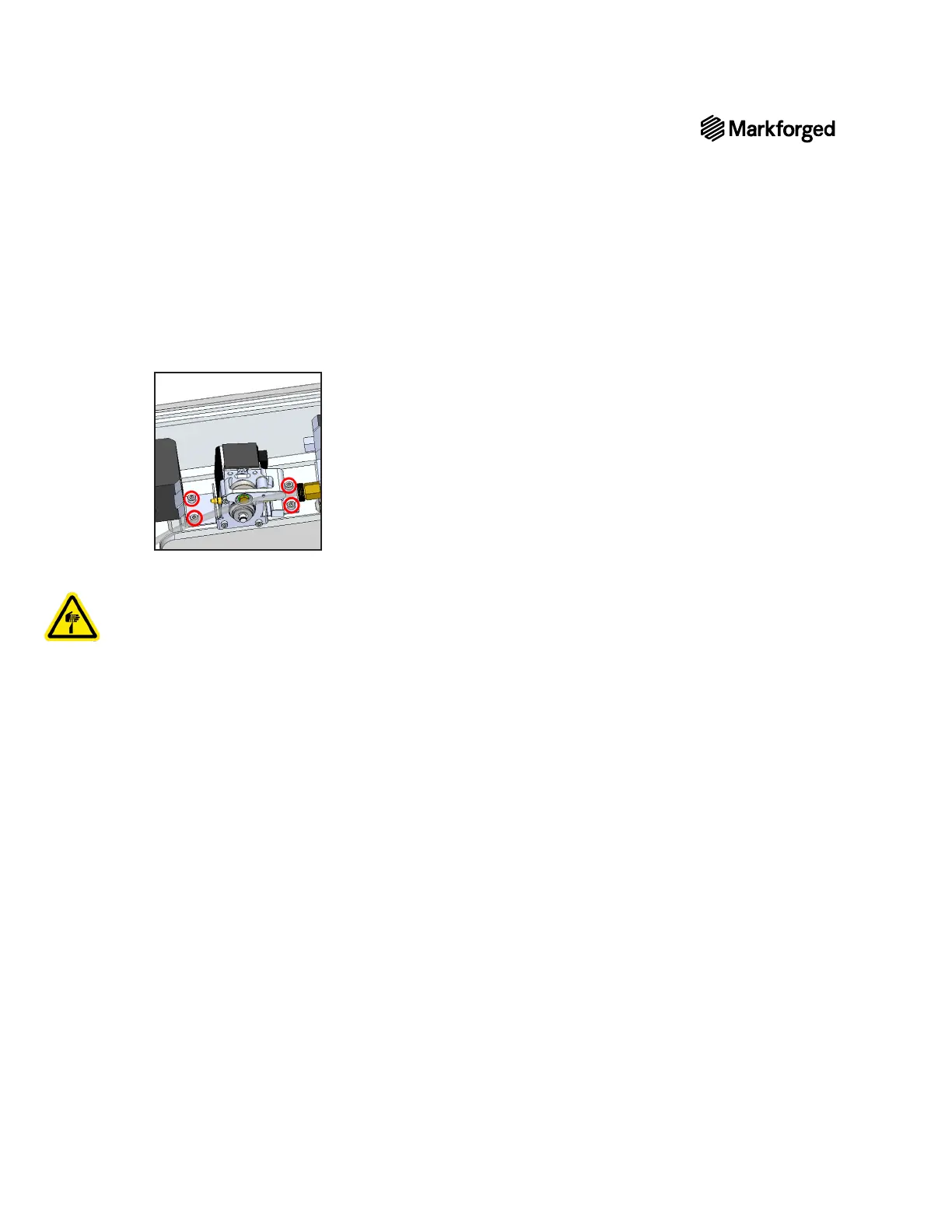
Note: The bracket on the extruder has keyhole slots that enable the extruder to slide out without
the screws being removed.
9. 
10. 
Note: You may need to use pliers to remove the 4-wire connector. Be careful not to let the base
of the extruder sever the wires.
11. 
FIBER EXTRUDER REPLACEMENT
1. 
ensure that they are plugged in all the way.
2. 
align with the screws.
3. Tighten the four screws that connect the base of the extruder to the chassis.
4. 
5. 
6. Power on your printer.
7. Loading Fiber in
the User Guide.

Other manuals for Markforged MARK TWO

Related product manuals