EasyManua.ls Logo

Markforged MARK TWO - Print Your First Part (Online); Log in to Eiger Account

Markforged MARK TWO
58 pages
Print Icon
To Next Page IconTo Next Page
To Previous Page IconTo Previous Page
Loading...
DESKTOP PRINTER SERVICE MANUAL
14
A3648 EXTRUDER REPLACEMENT
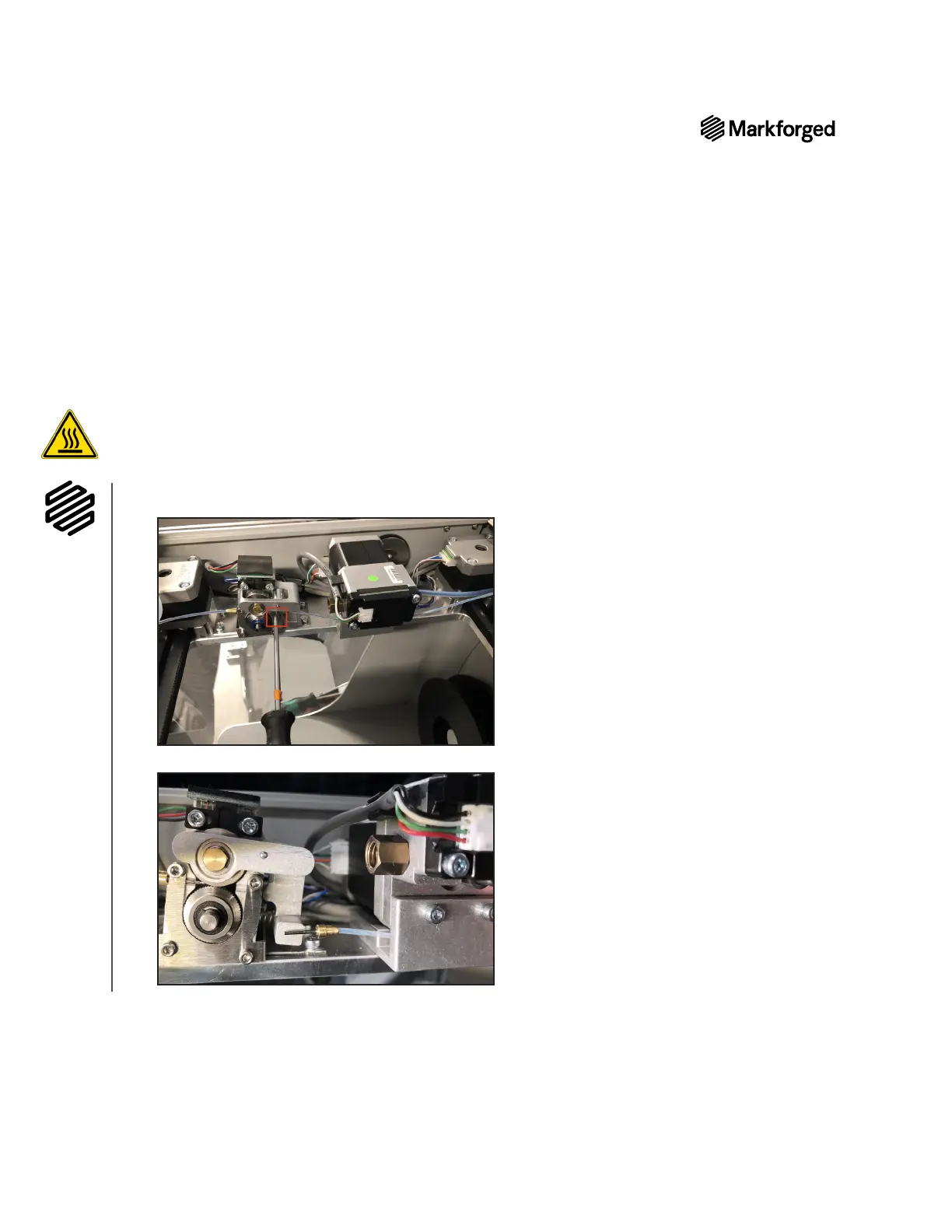
Remove A3648 extruder
1. Completely unload print material. For more information, see Unloading Plastic and Unloading Fiber, if
applicable, in the User Guide.
2. Cool the print head (Menu > Utilities > Manual Control > Temperature Control > Cool).
Note: The print head may take several minutes to completely cool.
3. 
4. 

5. 

Other manuals for Markforged MARK TWO

Related product manuals