DESKTOP PRINTER SERVICE MANUAL
24
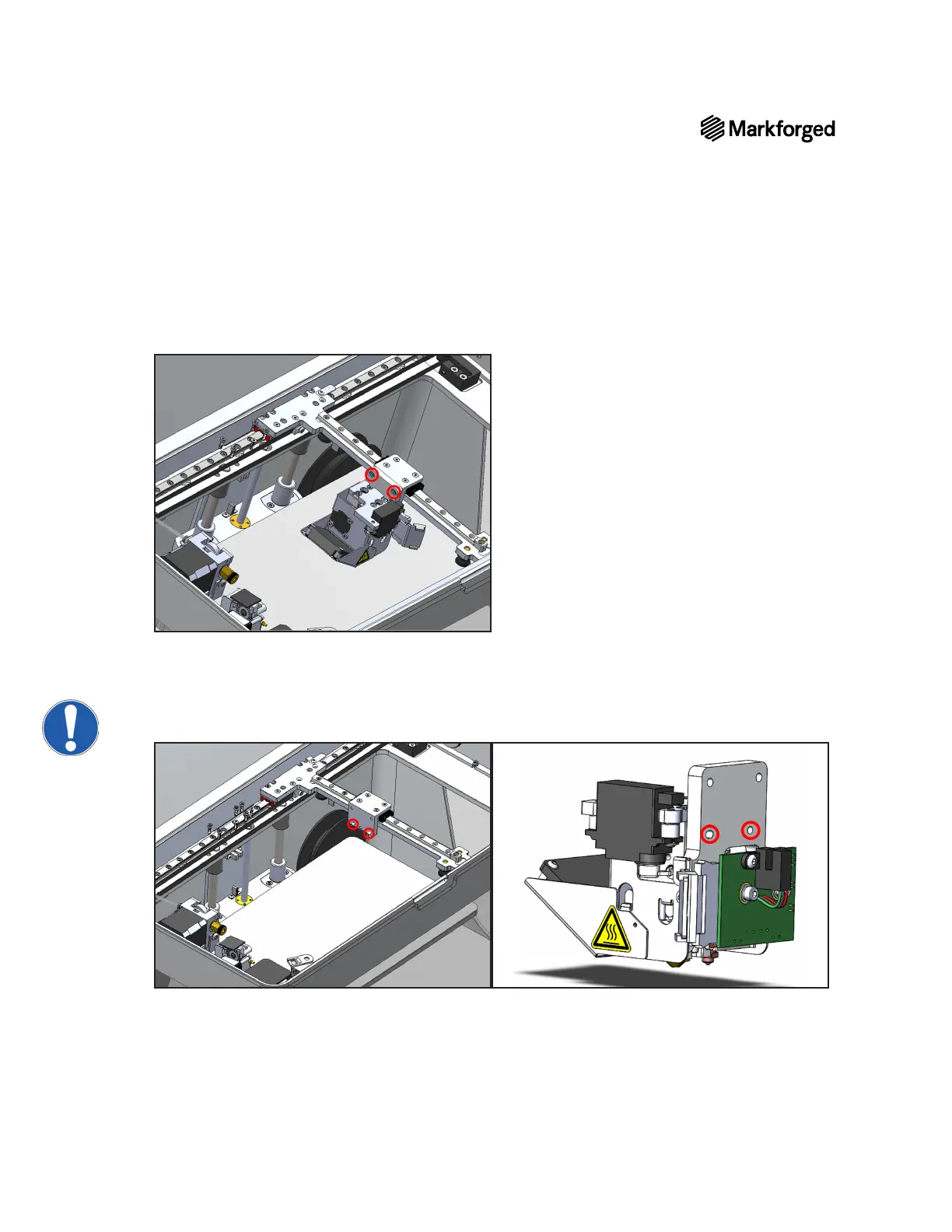
7. While supporting the print head with your hand, use the 2.5mm hex key to remove the two screws
8.
PRINT HEAD REPLACEMENT
1. Carefully place the new print head onto the print head base and hold it in place. Ensure that you align the
pins on the print head base with the holes on the print head so that the pins are not damaged.



 To Next Page