EasyManua.ls Logo

Markforged MARK TWO - Load Fiber

Markforged MARK TWO
58 pages
Print Icon
To Next Page IconTo Next Page
To Previous Page IconTo Previous Page
Loading...
9
DESKTOP PRINTER SERVICE MANUAL
REPLACING THE FIBER EXTRUDER
Note: Take care not to discard any hardware you remove during this procedure, as you will need it
during the reinstallation.
Tools
Wire cutters

2mm hex key
2.5mm hex key
FIBER EXTRUDER REMOVAL
1. Unloading Fiber in the User Guide.
2. Cool the print head (Menu > Utilities > Manual Control > Temperature Control > Cool).
Note: The print head may take several minutes to completely cool.
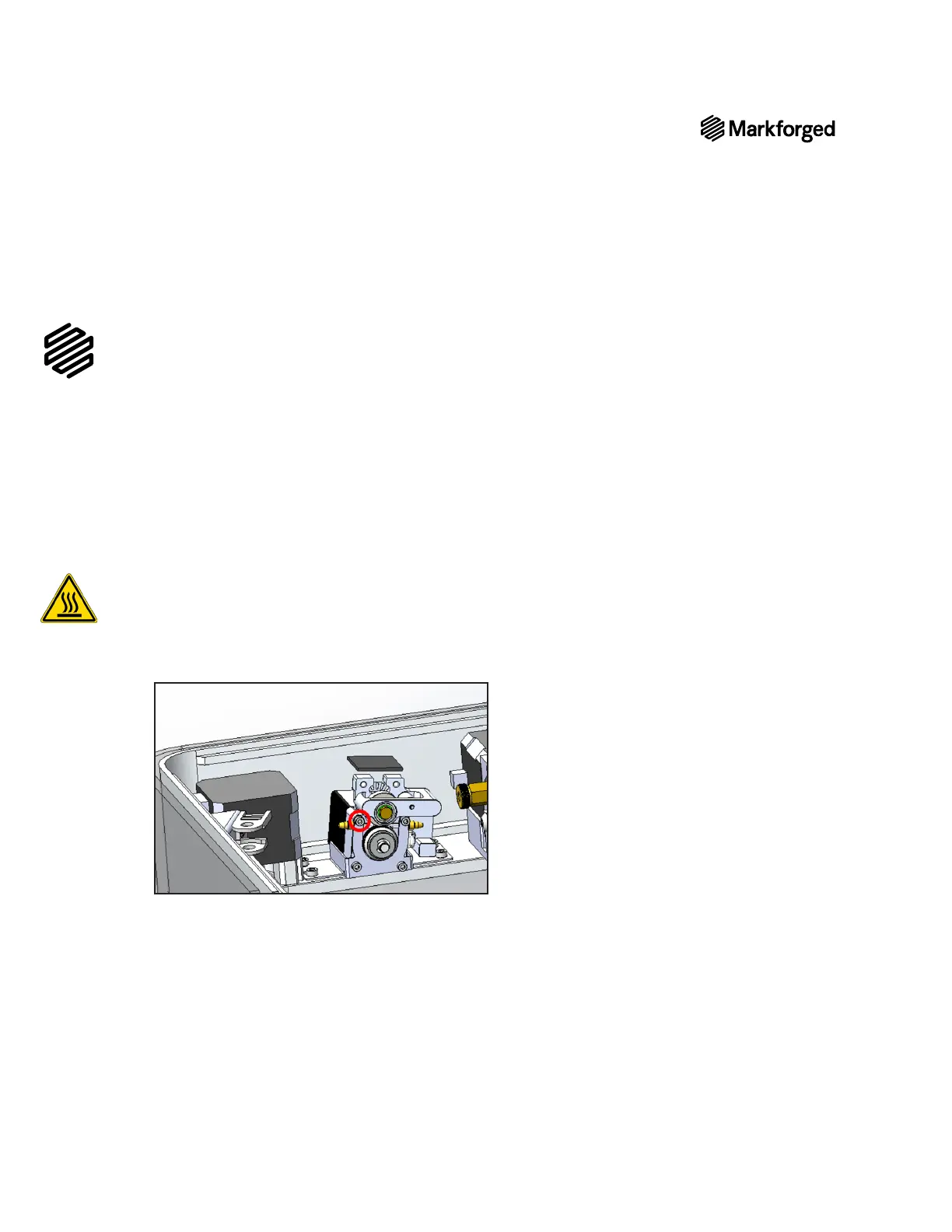
3. 
4. 
Note: Do not unscrew it all the way. It should require no more than one full turn to loosen.
5. 
6. 
Note: Do not unscrew it all the way. It should require no more than one full turn to loosen.
7. 

Other manuals for Markforged MARK TWO

Related product manuals