43
DESKTOP PRINTER SERVICE MANUAL
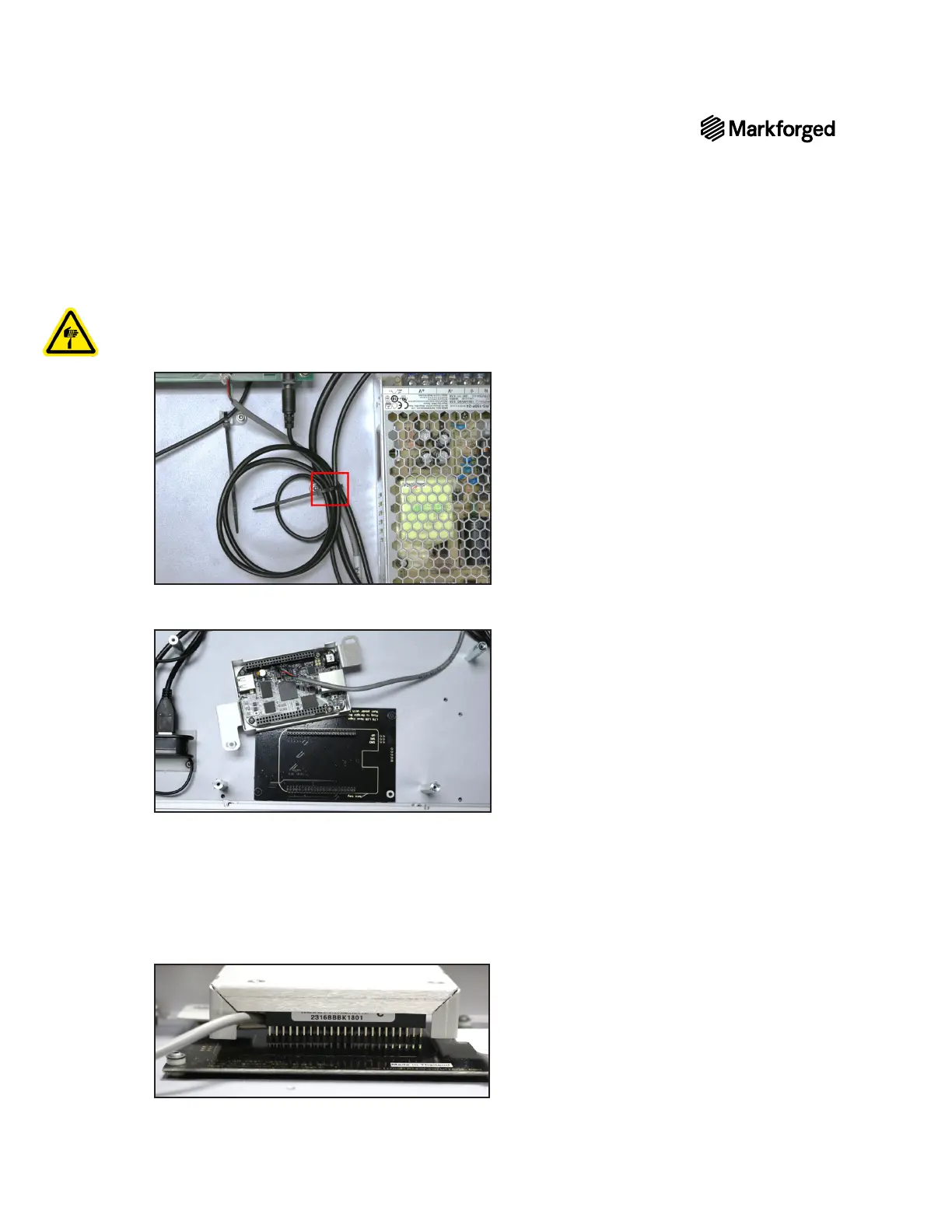
14. Using wire cutters or a similar tool, cut the black zip ties that hold the wires connecting the motherboard
to the BeagleBone.
Note: Be careful not to cut the wires.
15.
spacers that sit under the tabs on either side of the aluminum cover.
16. Using the 2mm hex key, remove the four screws attaching the BeagleBone to the aluminum cover, then
separate the BeagleBone from the cover.
BEAGLEBONE REPLACEMENT
1. Attach the new BeagleBone to the aluminum cover with the four screws.
2.
BeagleBone. Take care not to bend the pins.



 To Next Page