DESKTOP PRINTER SERVICE MANUAL
44
3.
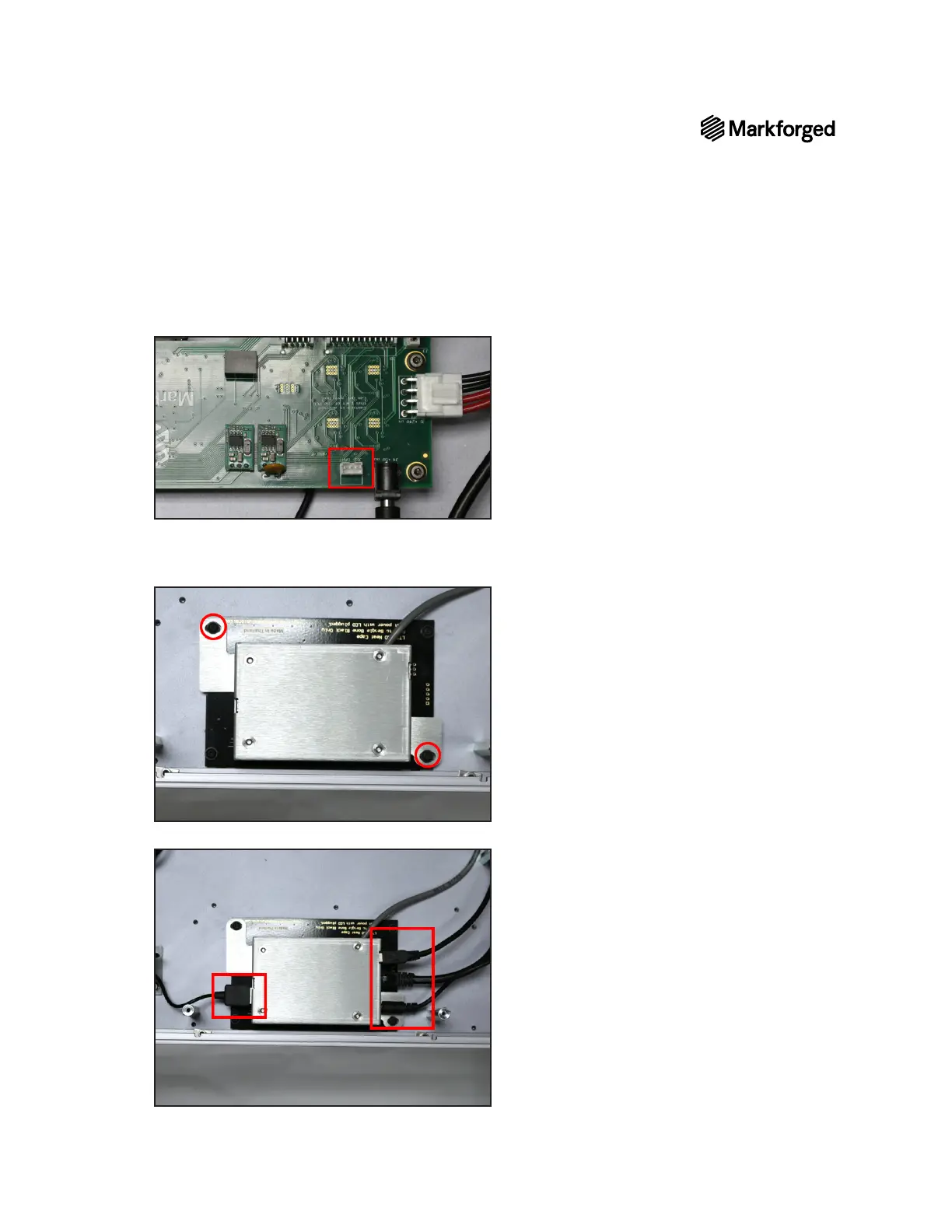
4. Using a small zip tie, secure the wires connecting the motherboard to the BeagleBone.
5. Align the two white spacers with the holes in the touchscreen assembly, then use the 2mm hex key to
install the two screws that secure the aluminum cover to the printer casing.
6. Plug the four black cables back into the BeagleBone.



 To Next Page