DESKTOP PRINTER SERVICE MANUAL
54
REPLACING THE Z-AXIS LEAD SCREW
QService Notes (p.4).
Note: Take care not to discard any hardware you remove during this procedure, as you will need it
during the reinstallation.
Tools
● 2.5mm hex key
● Phillips #1 screwdriver
● Painter’s tape (or similar tape that will not leave residue)
● Synthetic grease
● Disposable gloves
1. Unload any print material that is currently loaded into the printer. For more information, see Unloading
Plastic and Unloading Fiber, if applicable, in the User Guide.
2.
3.
4. Disconnect the feed tube from the plastic extruder. Remove it from the printer and set it aside.
5.
6. Tape the lid of the printer closed to prevent it from accidentally opening.
7. Carefully turn the printer onto its back plate such that the clear plastic visor faces upward.
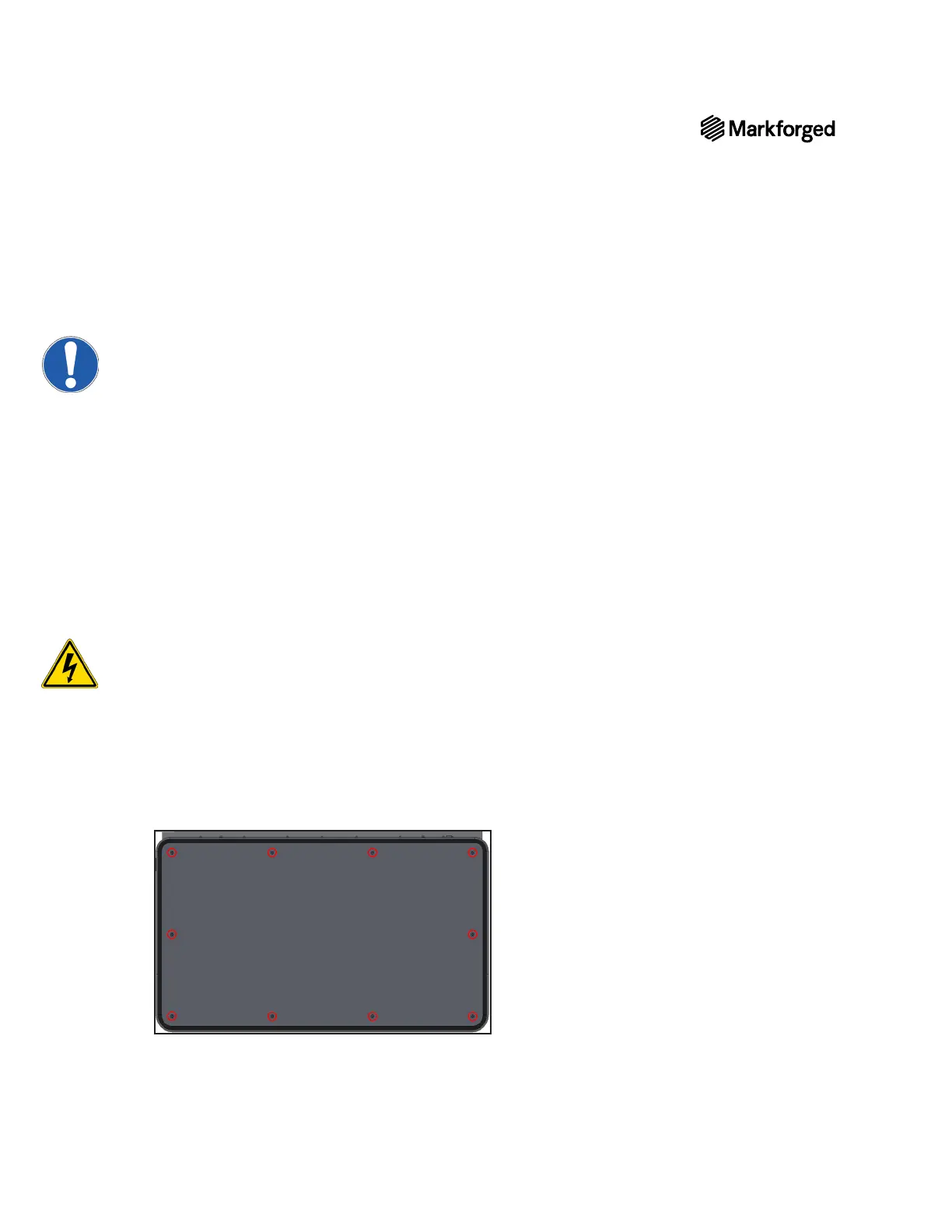
8. Using the Phillips #1 screwdriver, remove and set aside the ten screws from the bottom plate of the
printer, then remove and set aside the bottom plate.



 To Next Page