57
DESKTOP PRINTER SERVICE MANUAL
DISABLING THE WI-FI ADAPTER
QService Notes (p.4).
Note: Take care not to discard any hardware you remove during this procedure, as you may need it
later on.
Tools
● Phillips #1 screwdriver
● Painter’s tape (or similar tape that will not leave residue)
1. Unload all materials from the printer. For more information, see Unloading Plastic and Unloading Fiber,
if applicable, in the User Guide.
2.
3.
4. Disconnect the feed tube from the plastic extruder. Remove it from the printer and set it aside.
5.
6. Tape the lid and visor of the printer closed to prevent them from accidentally opening.
7. Turn the printer onto its side.
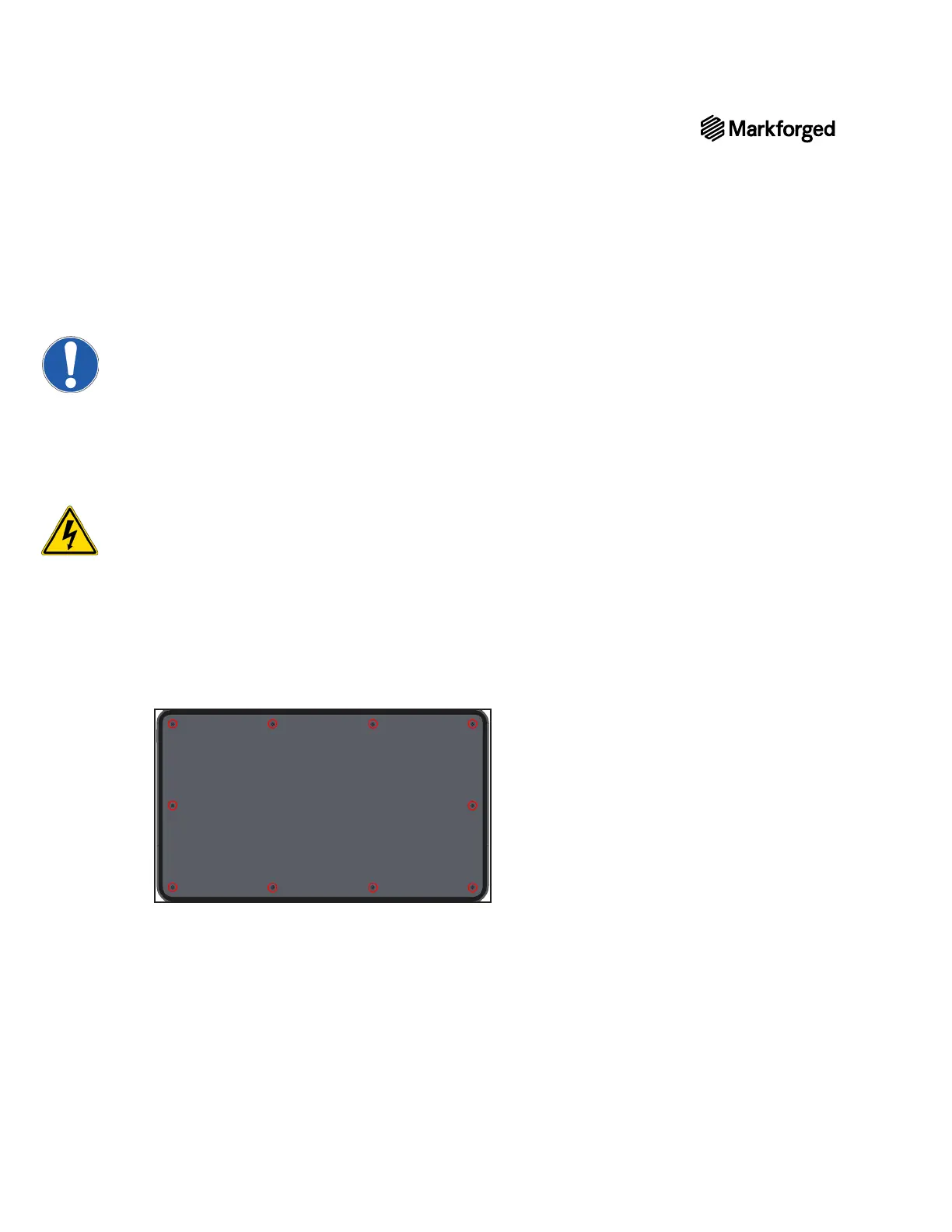
8. Using the Phillips #1 screwdriver, remove the ten screws from the bottom plate.
9. Remove the bottom plate from the printer.



 To Next Page