EasyManua.ls Logo

Markforged MARK TWO - Page 58

Markforged MARK TWO
58 pages
Print Icon
To Previous Page IconTo Previous Page
Loading...
DESKTOP PRINTER SERVICE MANUAL
58
10. 
11. 
12. Carefully turn the printer upright.
13. Remove and discard the tape holding the lid and visor shut.
14. Reinstall the print bed and reconnect the plastic feed tube to the plastic extruder.
15. Plug in and power on your printer.
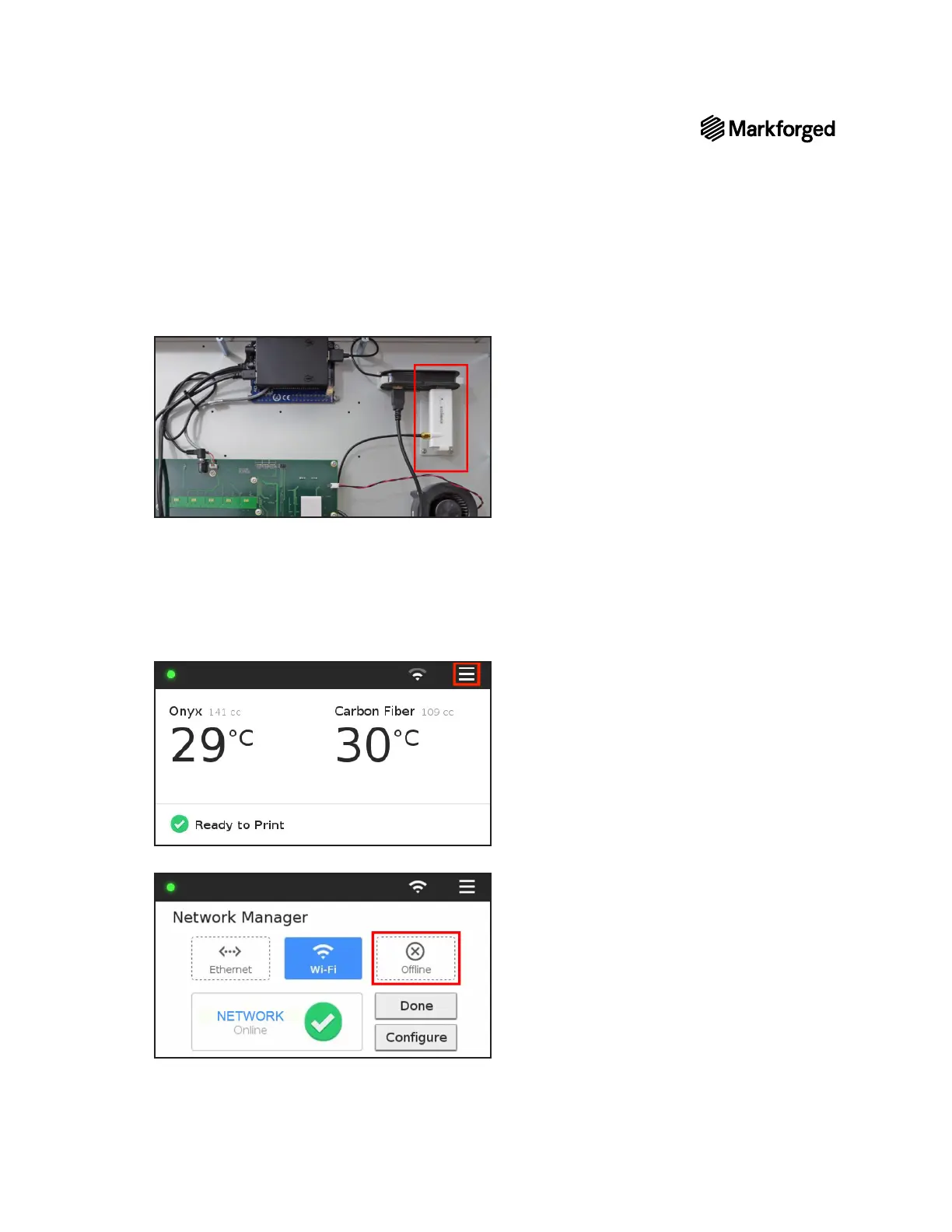
16. 
17. Offline
18. Select Done.
19. Reload material before attempting to print.

Other manuals for Markforged MARK TWO

Related product manuals