DESKTOP PRINTER SERVICE MANUAL
22
REPLACING THE PRINT HEAD
Note: Take care not to discard any hardware you remove during this procedure, as you will need it
during the reinstallation.
Tools
● 2.5mm hex key
● USB drive from accessory kit
PRINT HEAD REMOVAL
1. Completely unload materials from your printer. For more information, see Unloading Plastic and
Unloading Fiber, if applicable, in the User Guide.
2. Cool the print head (Utilities > Manual Control > Temperature Control > Cool).
Note: The print head may take several minutes to completely cool.
3.
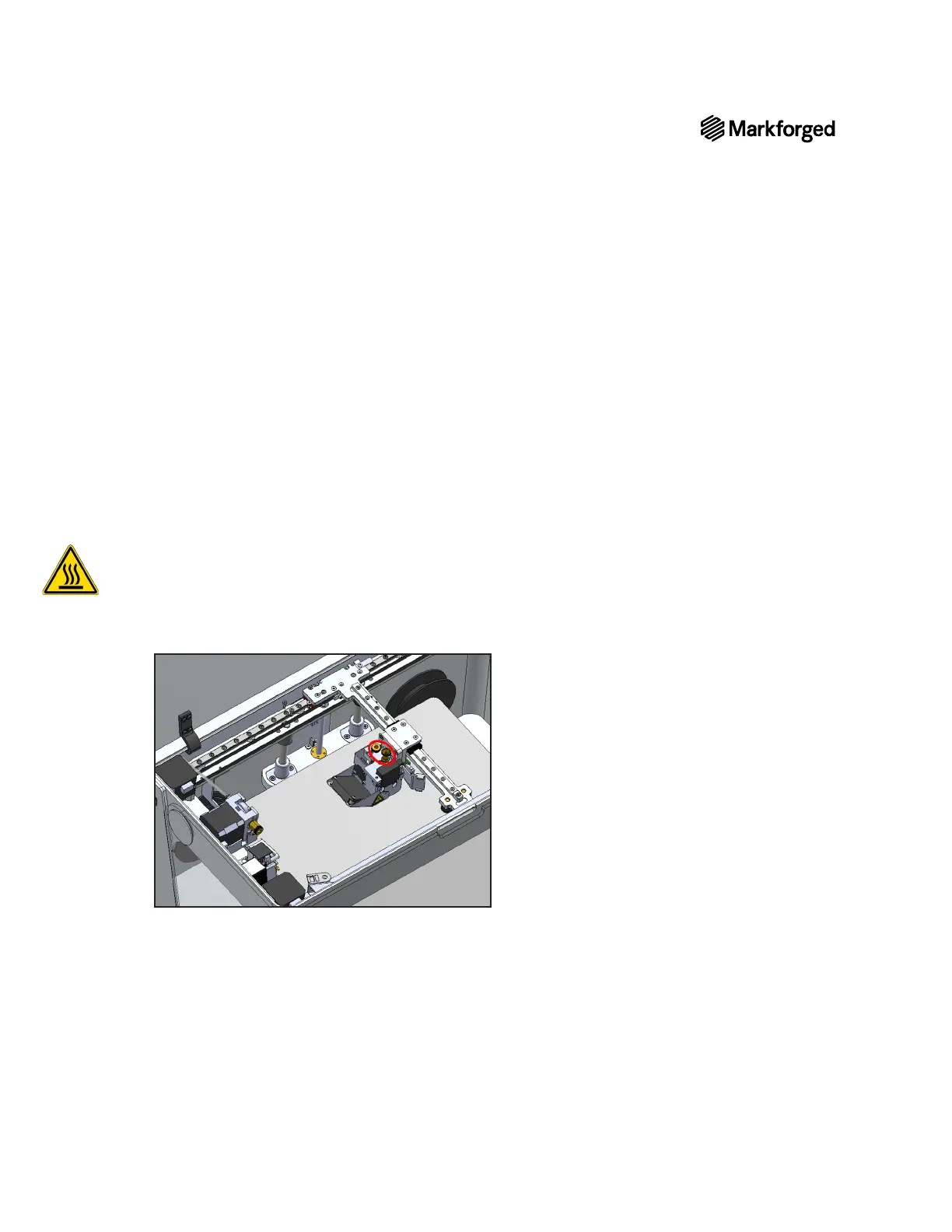
4. Remove the thumbscrews connecting both Bowden tubes to the print head. Allow the tubes to hang
freely.



 To Next Page