DESKTOP PRINTER SERVICE MANUAL
50
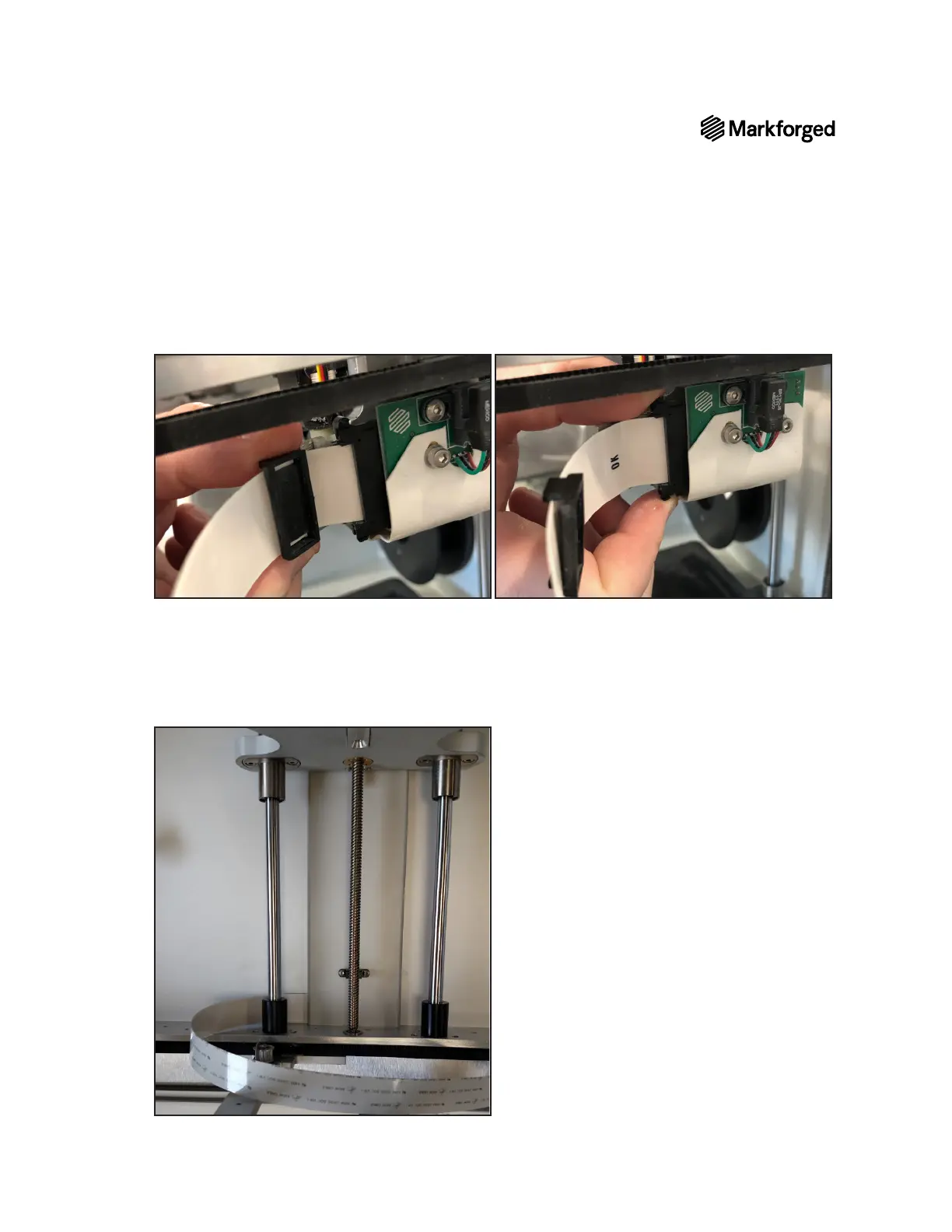
21. Slide the cable clip away from the print head, then gently squeeze the tabs on the ribbon cable connector
to disconnect the ribbon cable from the print head.
22. Remove the ribbon cable from the printer.
RIBBON CABLE REPLACEMENT
1. Using the old cable as a reference, fold the new cable in exactly the same position along the length of the
cable.
2. Slide the new ribbon cable between the cable cover and back plate so that it sits where the old cable sat.



 To Next Page