DESKTOP PRINTER SERVICE MANUAL
42
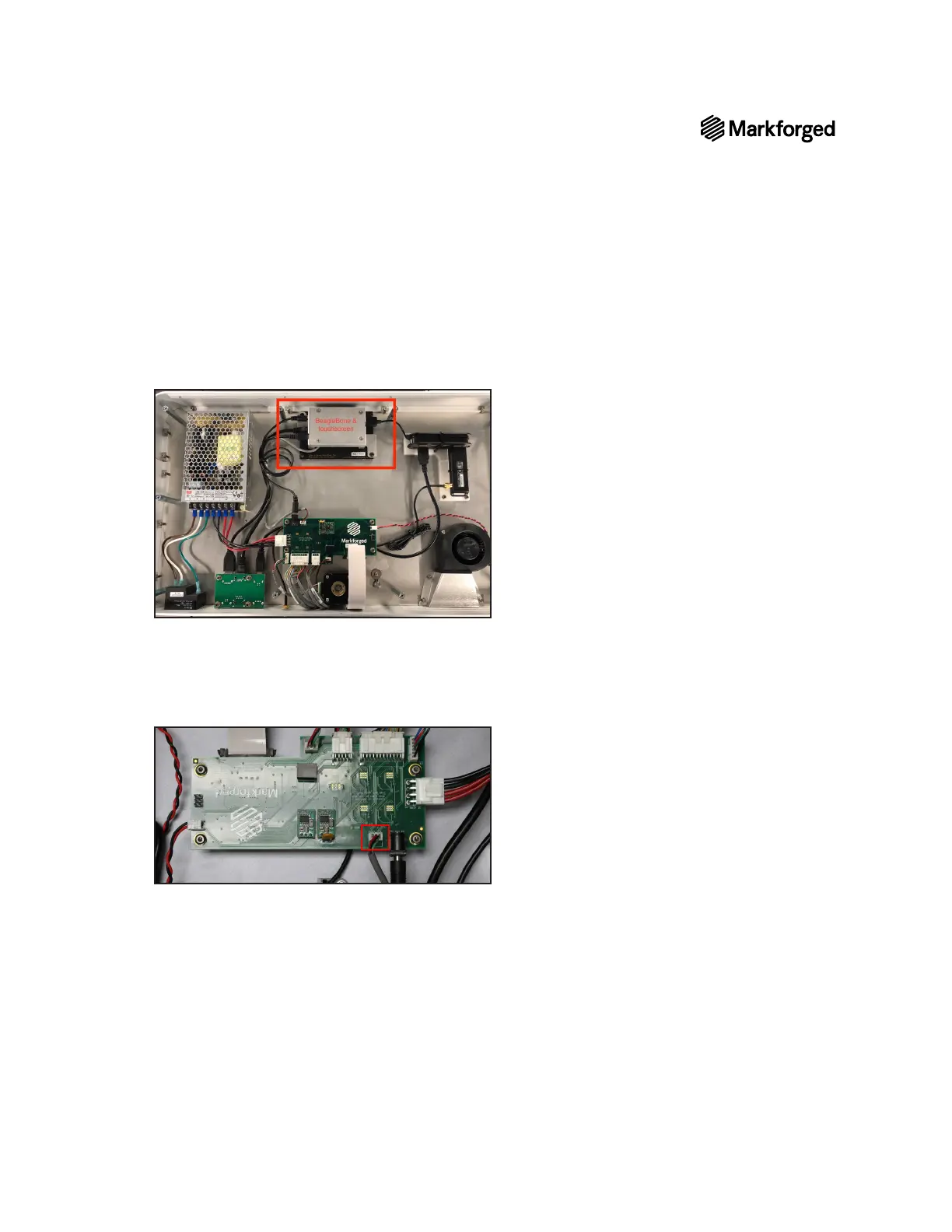
10. The touchscreen and BeagleBone are located at the center of the front face of the printer, furthest away
from you. The motherboard is located near the rear face of the printer, closest to you.
Note: The metal cover over the BeagleBone may be black, silver, or orange; the color has no
bearing on these instructions.
11. Do not attempt to
disconnect the grey cable from the BeagleBone.
12. Use the 2mm hex key to remove the two black screws that secure the BeagleBone cover to the
touchscreen assembly.
13.



 To Next Page