DESKTOP PRINTER SERVICE MANUAL
12
4.
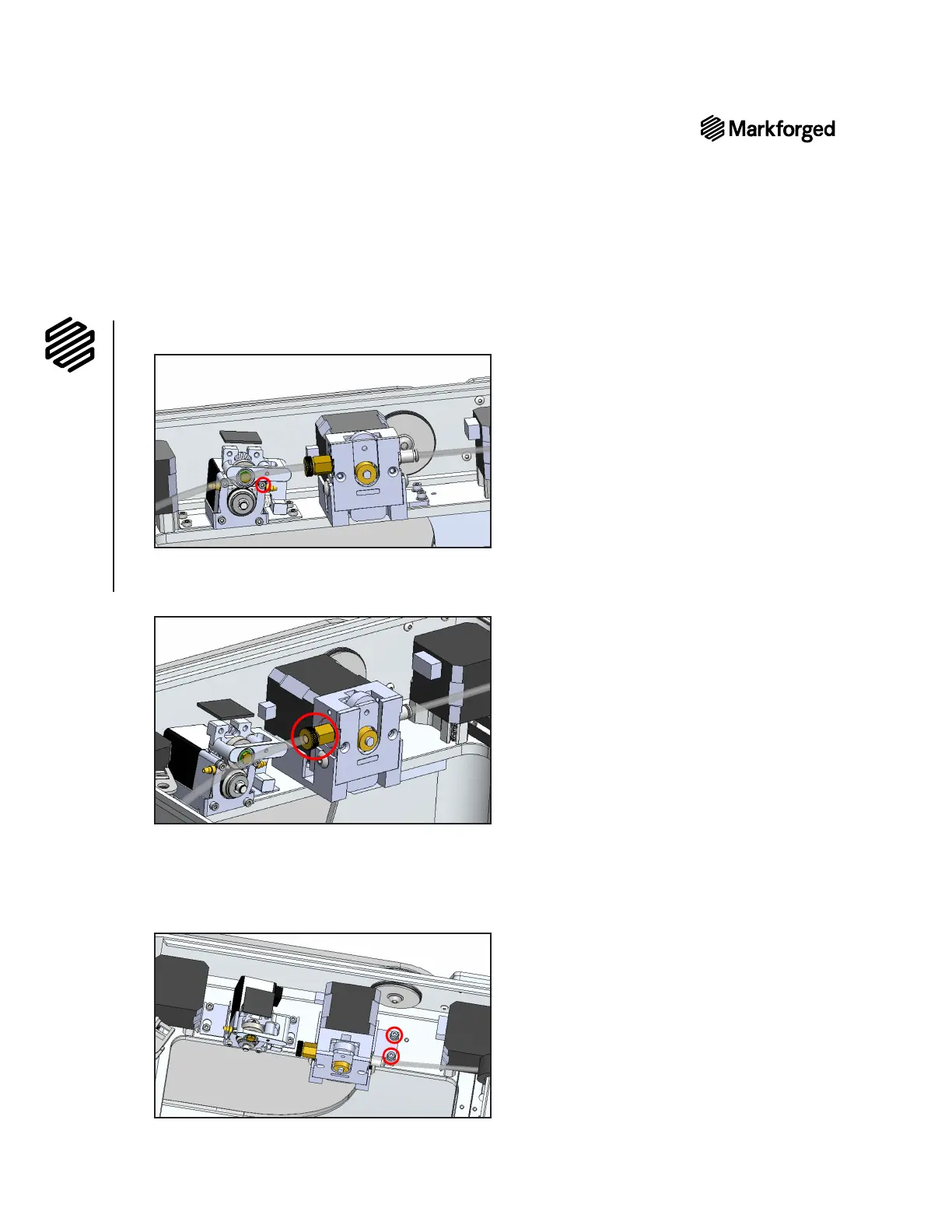
Note: Do not unscrew it all the way. It should require no more than one full turn to loosen.
5.
channel at the bottom of the plastic extruder toward the back of the printer.
6. Unscrew the thumbscrew that connects the plastic Bowden tube to the plastic extruder.
7. Remove the plastic Bowden tube from the plastic extruder and let it hang freely.
8.
Let it hang freely.
9. Using the 2.5mm hex key, fully remove the two screws that attach the plastic extruder bracket to the
printer casing and set them aside.



 To Next Page