29
DESKTOP PRINTER SERVICE MANUAL
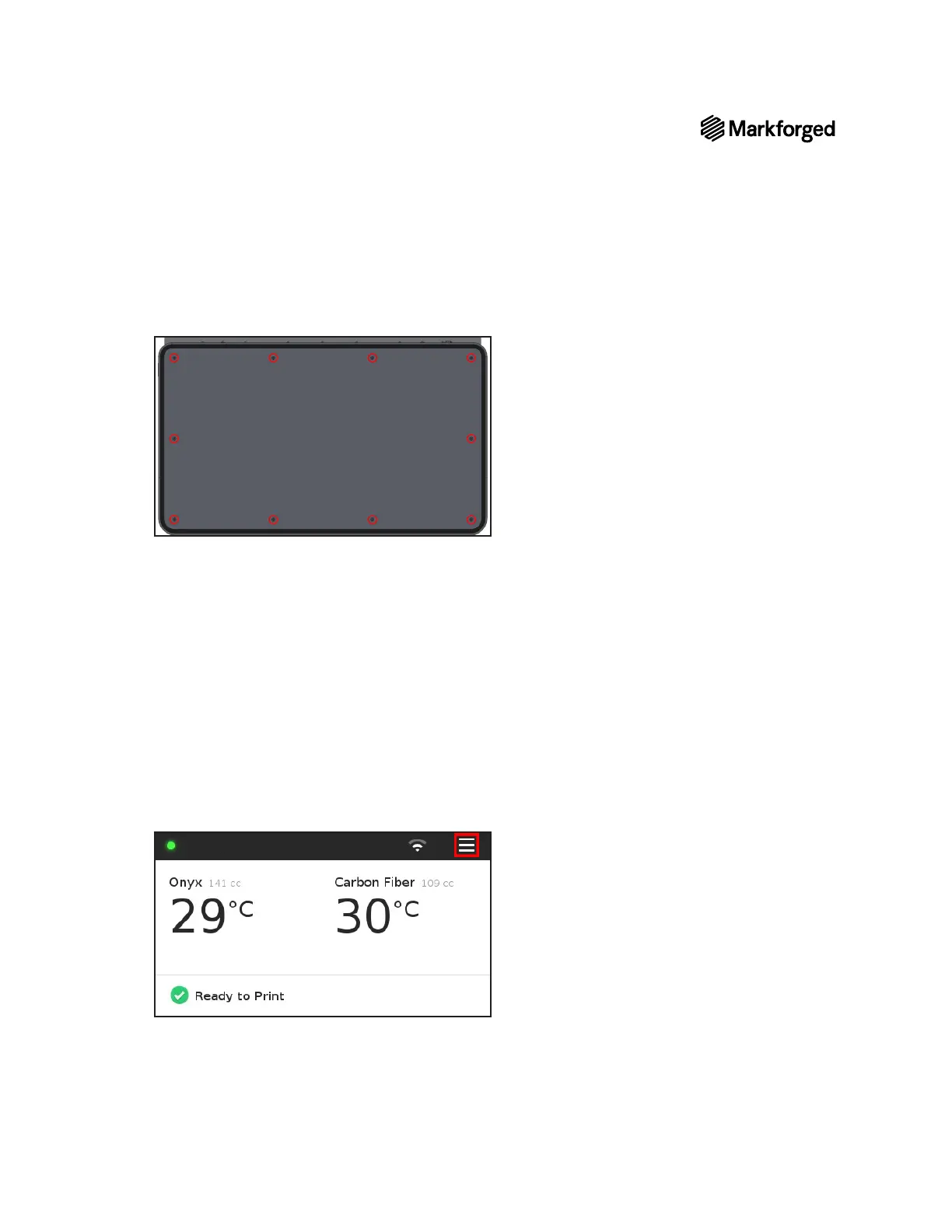
5. Reinstall the ten screws that connect the bottom plate to the printer.
6.
7. Remove and discard the tape holding the lid and visor shut.
8. Reinstall the print bed.
9.
10. Reconnect the plastic feed tube to the plastic extruder.
11. Plug the power cord in and turn the printer on. Ensure that it boots successfully.
12. Navigate to the Firmware Recovery utility (Menu > Utilities > Maintenance > Firmware Recovery)
and follow the onscreen instructions.
13.
14. Reload print material into your printer. For more information, see Loading Plastic and Loading Fiber, if
applicable, in the User Guide.
15. Plug the provided USB drive (see Tools, above) into your printer.
16. Select the menu icon from the dashboard.



 To Next Page