DESKTOP PRINTER SERVICE MANUAL
38
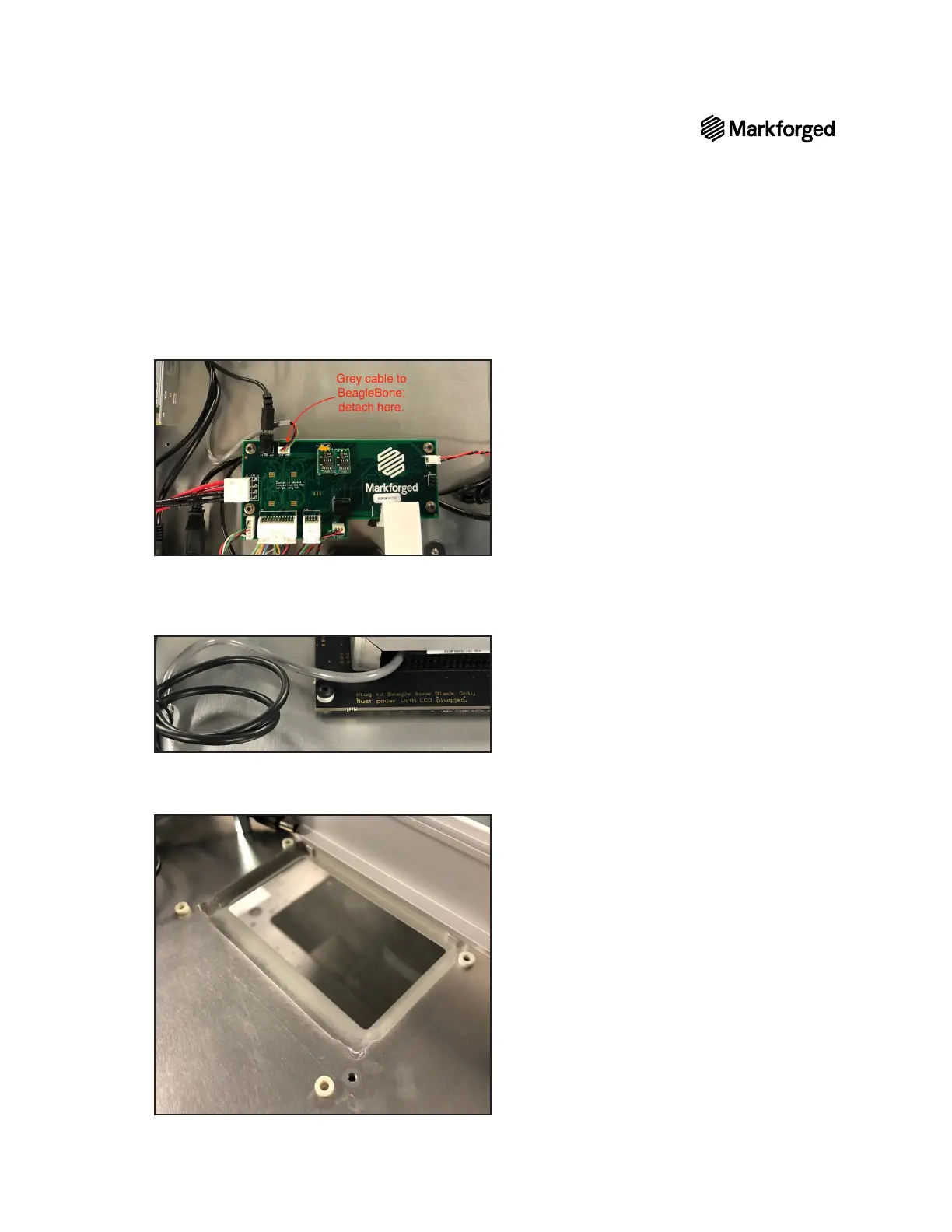
11. Disconnect the four black cables from the BeagleBone.
12. Disconnect the grey cable from the motherboard rather than from the BeagleBone.
13.
to the printer casing and set them aside.
Note: Each of these screws sits upon a plastic spacer; two of these spacers sit between the
BeagleBone cover and the touchscreen. Ensure that you set these aside to be reinstalled later.
14.
Note: All four screws have additional spacersbetween the touchscreen and the printer casing.
Ensure that you set these aside to be reinstalled later.



 To Next Page