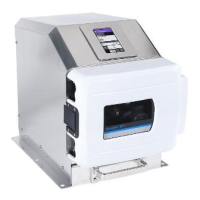
3-5 Masterflex REGLO Digital Pump Drive with Advanced Connectivity
Section 2: Basic Setup & Settings
Masterflex
SETTINGS
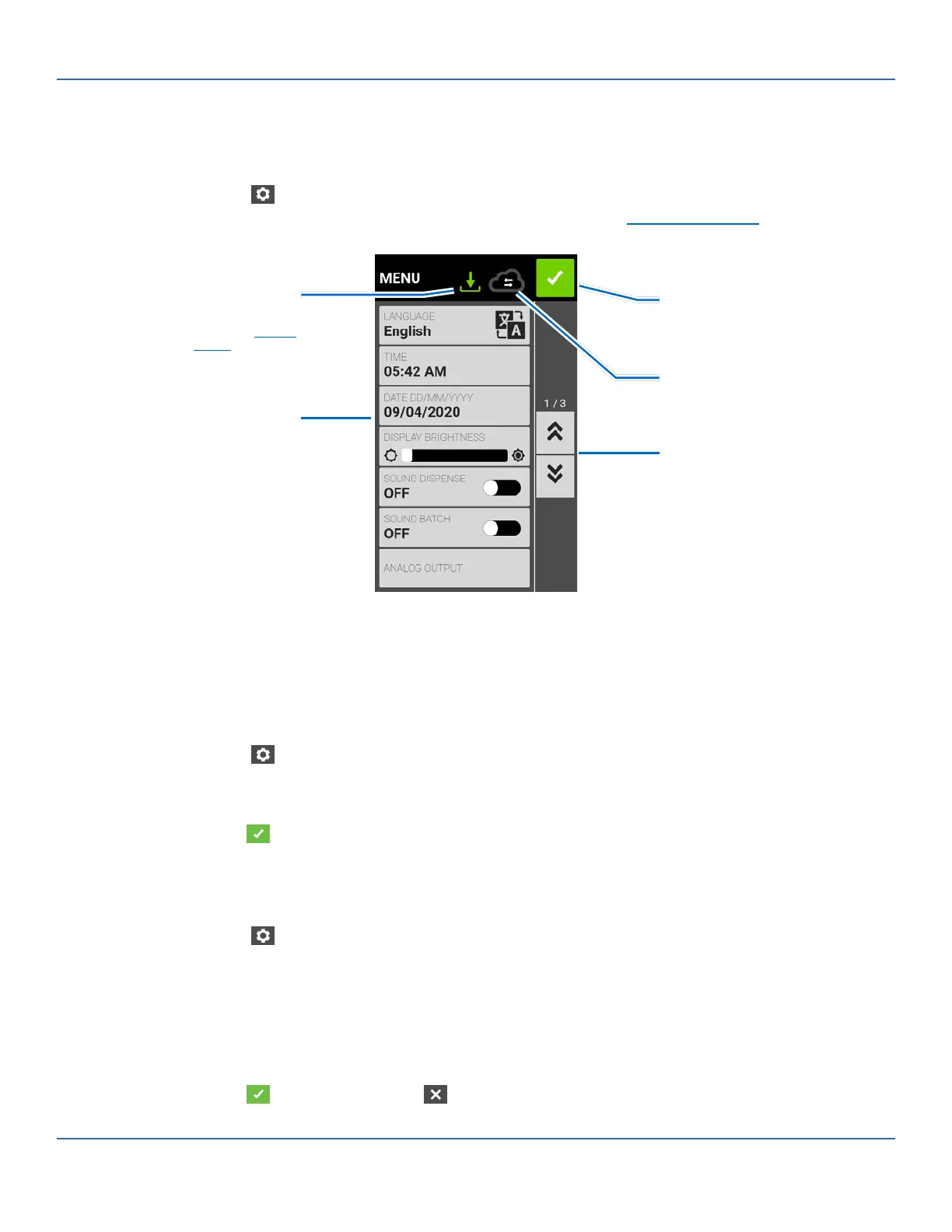
e Settings Screen allows access to basic conguration settings. e Settings Screen is accessed by
tapping SETTINGS from any of the mode screens. NOTE: If Manage User is enabled only users with
authorization can access the Settings Screen (for further information see "User Management" on page 3-9).
Language Settings
e REGLO Digital Pump Drive can display Chinese, English, French, German, Italian, Japanese, and
Spanish languages. e default display language is English.
To change the display language:
1. Tap SETTINGS from any of the mode screens. e Settings Screen will be displayed.
2. Tap LANGUAGE.
3. Select the desired language from the available list.
4. Tap CONFIRM to save the new language selection.
Setting the Time
To change the time:
1. Tap SETTINGS from any of the mode screens. e Settings Screen will be displayed.
2. Tap TIME.
3. Select either 12-HOUR or 24-HOUR time.
4. Tap HH to select hours and enter the desired time using the onscreen keypad.
5. Tap MM to select minutes and enter the desired time using the onscreen keypad.
6. If using 12-HOUR time, tap AM/PM to select either AM or PM.
7. Tap CONFIRM to save or CANCEL to discard changes.
The icon will change to green
when the pump is connected
to MasterflexLive™
When the REGLO is connected to the
internet this icon indicates that an update
is available for installation (see "Firmware
Updates" on page 3-42
Confirm
Settings Menu
Update Available
Scroll
Connectivity Status



 To Next Page