3-17 Masterflex REGLO Digital Pump Drive with Advanced Connectivity
Section 3: Operation
Masterflex
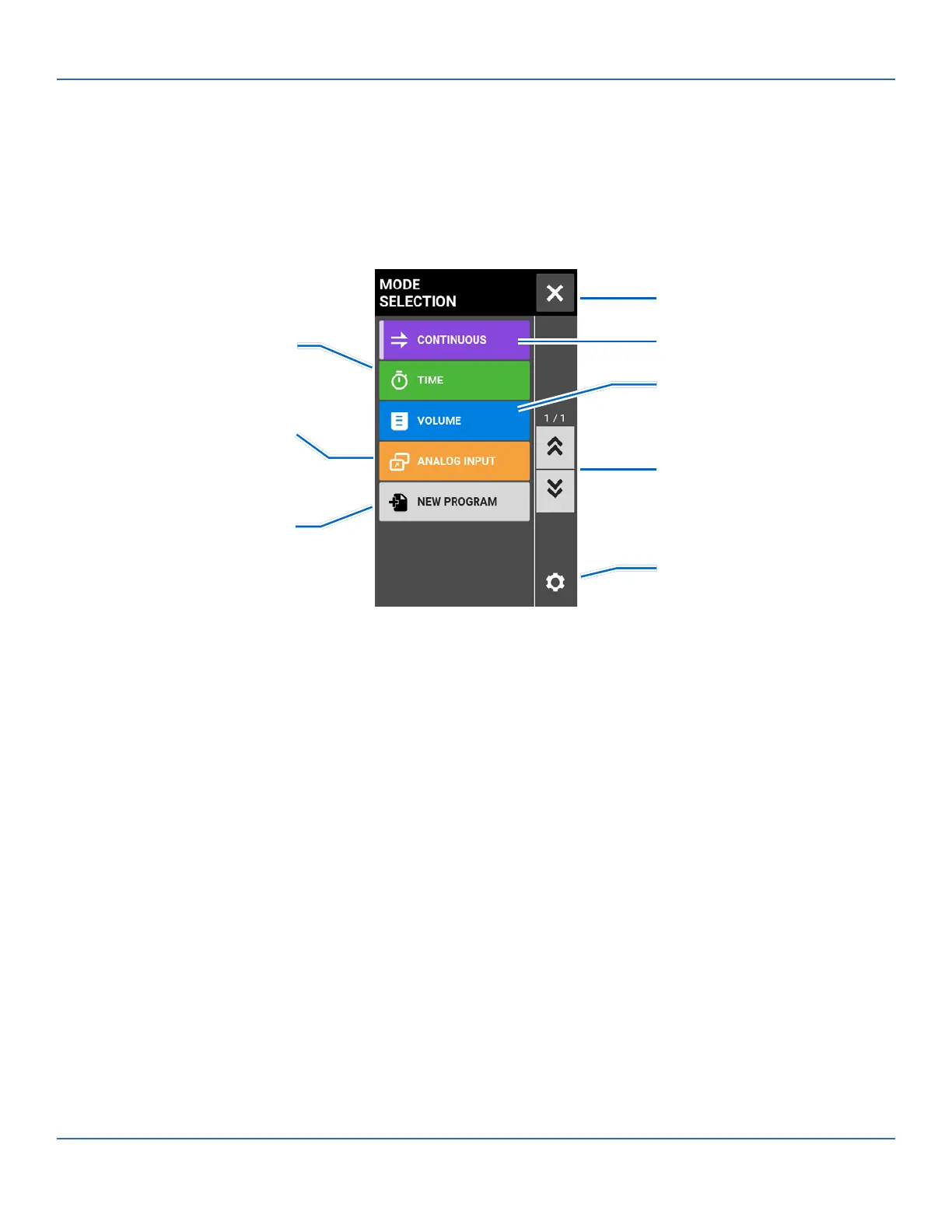
MODE SELECTION SCREEN
e Mode Selection Screen allows access to the drive’s four basic operation modes (CONTINUOUS, TIME,
VOLUME, and ANALOG INPUT) as well as the New Program Screen and user dened programs. e Mode
Selection Screen can be accessed from any of the mode screens by tapping the MODE NAME BANNER.
Tap the desired mode or program to access individual mode or program screens.
Time Mode
Analog Input Mode
Add New Program
Continuous Mode
Return to Previous Screen
Volume Mode
Settings
Page Scroll



 To Next Page