11.2 mvDeviceConfigure 119
11.2.2.2 Step 2: Open dialog to update the firmware
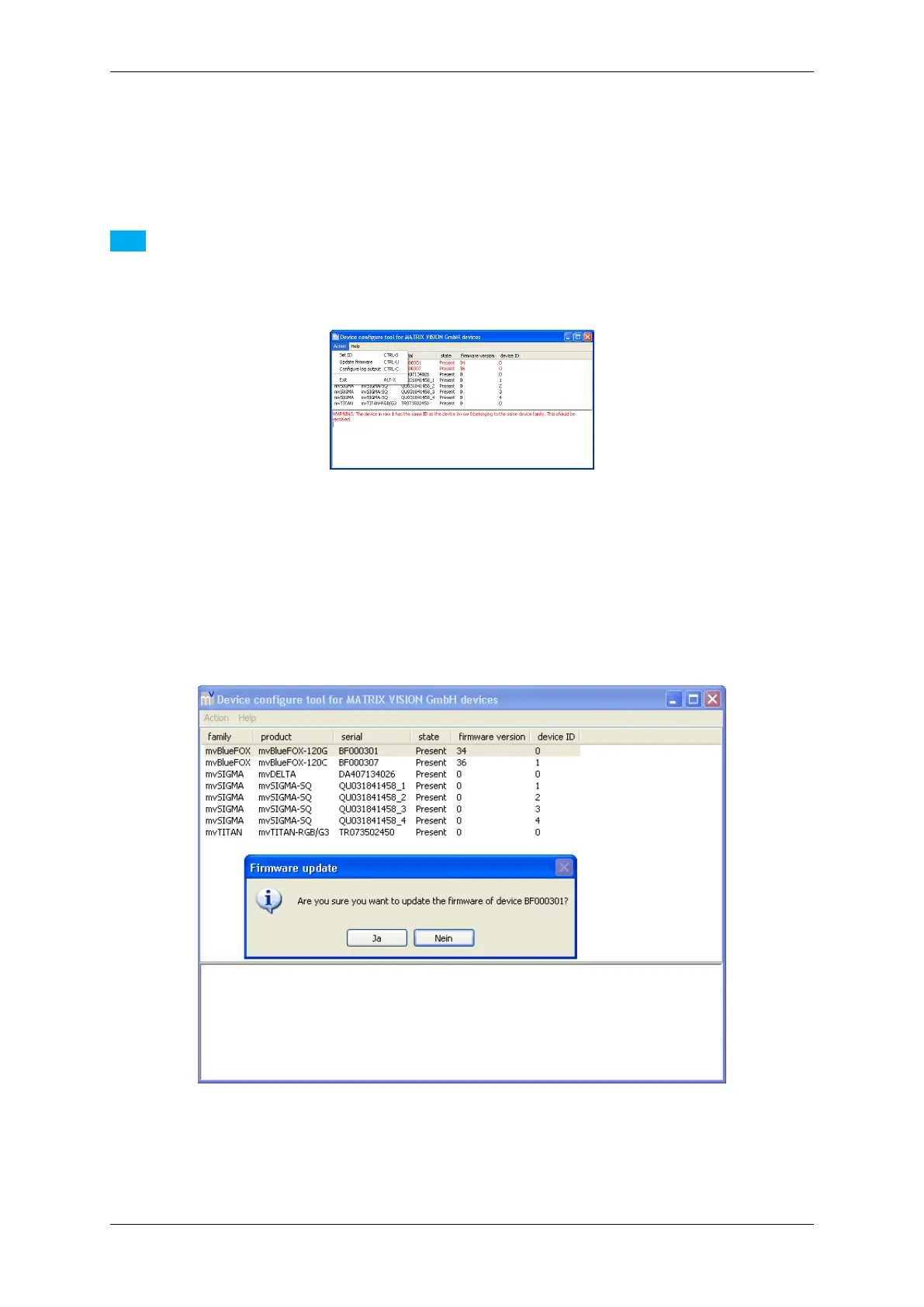
With the device selected, select the menu item Action and click on Update firmware.
Note
It is also possible to select the action with a right click on the device.
Figure 51: mvDeviceConfigure - Select action
11.2.2.3 Step 3: Confirm the firmware update
You have to confirm the update.
Figure 52: mvDeviceConfigure - Confirm update
MATRIX VISION GmbH



 To Next Page