11.1 wxPropView 115
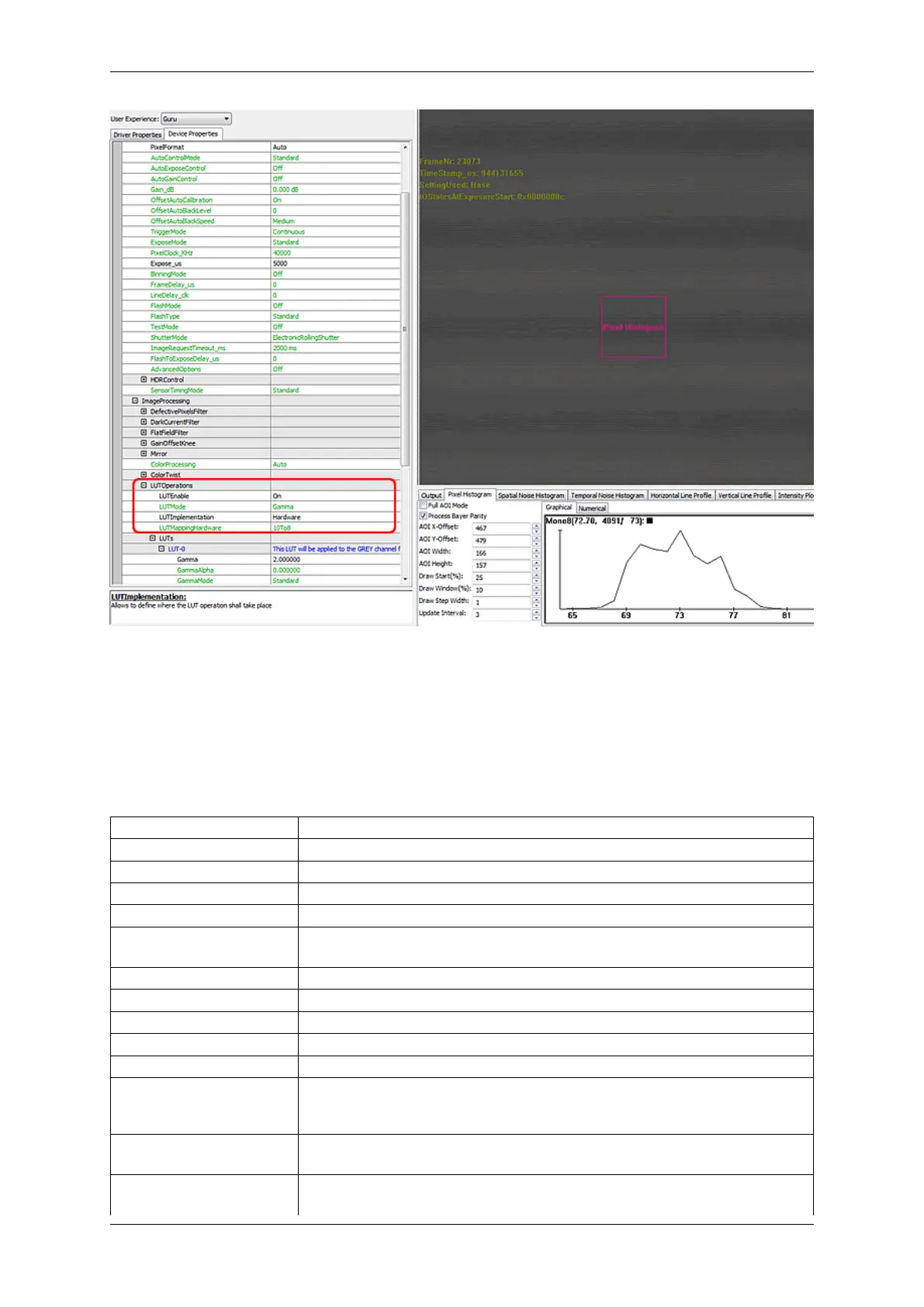
Figure 45: 10to8 hardware LUT shows no in the histogram (screenshot: mvBlueFOX-MLC)
11.1.3 Command-line options
It is possible to start wxPropView via command line and controlling the starting behavior using parameters. The
supported parameter are as follows:
Parameter Description
width or w Defines the startup width of wxPropView. Example: width=640
height or h Defines the startup height of wxPropView. Example: height=460
xpos or x Defines the startup x position of wxPropView.
ypos or y Defines the startup x position of wxPropView.
splitterRatio Defines the startup ratio of the position of the property grids splitter. Values be-
tween > 0 and < 1 are valid. Example: splitterRatio=0.5
propgridwidth or pgw Defines the startup width of the property grid.
debuginfo or di Will display debug information in the property grid.
dic Will display invisible (currently shadowed) components in the property grid.
displayCountX or dcx Defines the number of images displayed in horizontal direction.
displayCountY or dcy Defines the number of images displayed in vertical direction.
fulltree or ft Will display the complete property tree (including the data not meant to be
accessed by the user) in the property grid. Example (Tree will be shown)←-
: fulltree=1
device or d Will directly open a device with a particular serial number. ∗ will take the first
device. Example: d=GX000735
qsw Will forcefully hide or show the Quick Setup Wizard, regardless of the default
settings. Example (Quick Setup Wizard will be shown): qsw=1
MATRIX VISION GmbH



 To Next Page