140 CONTENTS
19.1.2 Using VLC Media Player
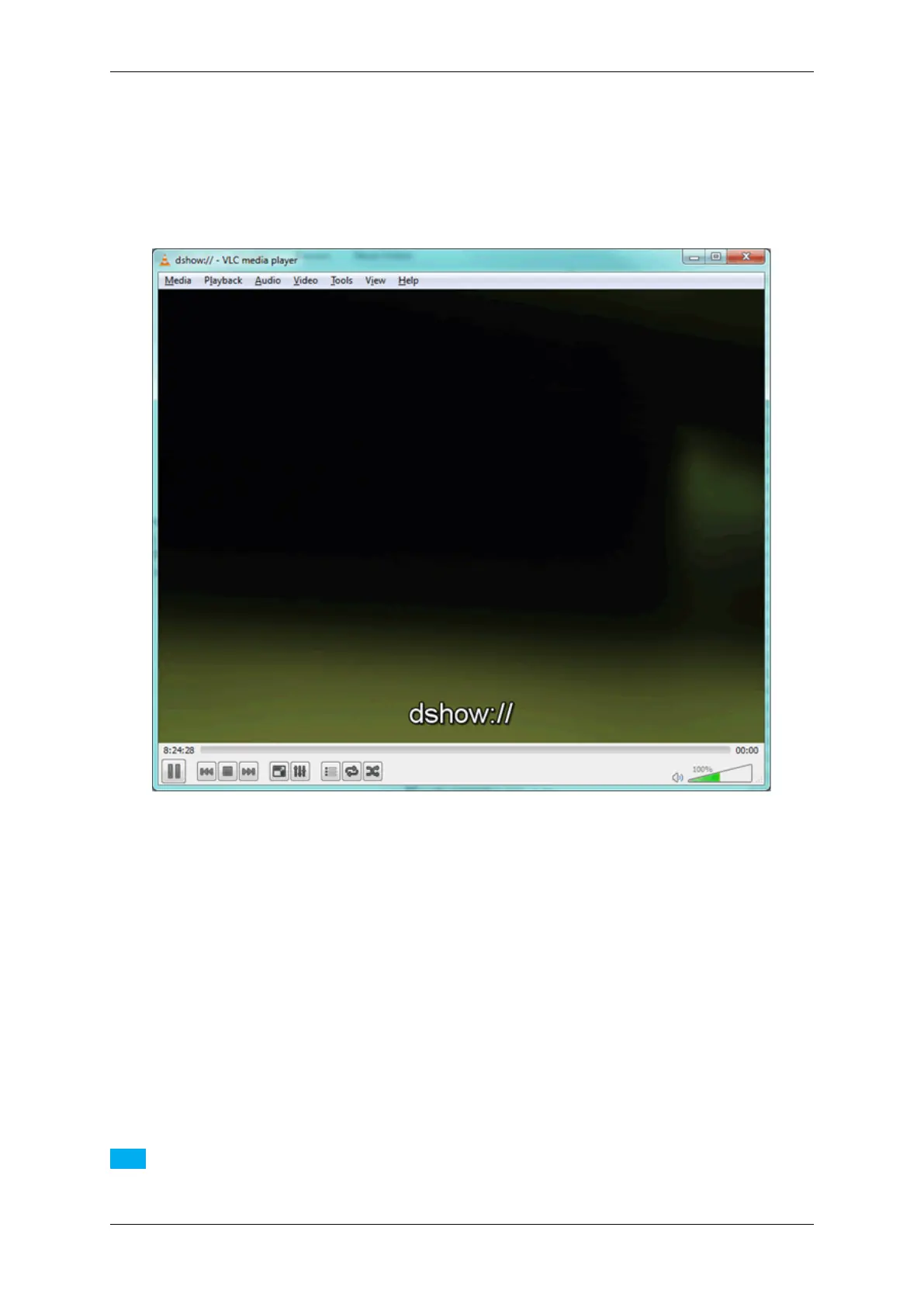
With the DirectShow Interface (p. 133) MATRIX VISION devices become a (acquisition) video device for the VLC
Media Player.
Figure 1: VLC Media Player with a connected device via DirectShow
19.1.2.1 System requirements
It is necessary that following drivers and programs are installed on the host device (laptop or PC):
• Windows 7, 32 bit or 64 bit
• up-do-date VLC Media Player, 32 bit or 64 bit (here: version 2.0.6)
• up-do-date MATRIX VISION driver, 32 bit or 64 bit (here: version 2.5.6)
Note
Using Windows 10: We tested the VLC Media Player with versions smaller than 2.2.0 successfully.
MATRIX VISION GmbH



 To Next Page