168 CONTENTS
19.5.1 Introducing LUTs
19.5.1.1 Introduction
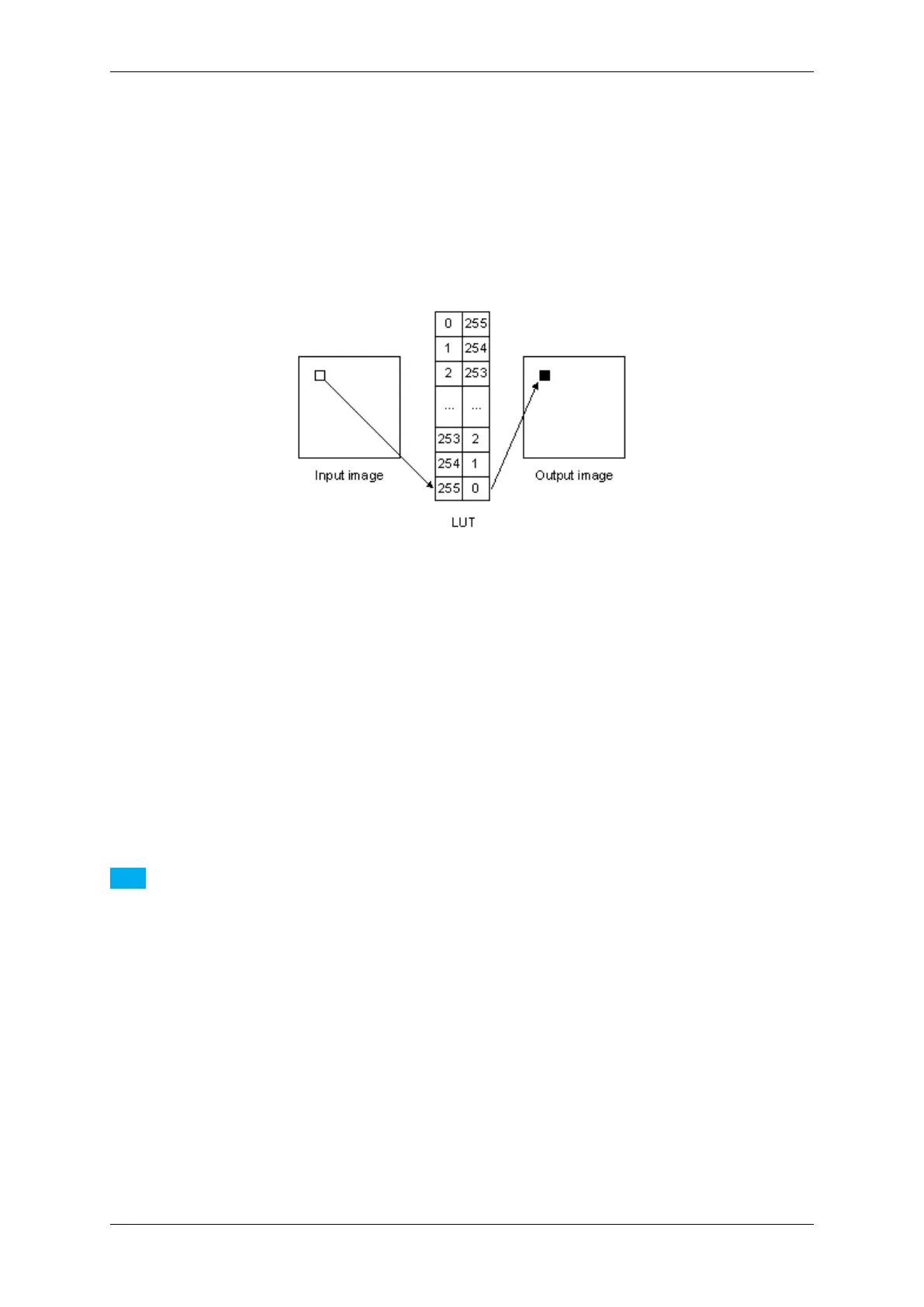
Look-Up-Tables (LUT) are used to transform input data into a desirable output format. For example, if you want to
invert an 8 bit image, a Look-Up-Table will look like the following:
Figure 1: Look-Up-Table which inverts a pixel of an 8 bit mono image
I.e., a pixel which is white in the input image (value 255) will become black (value 0) in the output image.
All MATRIX VISION devices use a hardware based LUT which means that
• no host CPU load is needed and
• the LUT operations are independent of the transmission bit depth.
19.5.1.2 Setting the hardware based LUTs via LUT Control
Note
The mvBlueFOX cameras also feature a hardware based LUT. Although, you have to set the LUT via Setting
-> Base -> ImageProcessing -> LUTOperations (p. 168), you can set where the processing takes place.
For this reason, there is the parameter LUTImplementation. Just select either "Software" or "Hardware".
19.5.1.3 Setting the Host based LUTs via LUTOperations
Host based LUTs are also available via "Setting -> Base -> ImageProcessing -> LUTOperations"). Here, the
changes will affect the 8 bit image data and the processing needs the CPU of the host system.
The mvBlueFOX cameras also feature a hardware based LUT. Although, you have to set the LUT via "Setting ->
Base -> ImageProcessing -> LUTOperations", you can set where the processing takes place. For this reason,
there is the parameter LUTImplementation. Just select either "Software" or "Hardware".
Three "LUTMode"s are available:
MATRIX VISION GmbH



 To Next Page