142 CONTENTS
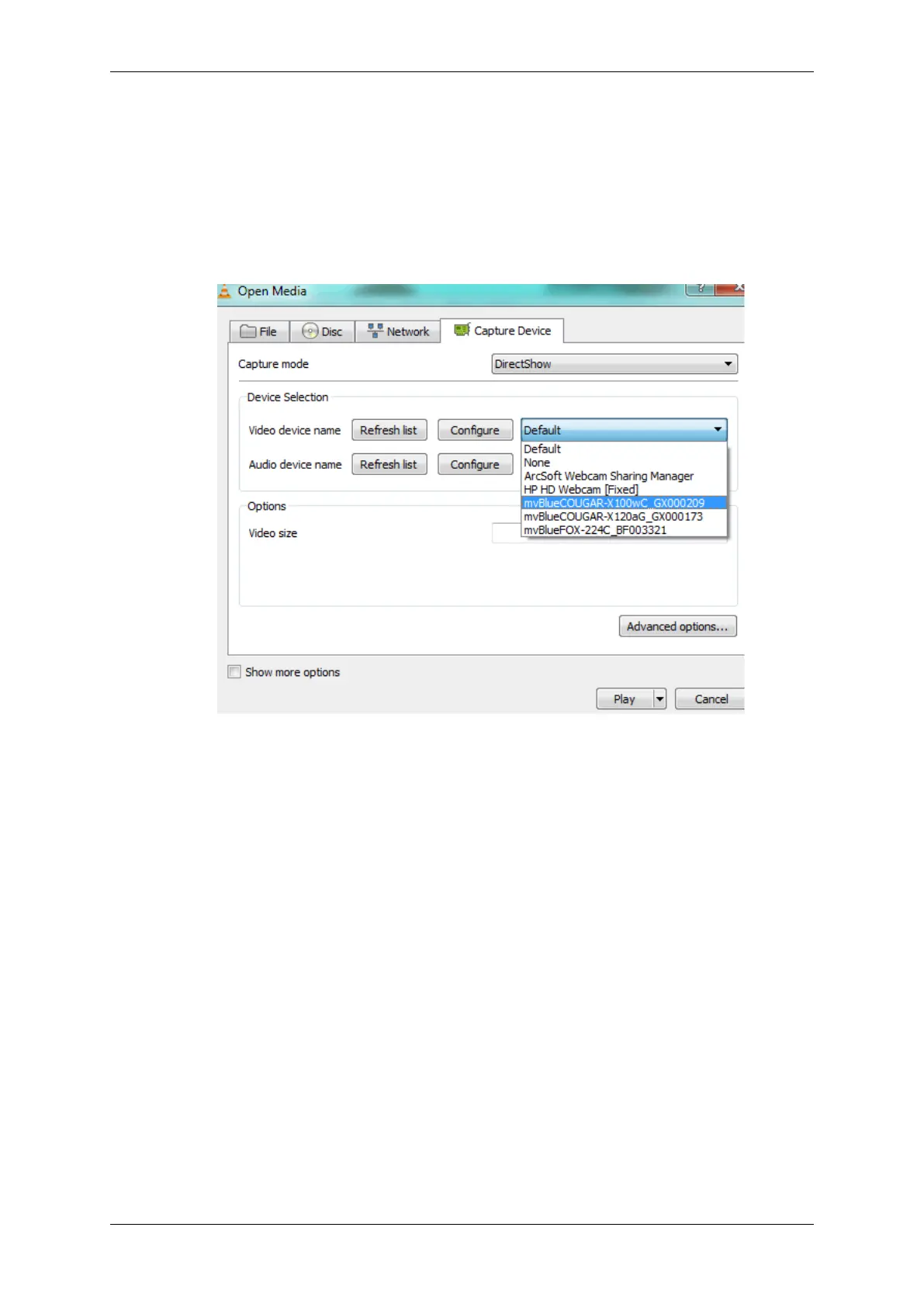
Figure 2: Open Capture Device...
3. Select the tab "Device Selection" .
4. In the section "Video device name" , select the friendly name of the MV device:
Figure 3: Video device name
5. Finally, click on "Play" .
After a short delay you will see the live image of the camera.
19.2 Improving the acquisition / image quality
There are several use cases concerning the acquisition / image quality of the camera:
MATRIX VISION GmbH



 To Next Page