19.2 Improving the acquisition / image quality 143
19.2.1 Correcting image errors of a sensor
Due to random process deviations, technical limitations of the sensors, etc. there are different reasons that image
sensors have image errors. MATRIX VISION provides several procedures to correct these errors, by default these
are host-based calculations.
Provided image corrections procedures are
1. Defective Pixels Correction (p. 144),
2. Dark Current Correction (p. 146), and
3. Flat-Field Correction (p. 149).
Note
If you execute all correction procedures, you have to keep this order. All gray value settings of the corrections
below assume an 8-bit image.
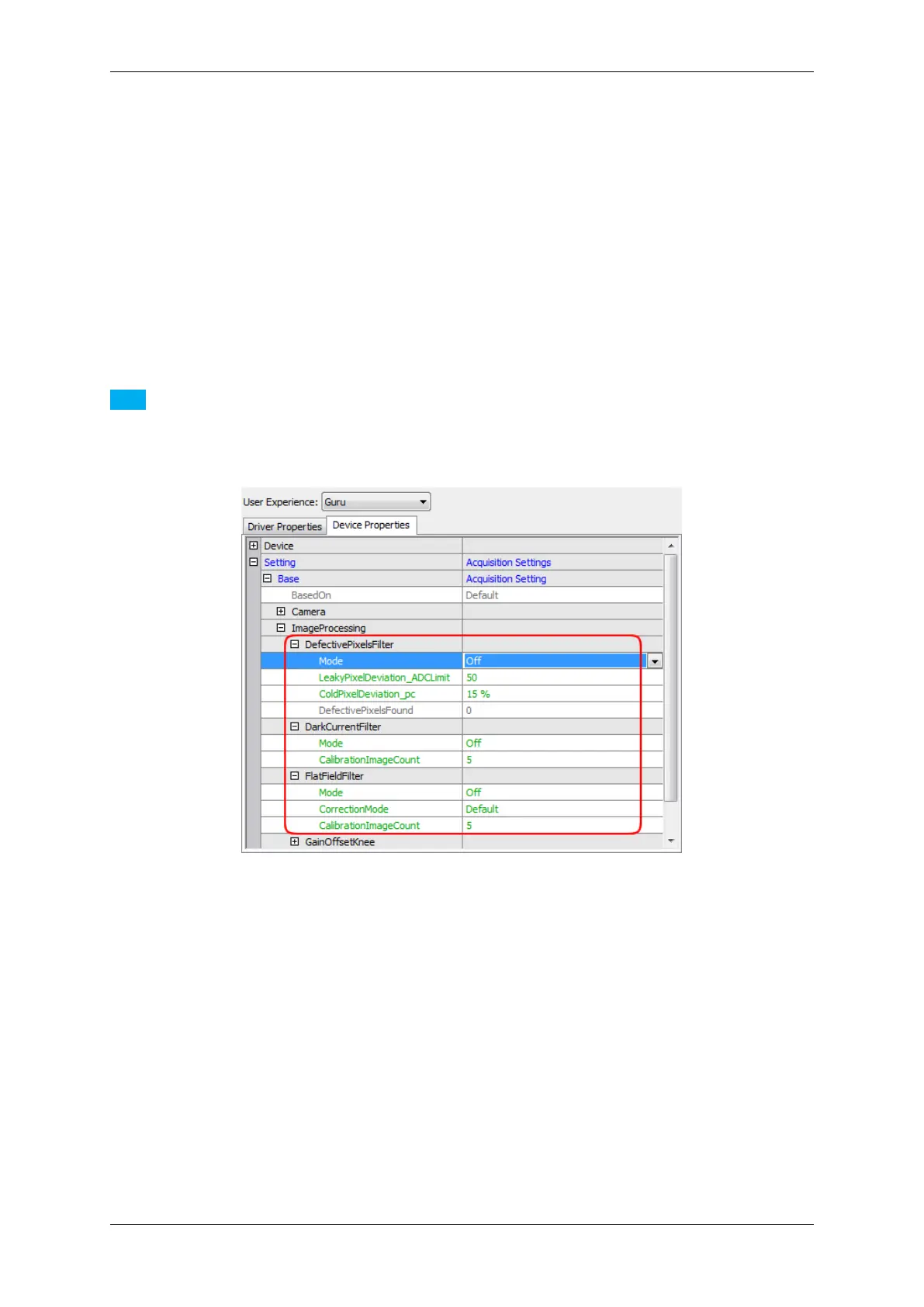
Figure 1: Host-based image corrections
The path "Setting -> Base -> ImageProcessing -> ..." indicates that these corrections are host-based corrections.
Before starting consider the following hints:
• To correct the complete image, you have to make sure no user defined AOI has been selected: Right-click
"Restore Default" on the devices AOI parameters W and H in "Setting -> Base -> Camera".
• You have several options to save the correction data. The chapter Storing and restoring settings (p. 84)
describes the different ways.
See also
There is a white paper about image error corrections with extended information available on our website←-
: http://www.matrix-vision.com/tl_files/mv11/Glossary/art_image_errors_←-
sensors_en.pdf
MATRIX VISION GmbH



 To Next Page