120 CONTENTS
Note
The firmware is compiled within the installed driver. The mvDeviceConfigure uses this version and updates
the firmware. If you use an old driver, you will downgrade the firmware.
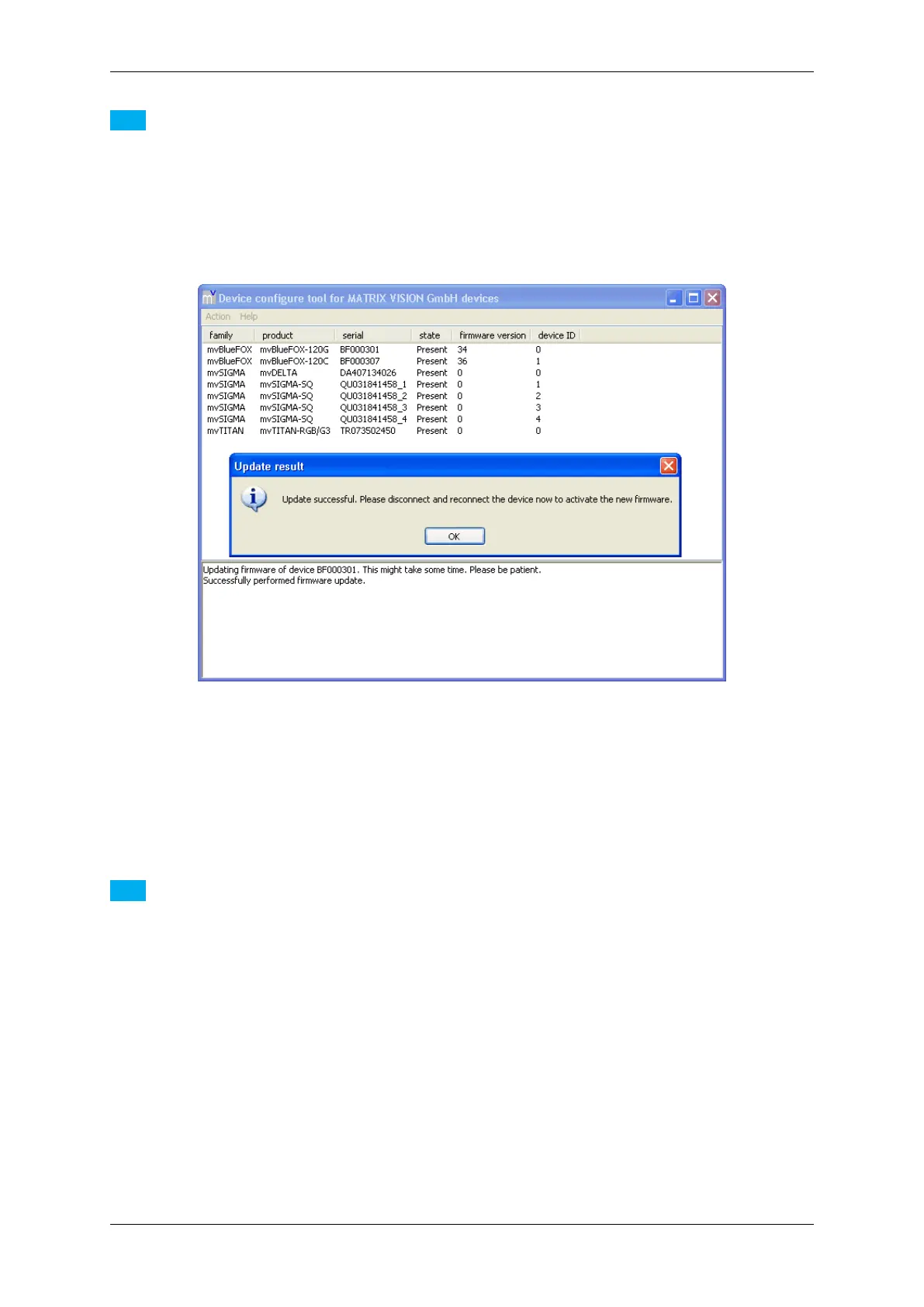
If the firmware update is successful, you will receive the following message:
Figure 53: mvDeviceConfigure - Update successful
11.2.2.4 Step 4: Disconnect and reconnect the device
Please disconnect and reconnect the device to activate the new firmware.
Note
The firmware update is only necessary in some special cases (e.g. to benefit from a new functionality added
to the firmware or to fix a firmware related bug). Before updating the firmware be sure what you are doing and
have a look into the change log (versionInfo.txt and/or the manual to see if the update will fix your problem).
The firmware update takes approx. 30 seconds!
11.2.3 How to disable CPU sleep states a.k.a. C states (< Windows 8)
Modern PC's, notebook's, etc. try to save energy by using a smart power management. For this several hardware
manufacturers specified the ACPI standard. The standard defines several power states. For example, if processor
load is not needed the processor changes to a power saving (sleep) state automatically and vice versa. Every state
change will stop the processor for microseconds. This time is enough to cause image error counts!
MATRIX VISION GmbH



 To Next Page