19.7 Working with device features 173
19.6.1.2 Coding sample
If you e.g. want to use the UserData as dongle mechanism (with binary data), it is not suggested to use wxPropView
(p. 77). In this case you have to program the handling of the user data.
See also
mvIMPACT::acquire::UserDataEntry in mvIMPACT_Acquire_API_CPP_manual.chm.
19.7 Working with device features
There are several use cases concerning device features:
19.8 Working with several cameras simultaneously
There are several use cases concerning multiple cameras:
19.8.1 Using 2 mvBlueFOX-MLC cameras in Master-Slave mode
19.8.1.1 Scenario
If you want to have a synchronized stereo camera array (e.g. mvBlueFOX-MLC-202dG) with a rolling shutter master
camera (e.g. mvBlueFOX-MLC-202dC), you can solve this task as follows:
1. Please check, if all mvBlueFOX cameras are using firmware version 1.12.16 or newer.
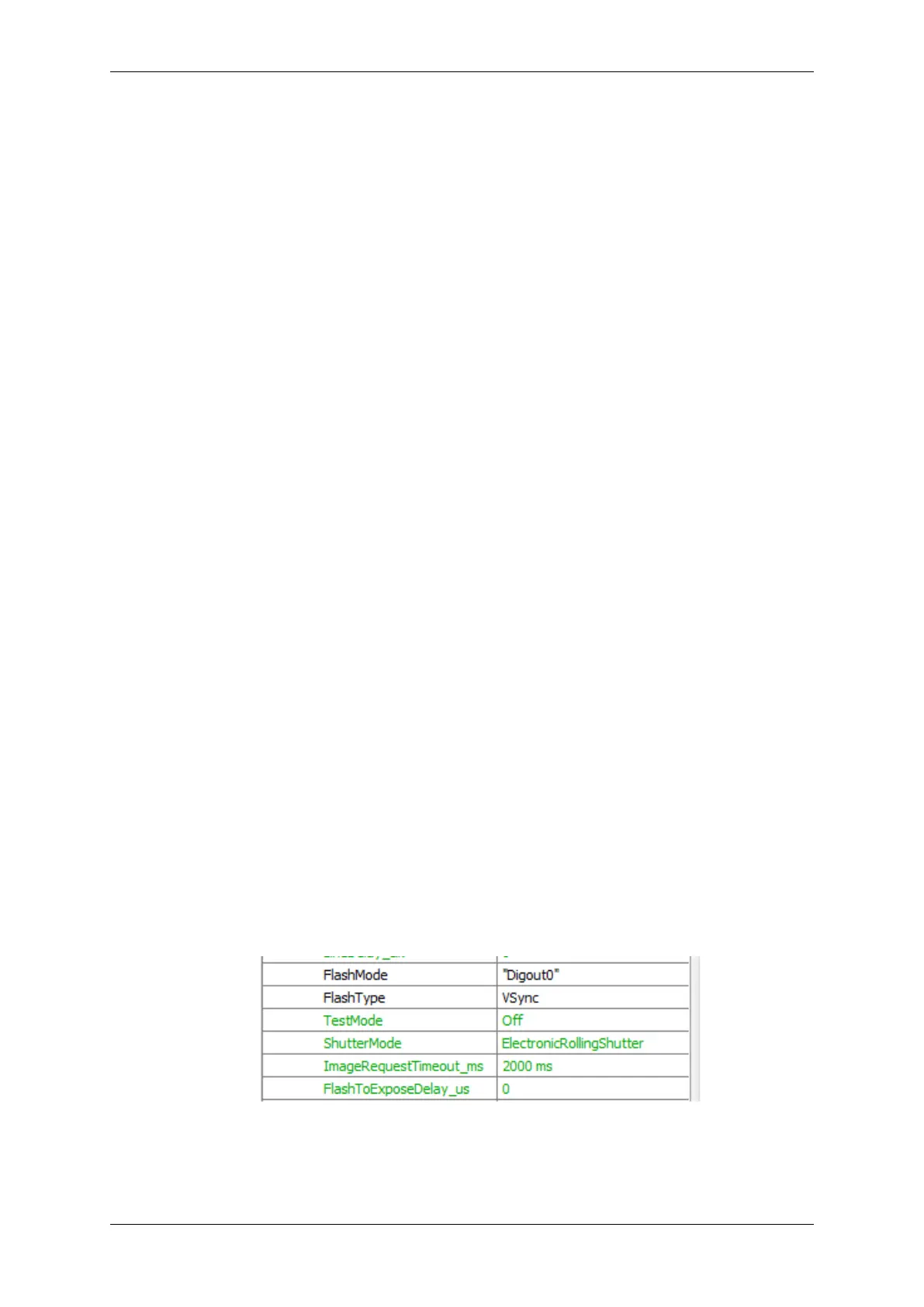
2. Now, open wxPropView (p. 77) and set the master camera:
Figure 1: wxPropView - Master camera outputs at DigOut 0 a frame synchronous V-Sync pulse
MATRIX VISION GmbH



 To Next Page