136 CONTENTS
Figure 3: mvDeviceConfigure - registered devices
17.3.2 Renaming devices
If you want to modify the friendly name of a device under DirectShow, please perform the follwing procedure:
1. If mvDeviceConfigure is already not running, please start it.
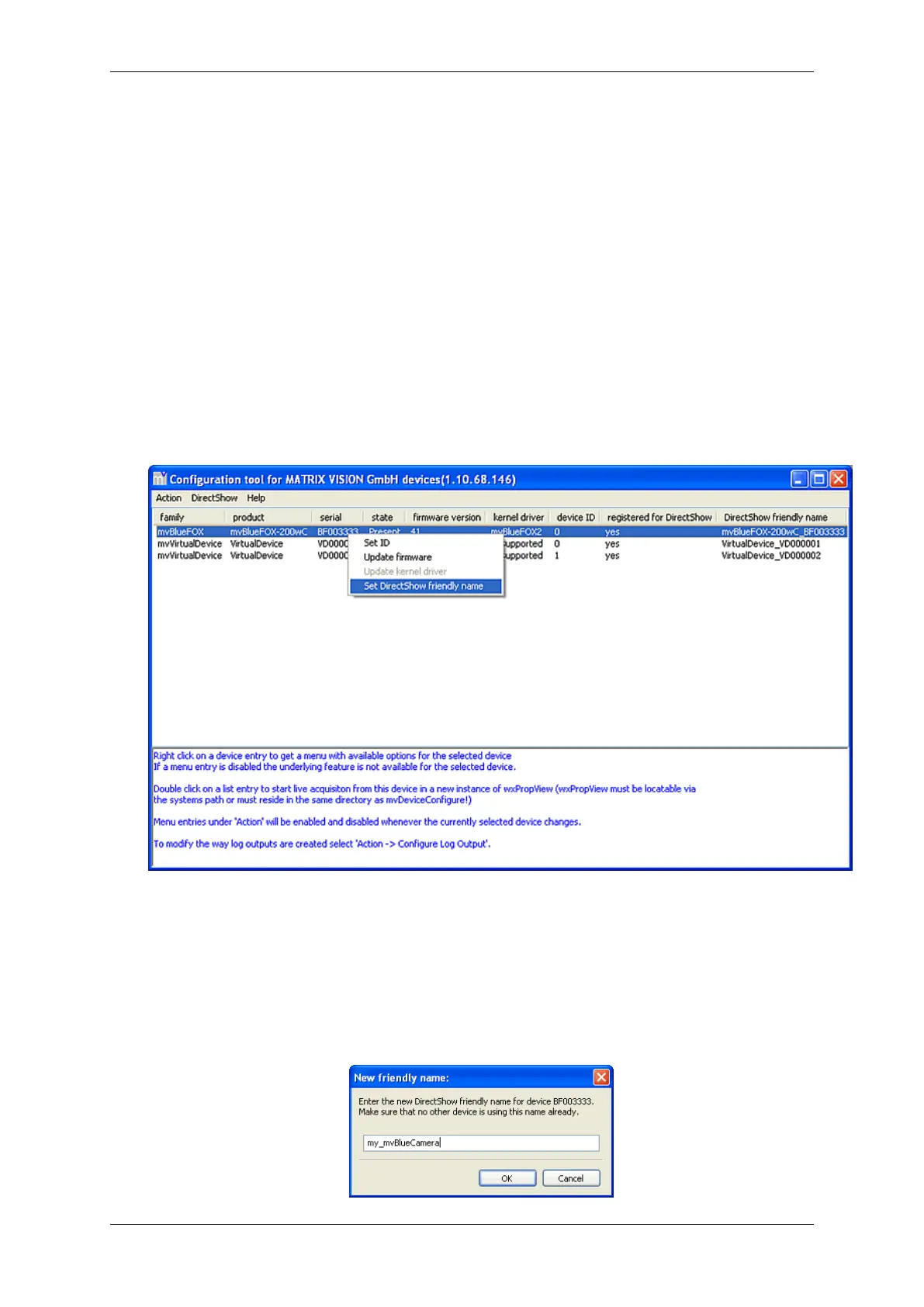
2. Now, select the device you want to rename, click the right mouse button and select "Set DirectShow friendly
name":
Figure 4: mvDeviceConfigure - set DirectShow friendly name
3. Then, a dialog will appear. Please enter the new name and confirm it with "OK".
MATRIX VISION GmbH



 To Next Page