7.1 Windows 27
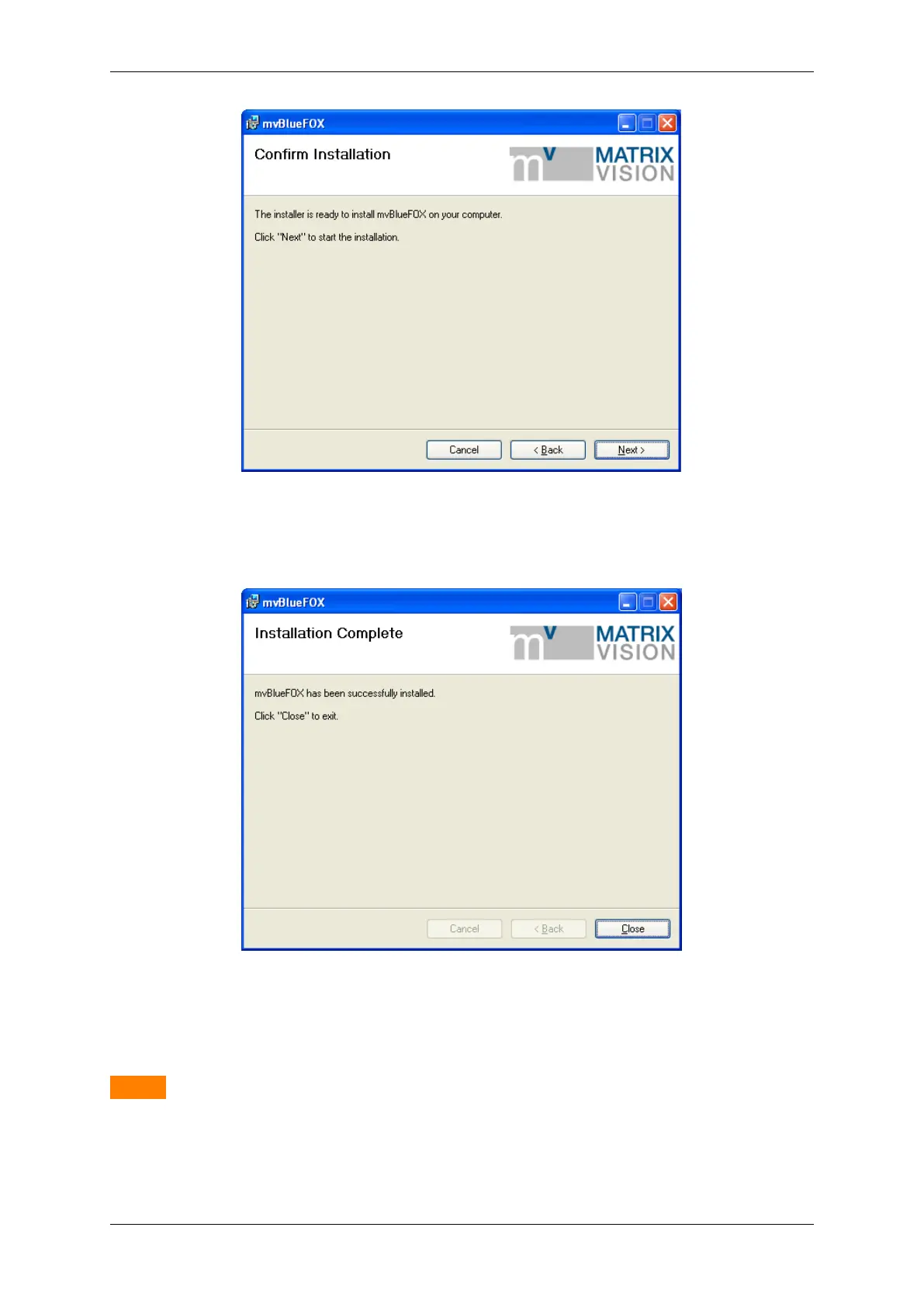
Figure 4: mvBlueFOX installer - Confirm installation
The installation is finished now you can close the window.
Figure 5: mvBlueFOX installer - Finished installation
7.1.3 Installing the hardware
Warning
Before connecting the mvBlueFOX, please install the software and driver first!
It is not necessary to shutdown your system. On an USB port, it is possible to hot plug any USB device (hot plug
lets you plug in new devices and use them immediately).
MATRIX VISION GmbH



 To Next Page