28 CONTENTS
Warning
If using the Binder connector first connect the cable to the camera, then connect the camera to the PC.
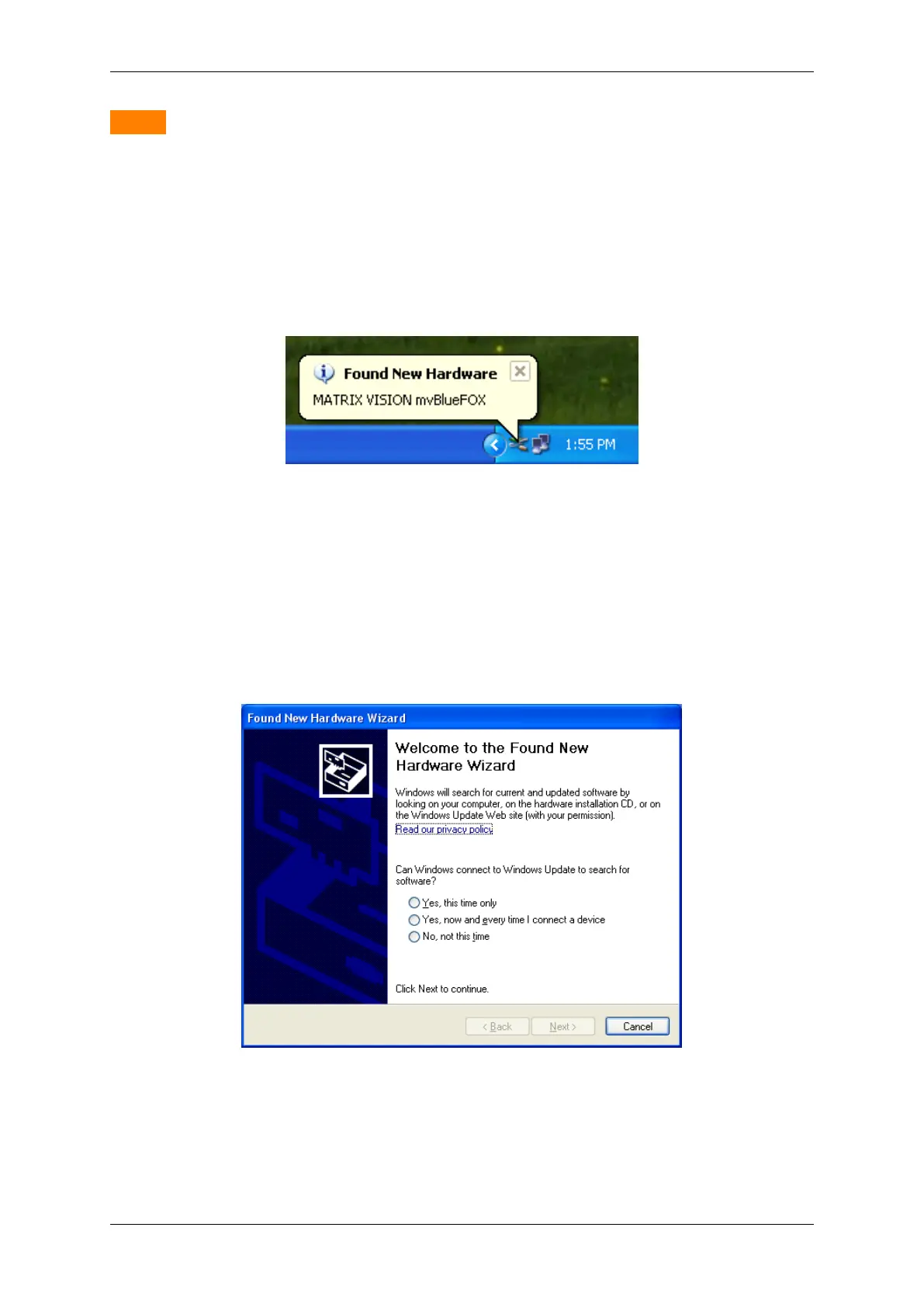
Plug the mvBlueFOX to an USB 2.0 Port. After plugging the mvBlueFOX Windows® shows "Found New Hardware"
and starts the Windows Hardware Wizard.
Figure 6: Windows - Found new hardware
The Wizard asks you for the driver. The installation doesn't need any Windows® automatic at this step and it is
recommended to type the driver directory by hand. Choose "No, not this time" and press "Next".
Figure 7: Windows Hardware Wizard - Driver Installation
Choose "Install the software automatically" and press "Next".
MATRIX VISION GmbH



 To Next Page