26 CONTENTS
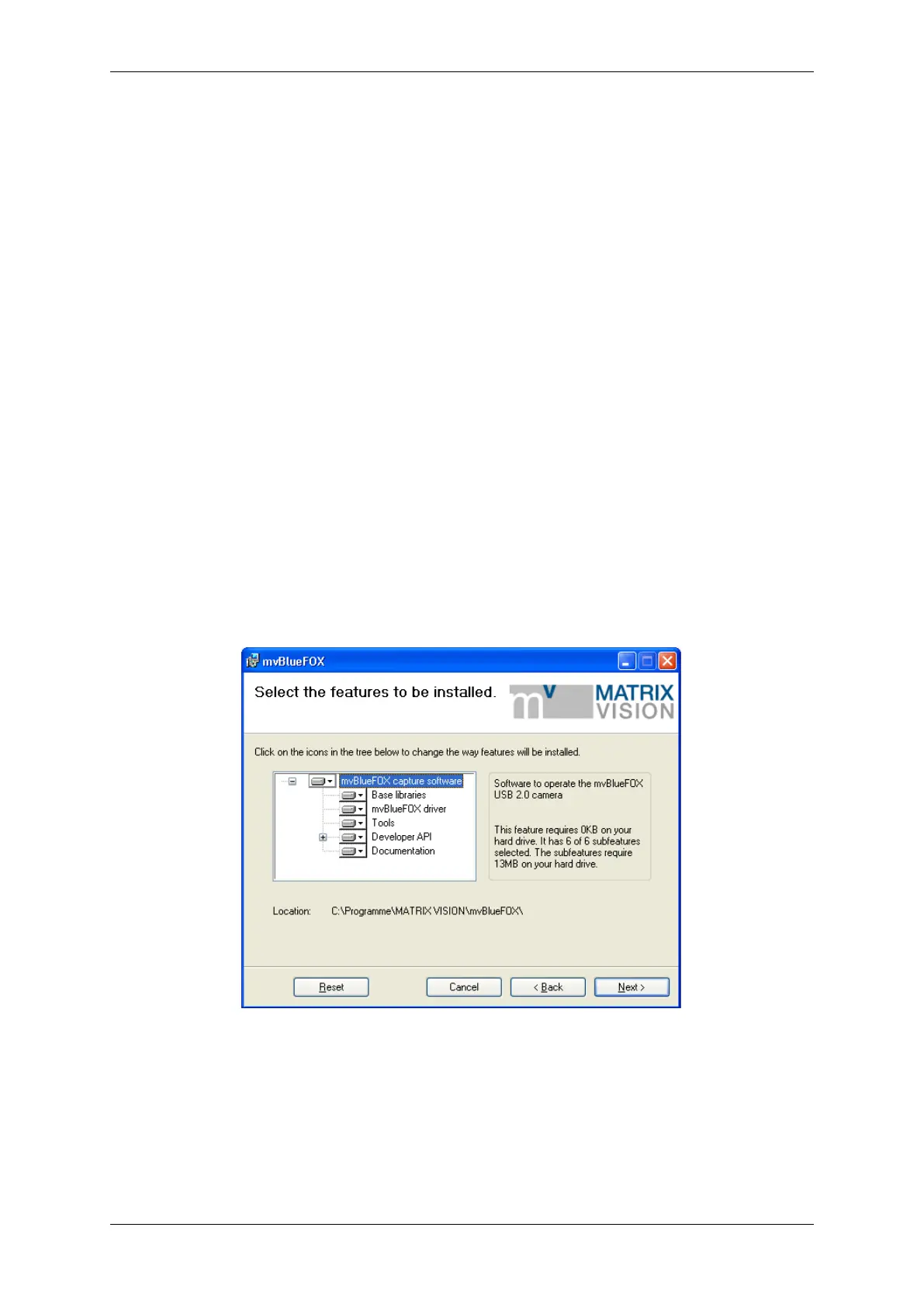
Select the features you want to install. Following features exist:
• "Base Libraries"
This feature contains all necessary files for property handling and display. Therefore, it is not selectable.
• "mvBlueFOX driver"
This is also not selectable.
• "Tools"
This feature contains tools for the mvBlueFOX (e.g. to configure MATRIX VISION devices (mvDevice←-
Configure) or to acquire images (wxPropView)).
• "Developer API"
The Developer API" contains the header for own programming. Additionally you can choose the examples,
which installs the sources of wxPropView and three mini samples. The project files of the mini samples are
for Visual C++ 7, Visual C++ 6 and Borland C Builder 6. The wxPropView project exists only for Visual C++
7. - \b "Documentation"
This will install this mvBlueFOX manual a single HTML help file (.chm).
Figure 3: mvBlueFOX installer - Select features
Confirm the installation by clicking "Next".
MATRIX VISION GmbH



 To Next Page