11.1 wxPropView 89
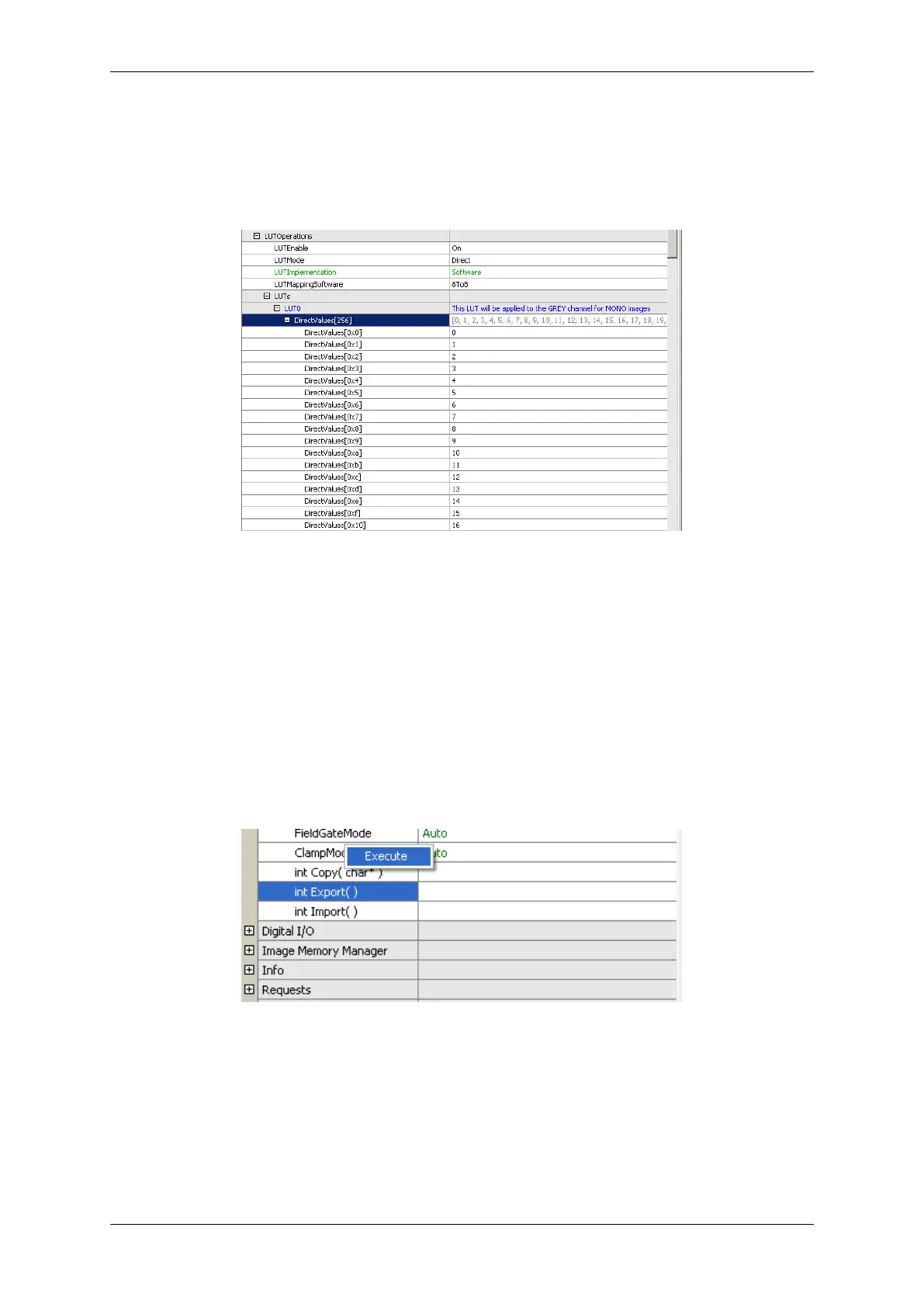
In this sample the entries 0 to 255 of the property will be assigned the value range of 0 to 255. This will result in the
following values AFTER applying the values:
Figure 12: wxPropView - After applying the value range to a property
11.1.1.6 Methods
Method appears as entries in the tree control as well. However, their name and behavior differs significantly from
the behavior of properties. The names of method objects will appear in 'C' syntax like e.g. "int function( char∗, int
)". This will specific a function returning an integer value and expecting a string and an integer as input parameters.
To execute a method object
• right click on the name of a method and
• select "Execute" from the popup menu:
Figure 13: wxPropView - Calling a method object
Parameters can be passed to methods by selecting the edit control left of a method object. Separate the parameters
by blanks. So to call a function expecting a string and an integer value you e.g. might enter "testString 0"
into the edit control left of the method.
The return value (in almost every case an error code as an integer) will be displayed in the lower right corner of the
tree control. The values displayed here directly correspond the error codes defined in the interface reference and
therefore will be of type TDMR_ERROR or TPROPHANDLING_ERROR.
MATRIX VISION GmbH



 To Next Page