10
Setup Manual / Autopass Testing / Fail buzzer
If ‘AUTOPASS’ is selected, testing will proceed automatically with PAT4 determining the pass/fail status according to the pre-selected Group limits. If
‘MANUAL’ is selected, PAT4 will pause after each test and display a “Pass” / “Fail” decision prompt. The buzzer can be set to sound when a test fails
in AUTOPASS mode. To mute the buzzer following a failure, press the OK key.
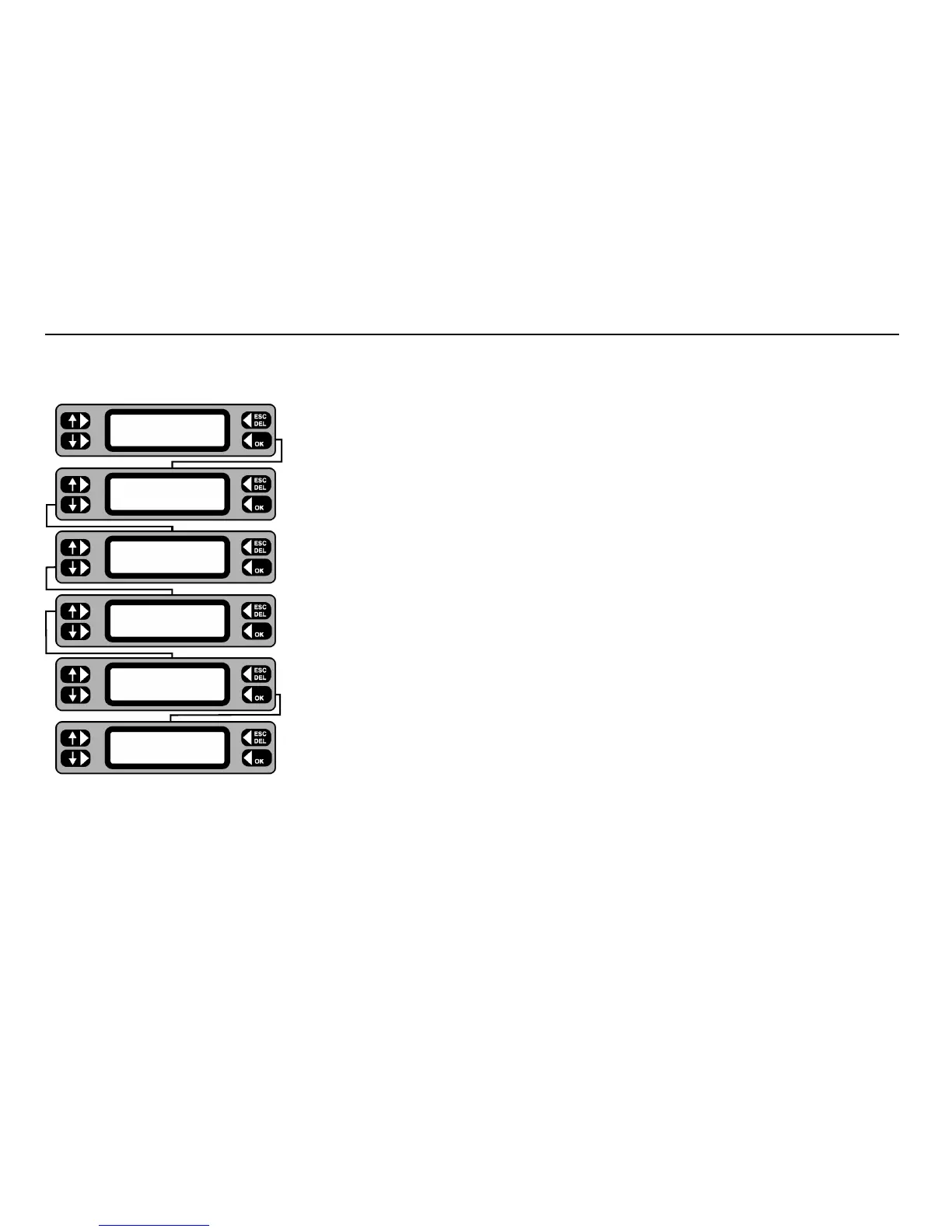
1 From the Main screen, press the
MENU key.
2 From the Menu screen, press the
SETTINGS key.
3 Press the
MISC key.
4 Press the
TEST SETUP key. The current Manual / Autopass setting is shown.
5 Using the lower left key, toggle the Manual / Autopass setting as required.
6 To set up the Fail buzzer, press the
BUZZER key. Using either the OFF or ON key,
switch the buzzer feature off or on as required.
7 On completion use
ESCape to back up to the Menu screen (and Main screen if required).
TESTS QUICK-CHECK
COMMS MENU
ASSET
SETTINGS CLIENT
CLOCK
MISC USERS
TEST SETUP
COMPANY MEMORY
TEST TIMES
AUTOPASS BUZZER
Fail buzzer OFF
ON










 To Next Page