35
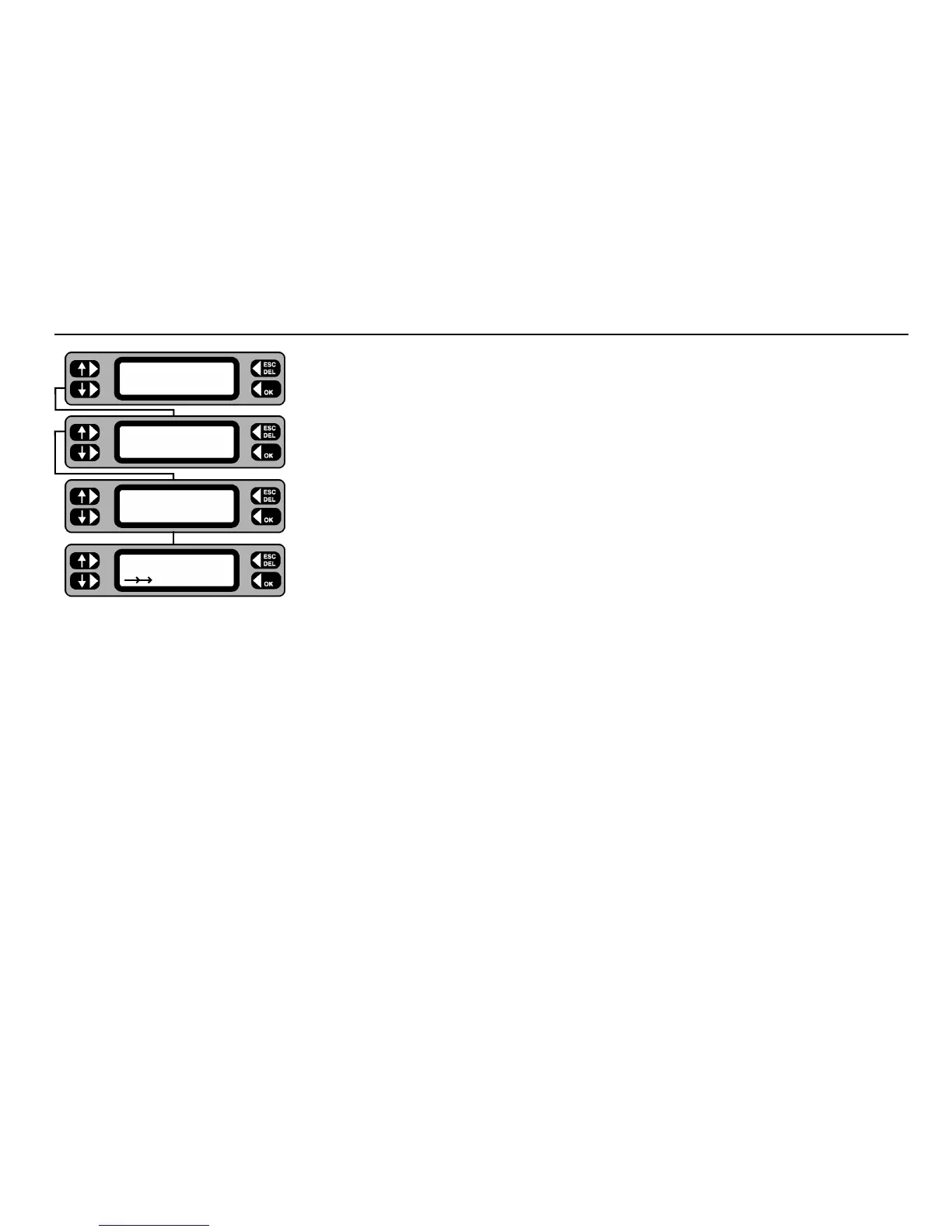
1 Connect the PAT4 to the PC, and prepare the PC software to receive the data.
2 From the Main screen, press the COMMS key.
3 Press the
SEND key.
The display may briefly display ‘Connecting’ as it establishes a connection with the PC.
4 If the PAT4 detects that the PC software is not set up to work with the latest IEE Code of
Practice pass limits, PAT4 will prompt whether you want to convert the downloaded group
data to use the nearest pass limit available.
5 The display shows that the data is downloading.
Download to a computer
TESTS QUICK-CHECK
COMMS MENU
ASSET
SETTINGS CLIENT
Convert test limits
NO YES
Sending...










 To Next Page