36
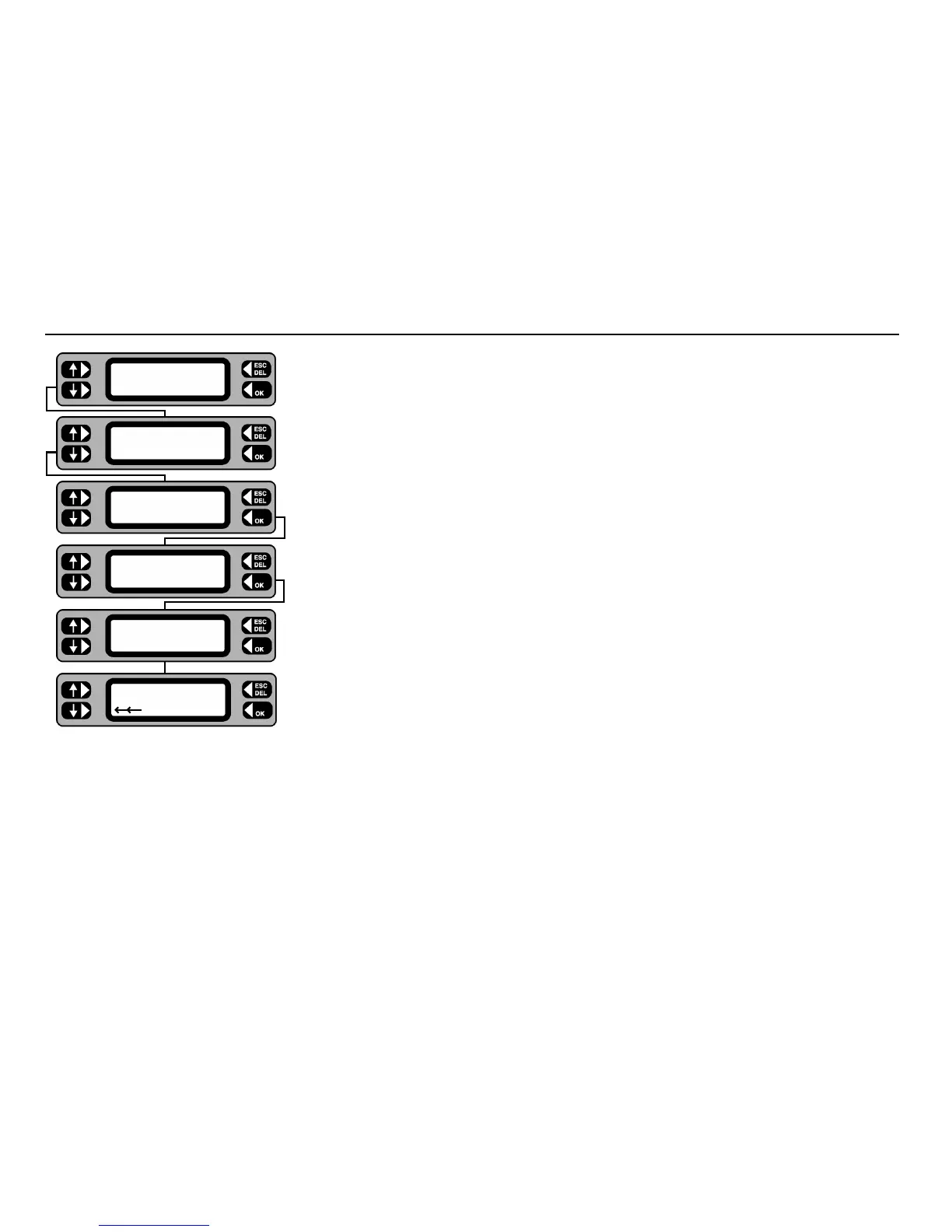
1 Connect the PAT4 to the PC, and prepare the PC software to send the data.
2 From the Main screen, press the
COMMS key.
3 Press the
RECEIVE key.
4 Press the
CONTINUE key.
Note:- This will erase all current data. Only proceed if this data has been downloaded first,
or is of no further use.
5 Press the
YES key – all the data in the PAT4 will be erased, then it will start receiving data
from the PC.
6 The database is cleared prior to receiving the data from the PC.
The display should briefly display ‘Connecting’ as it establishes a connection with the PC.
7 The display shows that the data is being received.
Upload from a computer
TESTS QUICK-CHECK
COMMS MENU
SEND Comms
RECEIVE
Erase all data
EXIT CONTINUE
Are you sure
NO YES
Clearing database
Receiving...










 To Next Page