24
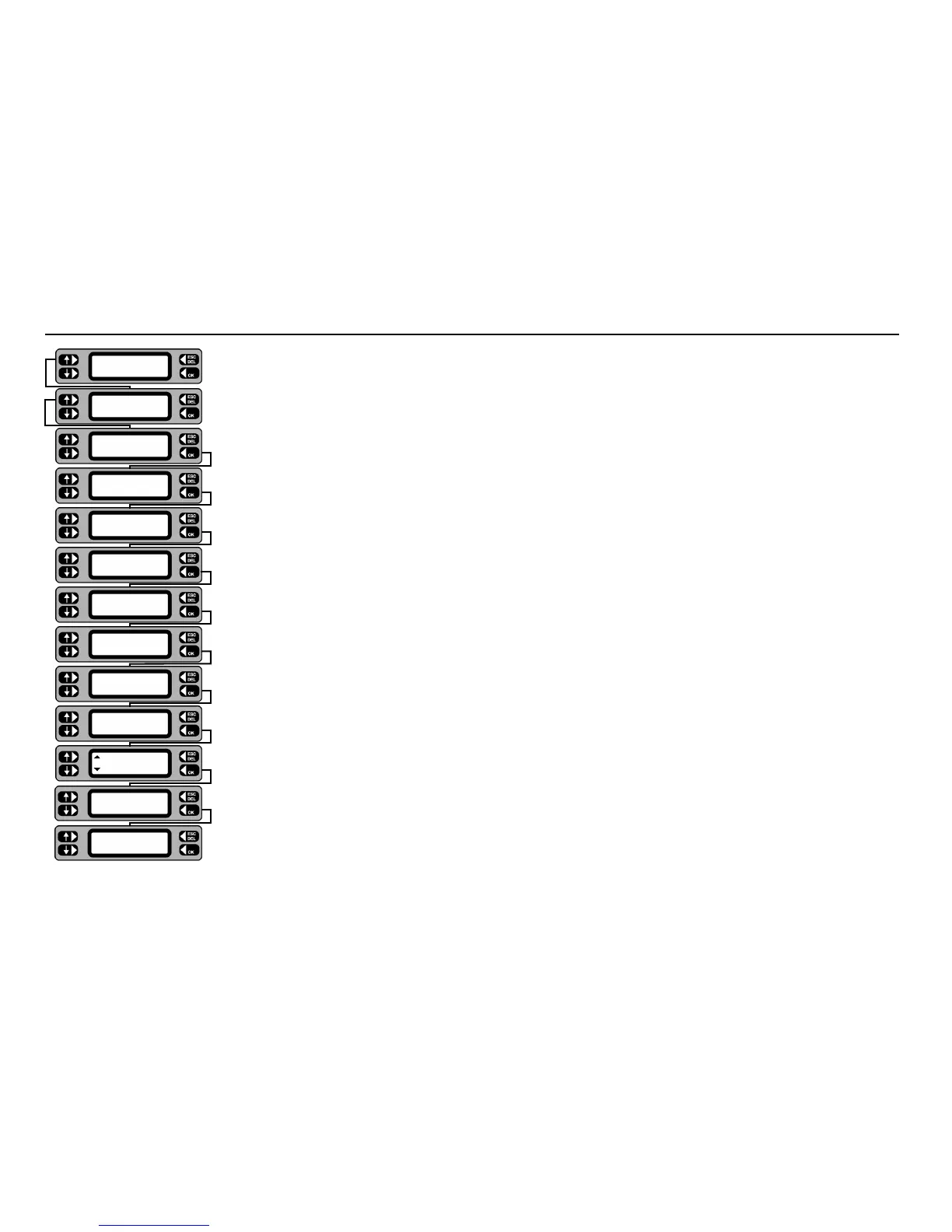
Adding an Asset
TESTS QUICK-CHECK
COMMS MENU
TESTS QUICK-CHECK
COMMS MENU
TESTS QUICK-CHECK
COMMS MENU
TESTS QUICK-CHECK
COMMS MENU
TESTS QUICK-CHECK
COMMS MENU
Retest Frequency
6 months (<225)
Room ID
Workshop
Asset description
Table fan - 9 inch
Serial number
435576
Short cut to tests
TEST CONTINUE
LIST Group
ASSET ID
1068
ADD Test
SEARCH SELECT
Fuse rating
5A
Asset VA rating
30
Save asset to memory
NO YES
Asset 1068 saved
1 From the Main screen, press the TESTS key.
2 Press the
ADD key.
3 Scan in, or type in the asset ID (≤10 characters) for the new asset and press the
OK key.
4 Scan in, or type the Group ID (≤ 3 characters) and press the
OK key.
5 Press the
CONTINUE key.
6 Scan in, or type the asset serial number and press the
OK key.
7 Scan in, or type in the asset make/model description and press the
OK key.
8 Accept the displayed room ID, or type in a new room ID name and / or number and press the
OK key.
9 Accept the default re-test frequency of 12 months, or type in the specified number of months between tests and
press the
OK key.
10 Type in the VA rating for the asset (often indicated as Watts) and press the
OK key.
11Toggle the left-hand keys to display the fuse rating for the asset and press the
OK key (for assets without fuses,
NONE may be selected).
12 To save the new asset to the memory, press the
YES key. The option to Test asset now is given. Press the YES
key to enter directly into the sequence for the selected Group.
13 To abort the new asset, press the
NO key. The details are not saved and the screen returns to the Test screen.
14 Press the
ESCape key to return to the Main screen.
Note:-Instead of pressing the CONTINUE key (at step 5) you may prefer to press the TEST key. This will by-pass the addition of all the remaining asset details
and allows you to perform the test straight away. It is recommended that full details are entered, since these enable other features to operate such as the facility
to locate an asset by Room ID.










 To Next Page