11
Each test can be performed for a User definable time of between 5 and 60 seconds (5 and 20 seconds for Bond test). This enables
specific tests to be set to appropriate lengths of time, perhaps to satisfy a particular standard. Once set, a test time will automatically
be applied to all assets using such a test, regardless of the Group, Client or Location.
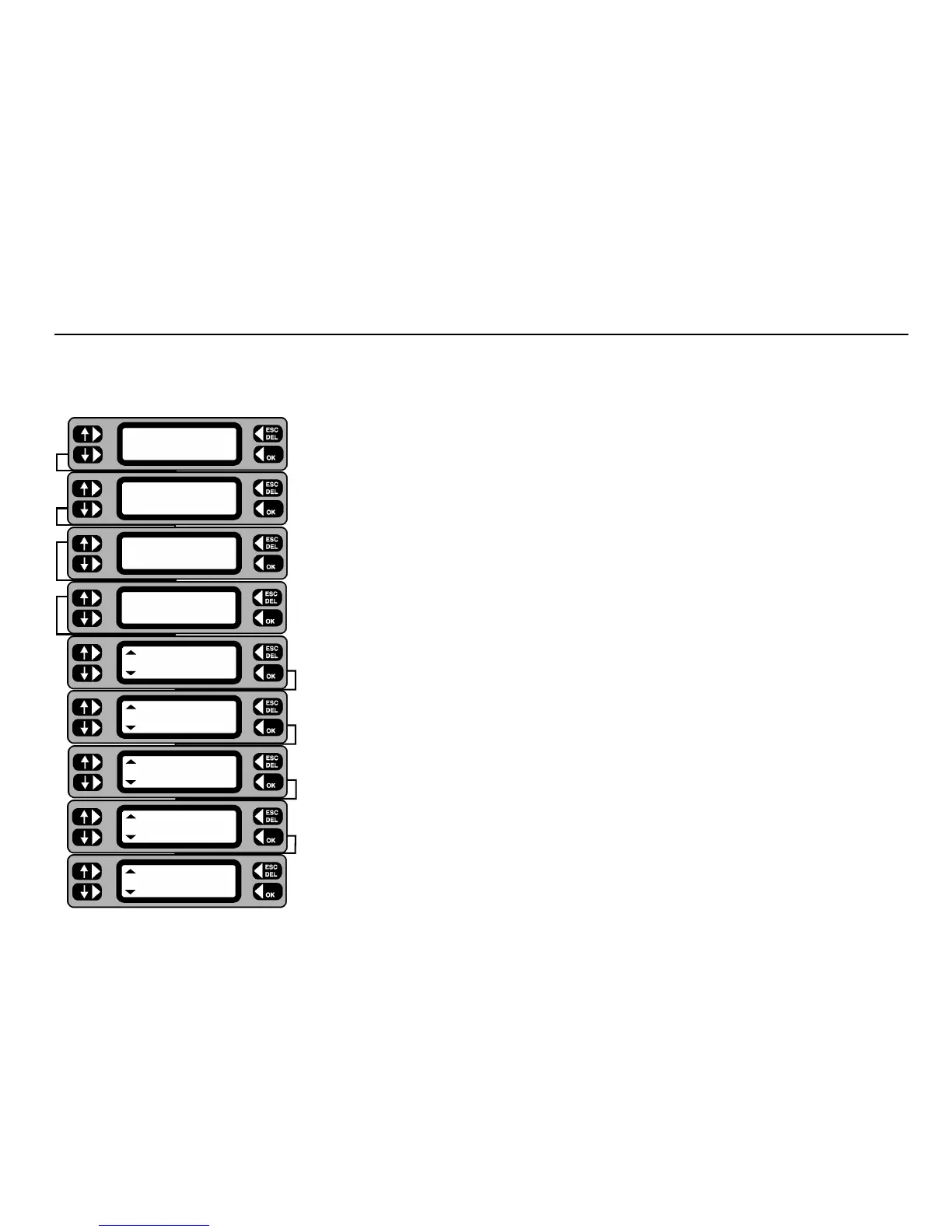
1 From the Main Screen, press the
MENU key.
2 Press the
SETTINGS key.
3 Press the
MISC key.
4 Press the
TEST SETUP key.
5 Press the
TEST TIMES key. The first test is displayed with its current time setting.
6 Operate the left hand keys to adjust the time for the selected test, then press the
OK key to
store the test time as displayed. The next test and it’s current duration is displayed.
Note: Press the
ESCape key at any time to exit test time setup.
7 When the final test time has been setup and
OK pressed, the display returns to the Test
Setup screen.
Setup Test Times
Flash test
5 s
Operation test
30 s
Insulation test
5 s
Continuity test
5 s
Bond test
5 s
TEST TIMES
AUTOPASS BUZZER
TEST SETUP
COMPANY MEMORY
CLOCK
MISC USERS
ASSET
SETTINGS CLIENT










 To Next Page