37
Visual Inspection List.
The Visual Inspection is to check the condition of:
• Case for damage; tears; cracks. • Supply socket.
• Mains Plug. • Environment e.g. operational hazards nearby.
• Mains Lead. • Suitability i.e. used for correct purpose.
• On/Off Switch. • Everything Else.
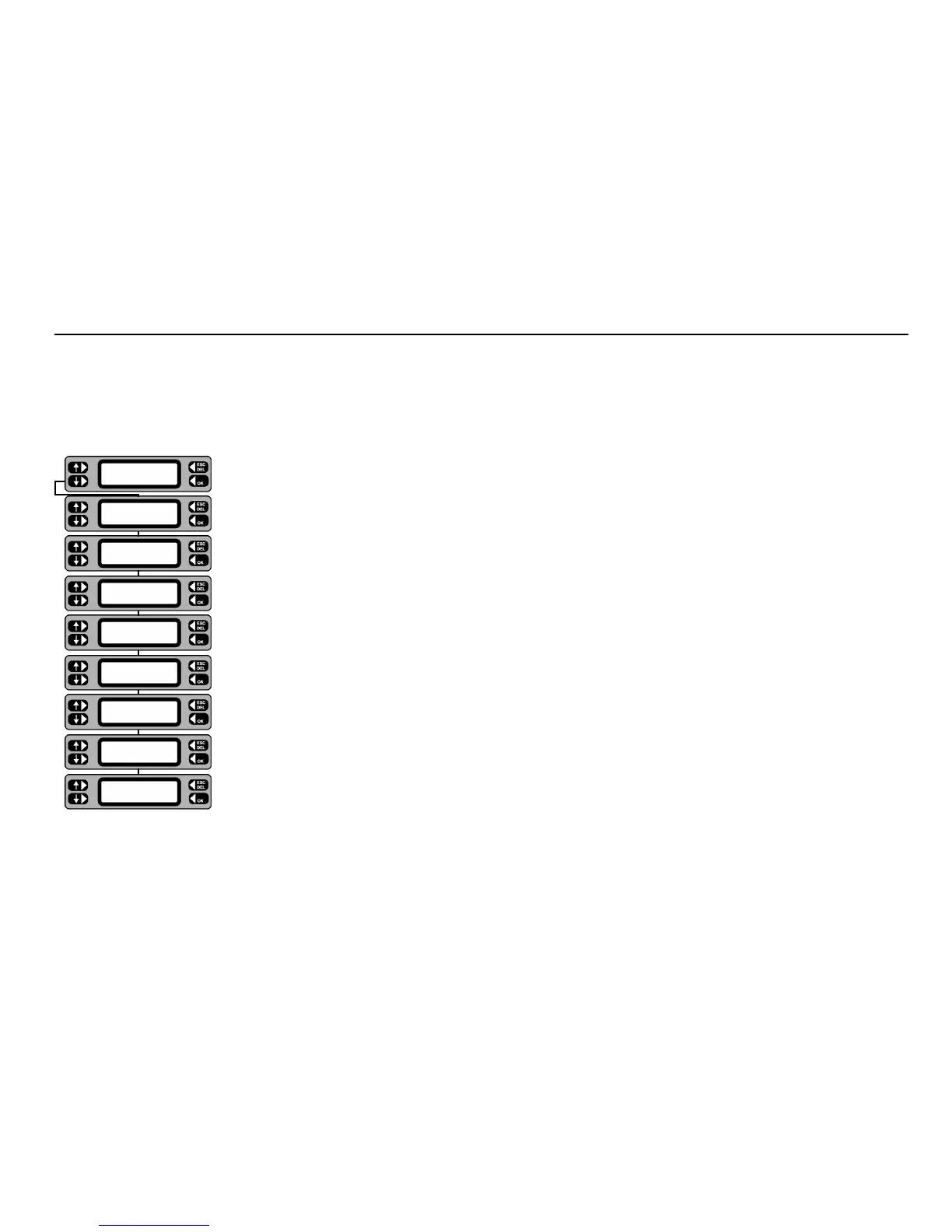
1 The test screen prompts the user to select either
PASS or FAIL, if PASS is selected the test will progress
onto the next selected test in the group.
2 If FAIL is selected, then the screens will prompt to specify the nature of all the faults noted.
3 Press YES or NO to specify the Visual inspection failures.
4 Check for any hazards in the vicinity, e.g. asset is exposed to water.
5 Check asset is suitable for the task it is being used for.
6. Any other hazards present.
Note: - If an asset fails the visual inspection, no further tests will be performed and a repair code may be entered (see ‘Repair Codes‘)
.
Description of Tests
Visual Inspection
FAIL PASS
TESTS QUICK-CHECK
COMMS
MENU
TESTS QUICK-CHECK
COMMS
MENU
TESTS QUICK-CHECK
COMMS
MENU
TESTS QUICK-CHECK
COMMS
MENU
Everything else OK?
NO
YES
Suitability OK?
NO
YES
Environment OK?
NO YES
Supply socket OK?
NO
YES
On/Off switch OK?
NO YES
Mains lead OK?
NO YES
Mains plug OK?
NO YES
Case OK?
NO YES










 To Next Page