32
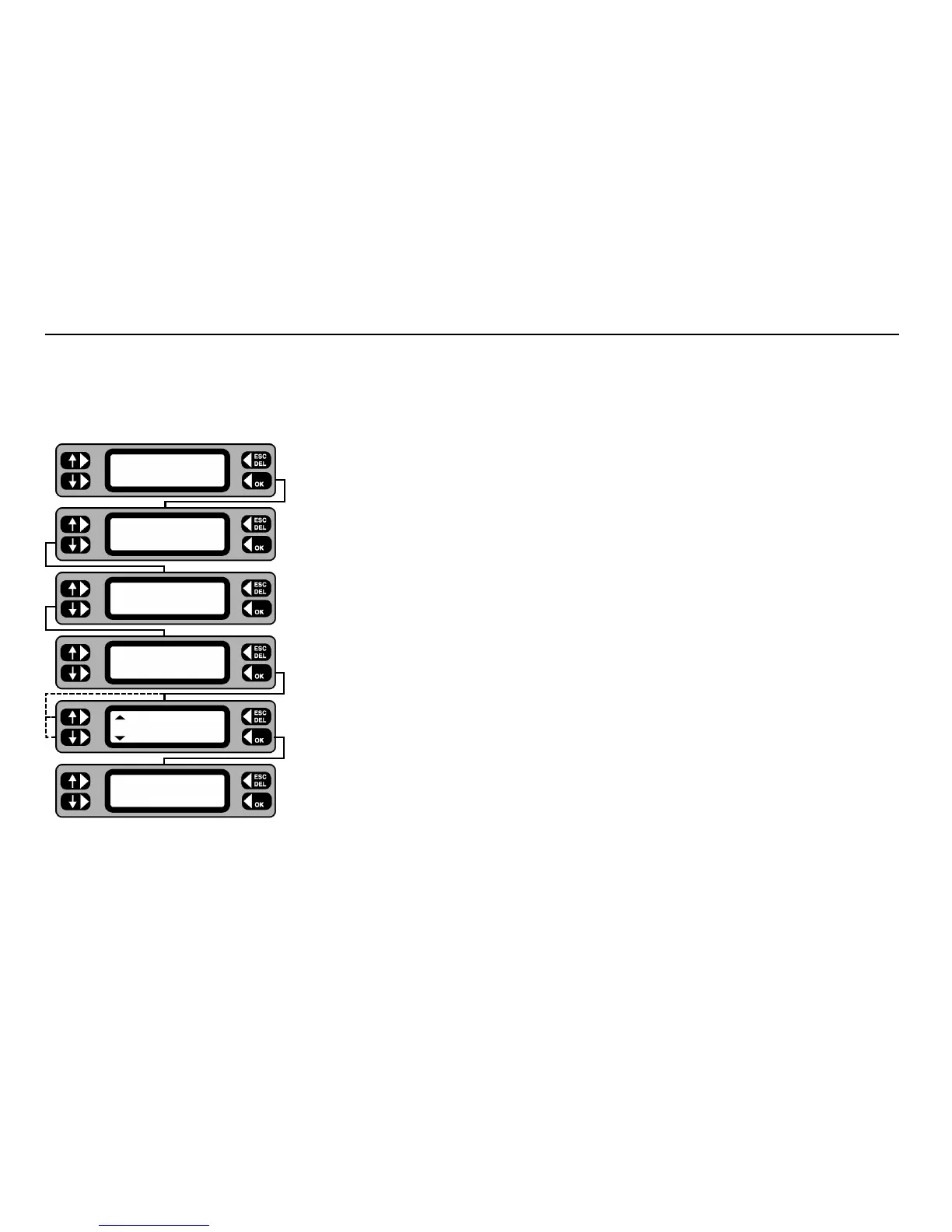
From time to time you may wish to permanently erase all or part of the memory on your PAT4. Options are as follows-:
• Erase Groups • Erase Clients
• Erase Locations • Erase Assets
• Erase Results • Erase Setup
• Erase ALL
1 From the Main screen, press the
MENU key.
2 From the Menu screen, press the SETTINGS key.
3 Press the MISC key.
4 Press the MEMORY key.
5 Toggle the left-hand keys to display the item to be erased.
6 Press the OK key. The selected items are erased.
Note 1: - Once erased, the data cannot be un-erased.
7 On completion press the ESCape key to return back to the Menu screen.
Note 2: - Erasure of Clients or Locations will include all related assets, and is pre-empted by a check. Confirm (OK key) or cancel (ESC key) to continue.
Note 3: - On completion of the erasure routine, PAT4 returns to the Login screen for ‘Erase All’ and to the Client screen for ‘Erase Locations’ and ‘Erase
Client’.
Note 4: - Prior to erasing assets or results,
PAT4 performs a check on the number of assets or results to be erased. Confirm OK or cancel (ESCape key).
Erase Memory
TESTS QUICK-CHECK
COMMS MENU
ASSET
SETTINGS CLIENT
CLOCK
MISC USERS
TEST TIMES
COMPANY MEMORY
ERASE
All
Now erasing










 To Next Page