13
Setting up Test Company Title
PAT4 offers the ability to enter your Test Company title. This setup should not be confused with Clients and Locations. The Test
Company is the name of the organisation operating the PAT4. eg. ’XYZ Testing Ltd.’ Once entered, the company title will be printed
as the header on the reports available from PAT4.
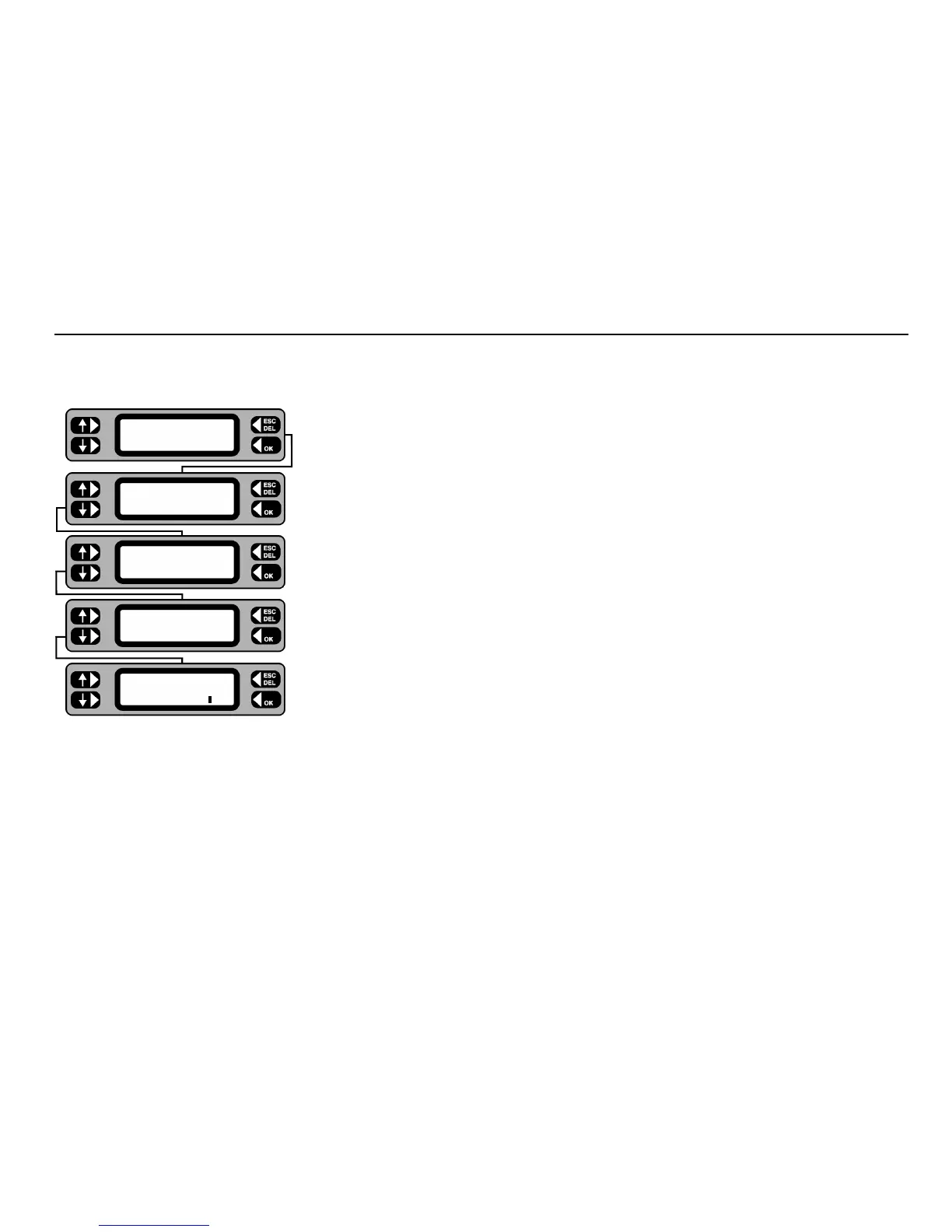
1 Press the
MENU key.
2 Press the
SETTINGS key.
3 Press the
MISC key.
4 Press the
COMPANY key.
5 Type in the title of the testing company ( 20 characters).
Use the
DEL key to correct any typing errors.
6 On completion press the
OK key to return back to the Miscellaneous screen.
7 Press the
ESCape key to return back to the Menu screen.
TESTS QUICK-CHECK
COMMS MENU
ASSET
SETTINGS CLIENT
CLOCK
MISC USERS
TEST TIMES
COMPANY MEMORY
Company name
XYZ TESTING LTD










 To Next Page