TTR 300 Series PowerDB Lite User Manual
AVTMTTR310 Rev 8 May 2016
105
Specific Form Help Instructions
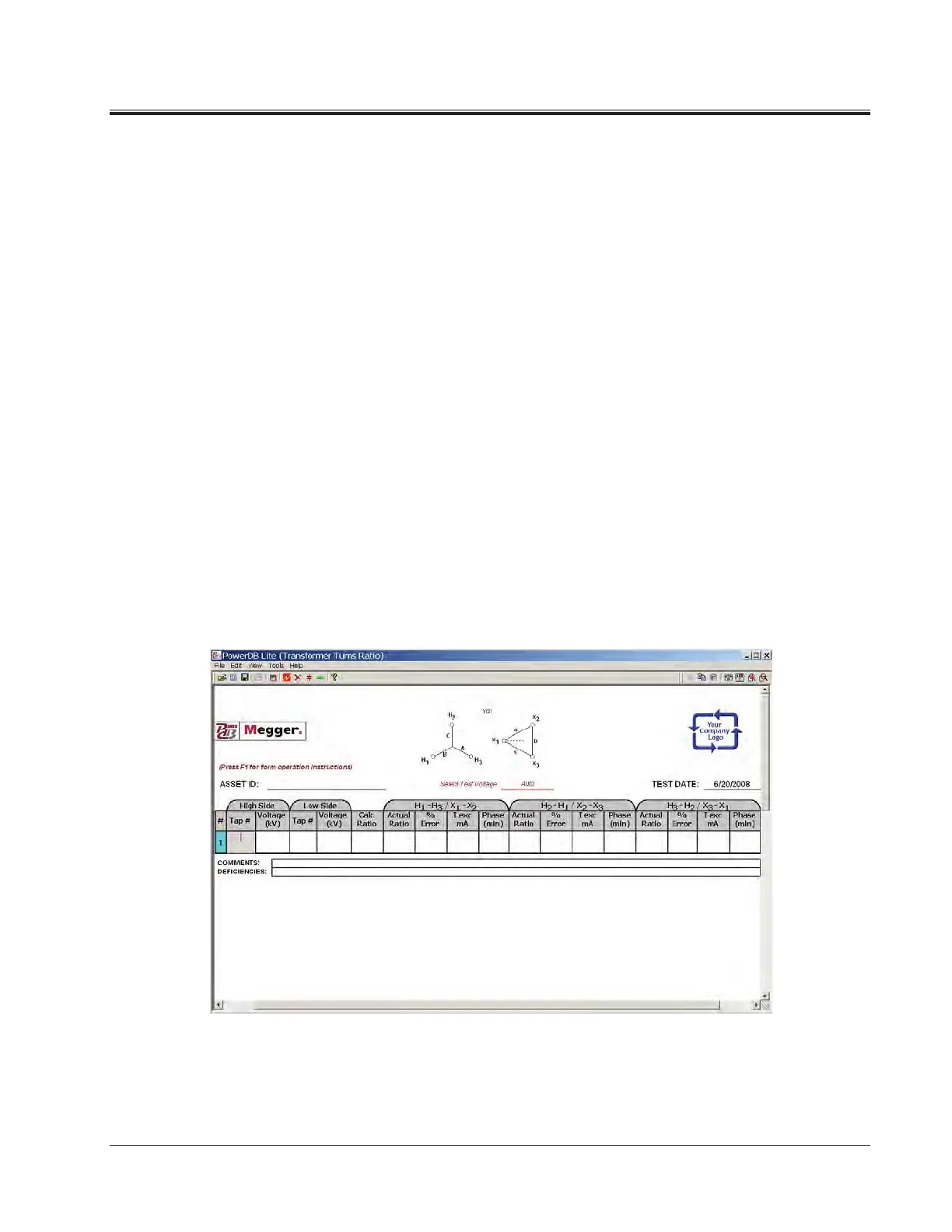
Operating Instructions for the Multiple Quick Test Form
a. Type in the asset ID and then press the Enter key.
b. Use the left and right arrow keys to select the high-side winding
configuration.
c. Press the Enter or Tab key.
d. Use the left and right arrow keys to select the low-side winding
configuration
e. Press the Enter or Tab key.
f. Select the test voltage from the dropdown menu, then press Enter or
Tab.
g. Type in the high side tap number and press the Enter key.
h. Type in the high side voltage and press the Enter key.
i. Type in the low side tap number and press the Enter key.
j. Type in the low side voltage and press the TEST key (F2) or right
click on the blue highlighted fields.
k. Hit the Enter key and repeat for each tap you would like to test.



 To Next Page