OPERATION
AVTMTTR310 Rev 8 May 2016
85
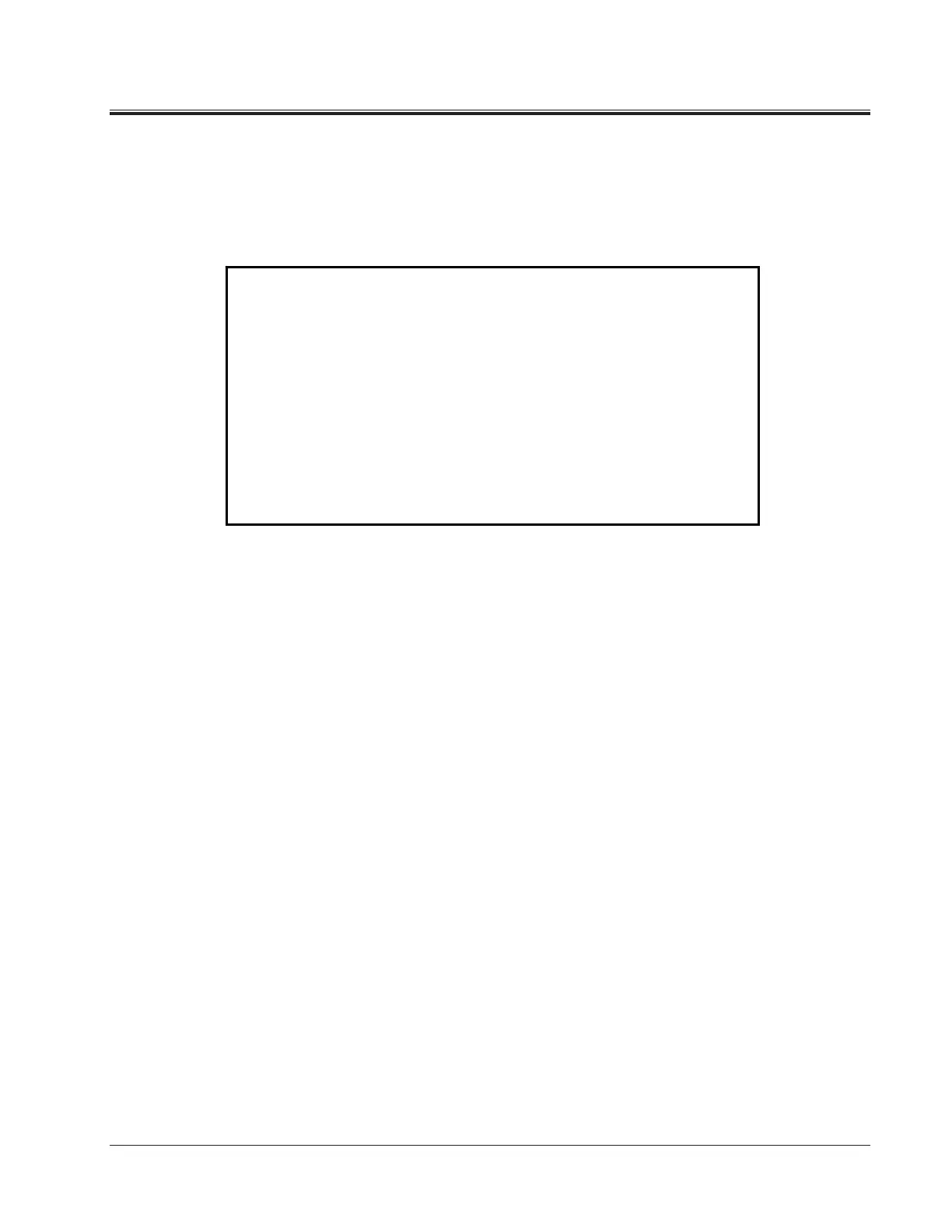
SAVED DATA Screen (Figure 6-13)
When 5 (SAVED DATA MENU) is selected on the MAIN MENU screen
(Figure 6-1), the SAVED DATA screen appears as shown in Figure 6-13.
Figure 6-13. SAVED DATA Screen
Use this menu to view, delete, or transfer to a PC the saved test results.
1 VIEW READINGS: This selection allows you to specify the first test number
to view and then (on prompt) the number of tests to
view. The test results will be displayed on the screen. A
prompt line will show three prompts: 0 NEXT, 1
PRINT, and 2 EXIT. Select NEXT to view the next
reading in numerical order; select PRINT to print test
results; Select EXIT to return to SAVED DATA screen.
2 DELETE LAST
READING:
This selection deletes from memory the last reading
saved.
3 DELETE ALL
READINGS:
This selection deletes all readings from memory.
4 TRANSFER
READINGS TO PC:
This selection allows you to select which test results to
transfer to a PC.
5 MAIN MENU: This selection returns you to the MAIN MENU screen
(Figure 6-1).
SAVED DATA
1 VIEW READINGS
2 DELETE LAST READING
3 DELETE ALL READINGS
4 TRANSFER READINGS TO PC
5 MAIN MENU
ENTER SELECTION FROM KEYPAD



 To Next Page