FOCKE MELER GLUING SOLUTIONS
4-18
MELTER OPERATION
MICRON+ PISTÓN
HMI : S02001101 v1.1.2
TC : S02200100 v1.0.84
IO FM : XXXXXXXXX vx.x.x
10 min
85 °C 60 s
Modbus
B: 57600Node: 10
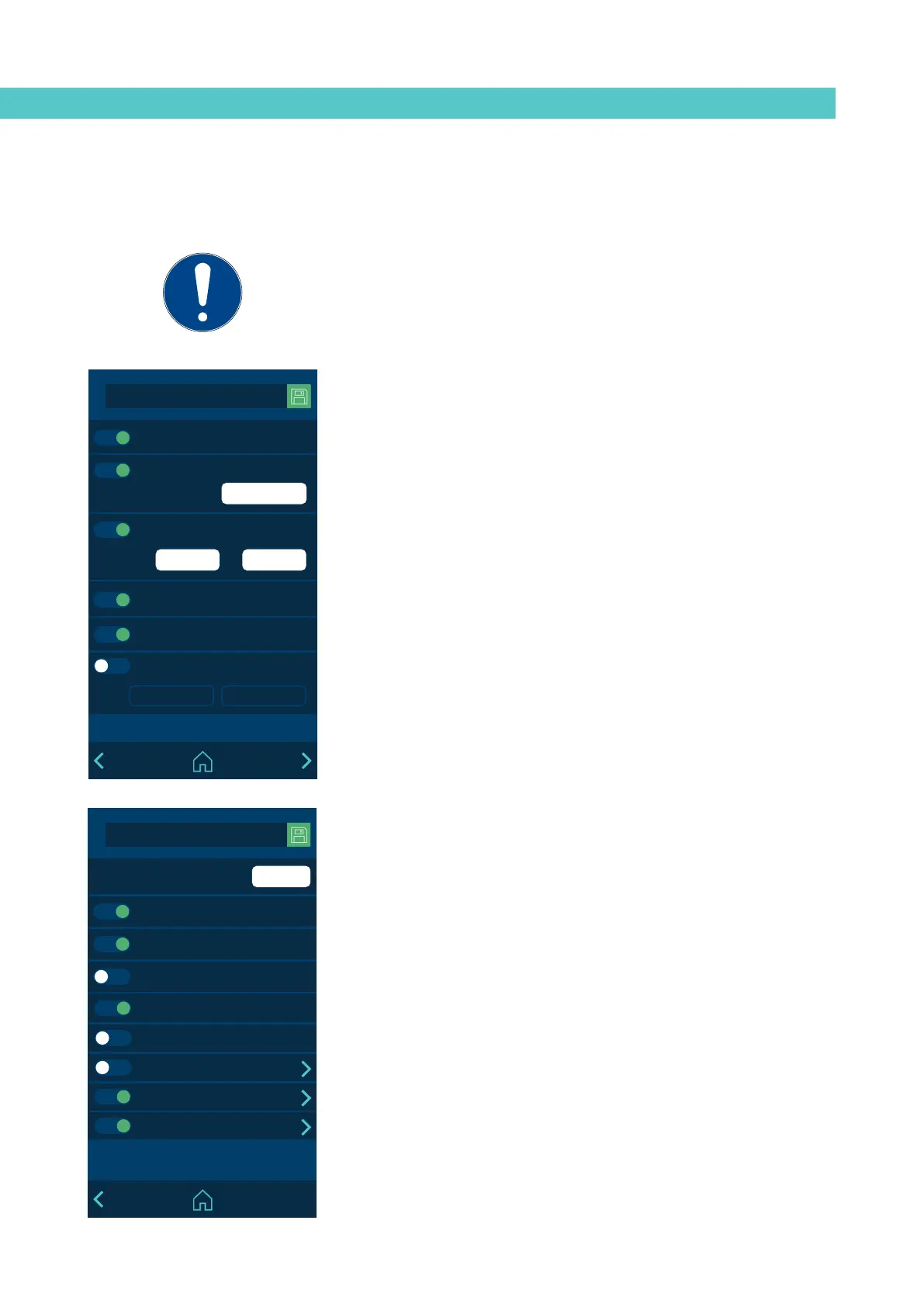
2.2 Extra Settings
Inside device temperature alarm
Off after reset
Screen saver
Sound on alarm
Pumping autolock
2.2 Extra settings
• Activate or deactivate the alarm sound. To stop the sound, press the
ALARM icon on the HOME screen.
• Activate or deactivate the screensaver. The screen switches off after the
set time has passed. If you press the screen when it is off, it turns on and
the HOME menu appears.
• Cabinet temperature alarm: A value (+°C/°F) and a time are defined to
indicate when the alarm is activated due to overheating inside the unit’s
electrical cabinet. If it reaches this temperature and maintains it for the set
time, the unit disconnects the heating of all zones and stops the pumping.
• Automatic pumping block. Please see the ‘Automatic pumping block
function’ section.
• Turning off after resetting. Please see the ‘Turning off after resetting
function’ section.
• Modbus. Activate and disable external communications via Modbus.
MICRON+ PISTÓN
HMI : S02001101 v1.1.2
TC : S02200100 v1.0.84
IO FM : XXXXXXXXX vx.x.x
6
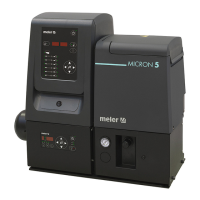
2.2 Extra Settings
Regrind charger
Channel number
Feeder
Pattern controller
Level detector
Extermal HMI
Wireless communication
Bluetooth
Flowmeter
• Number of channels. Set up the number of electrical outputs enabled in
the melter.
• Automatic feeder. Activate or disable the operation of the automatic
feeder.
• Feeder. Activate or disable the operation of the external adhesive feed
(external liquid load or pellet level).
• Pattern controller. Activate or disable the pattern controller functions.
• Level sensor. Activate or disable the operation of the level sensor.
• External HMI. Activate or disable the operation of the external HMI
control.
• Wireless communications. You can enable or disable the operation of the
unit’s wireless communication system (Wi-Fi). Click on the arrow to go to
the configuration screen. See the point on ‘Wireless communications’ for
further information.
• Bluetooth. Activate or disable the Bluetooth function.
Click on the arrow to go to the configuration screen. See the point on
‘Bluetooth connection Annex’ for further information.
If you try to access a restricted menu, a pop-up appears, requesting the
password.
If the EXPERT password is entered, the unit remains unlocked for 15 minutes.
Whenever there is activity on the screen, the system remains in this mode. If the
end of this 15 minutes is reached, the unit returns to USER mode.
If you forget the EXPERT level password, contact the Focke Meler main offices to
find out how to proceed to recover it.



 To Next Page